


ช้อปปิ้งอย่างปลอดภัย
สินค้าจากผู้ให้บริการที่ได้รับอนุญาต ในราคาที่คุ้มค่า
Epic Games launched its main app on Google Play on January 20, 2026.
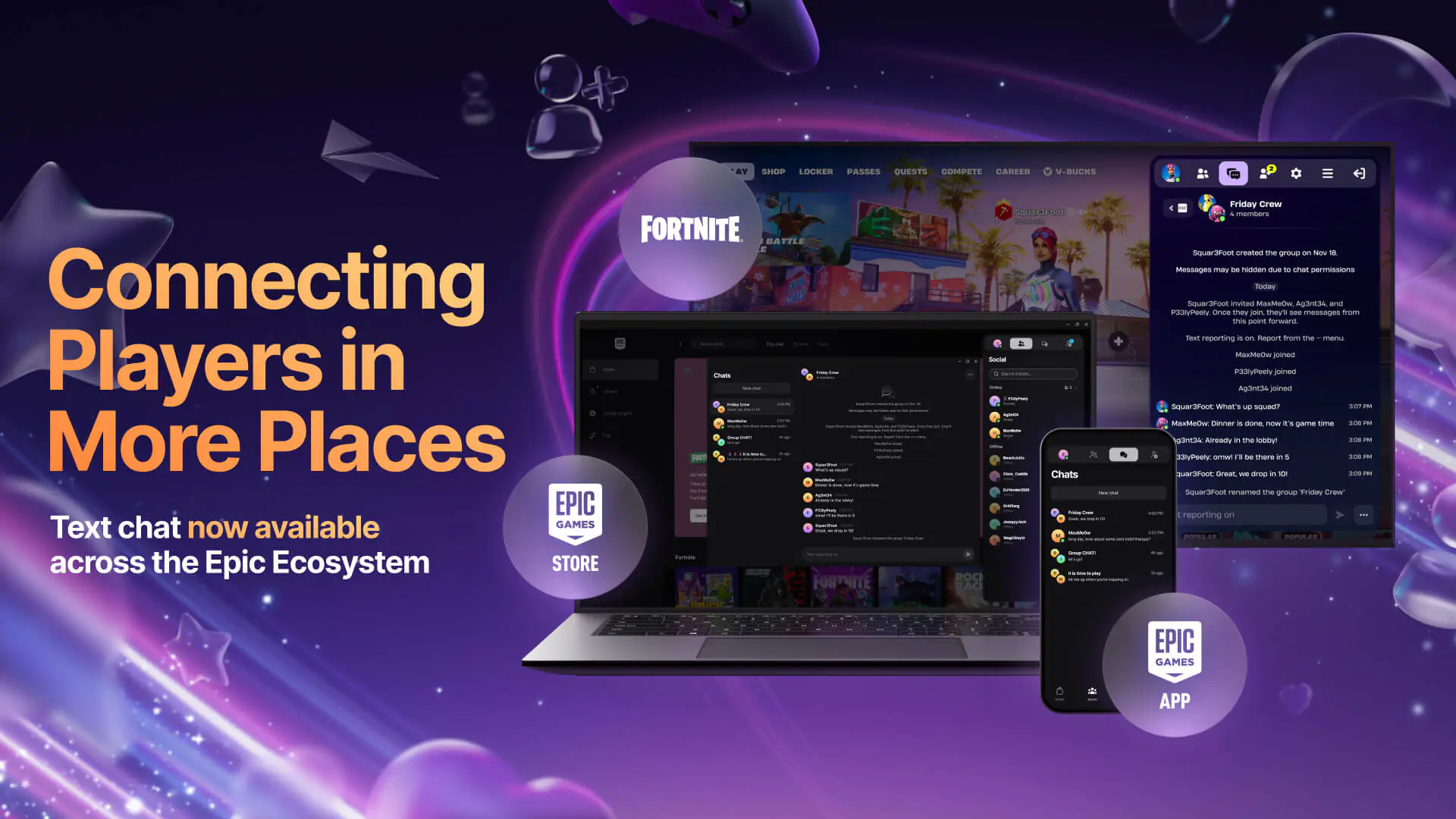
Epic Games has made a game-changing move in the mobile gaming world by launching the Epic Games App globally on Google Play Store as of January 20, 2026. Now you can chat with your Fortnite friends and keep your account secure without dealing with external APK files.
Here’s what you need to know about this major update and the differences between the two Epic Games apps:
Epic Games offers Android users two different options. Check out the table below to decide which app best suits your needs:
| Feature | Epic Games App (Google Play) | Epic Games Store Mobile (Web) |
| Main Focus | Social interaction and Security | Game store and Gameplay |
| Messaging | Cross-platform text chat (DM & Groups) | Cross-platform text chat |
| Security | 2FA (Epic Authenticator) support | 2FA (Epic Authenticator) support |
| Game Download | No (Social/Security only) | Yes (Download Fortnite, Fall Guys, etc.) |
| Where to Download? | Google Play Store & Apple App Store | epicgames.com (Android) / iOS in EU |
The chat feature, first released for iOS in December, is now available on Android too. Whether you’re on Fortnite, the PC client, or the mobile app, you can create group chats and view your message history across all your devices.
To keep your account secure, you no longer need third-party apps like Google Authenticator. You can now manage two-factor authentication (2FA) directly from the Epic Games app downloaded via Google Play.
For Social Features: Go to your phone’s app store (Google Play or App Store), search for "Epic Games", and install the official app in seconds.
To Play Games: If you want to play Fortnite or Fall Guys, head to epicgames.com on your Android browser to download the Epic Games Store app as an APK.
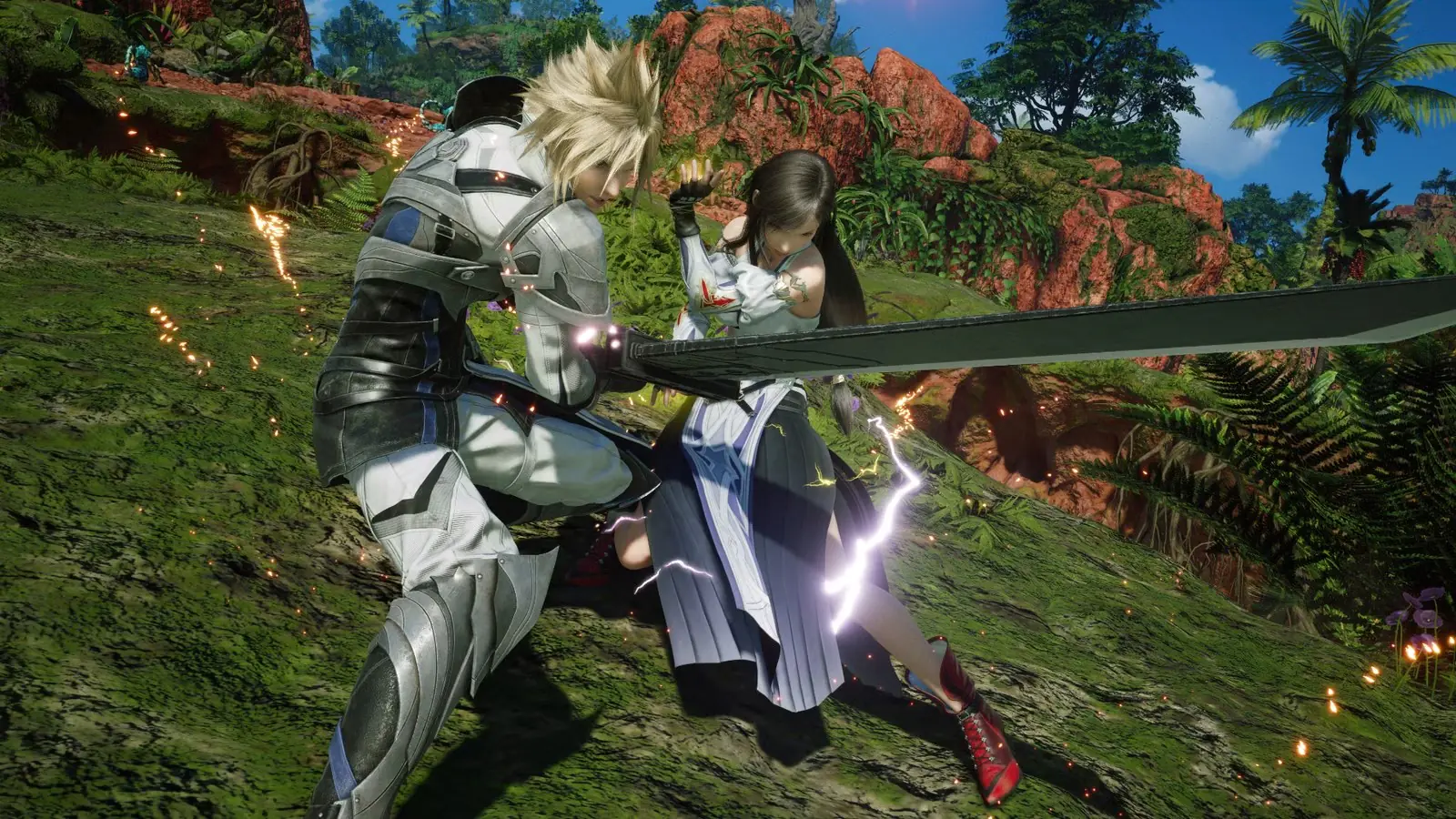 Hard Mode เปิดให้เล่นตั้งแต่เริ่มใน Final Fantasy VII Revelation ยกเลิกข้อจำกัดการใช้ไอเทม
Final Fantasy VII Revelation ปรับระบบความยากใหม่ Hard Mode เลือกได้ตั้งแต่แรก ไม่มีข้อจำกัดการใช้ไอเทม และ Dynamic Mode กลับมาอีกครั้ง
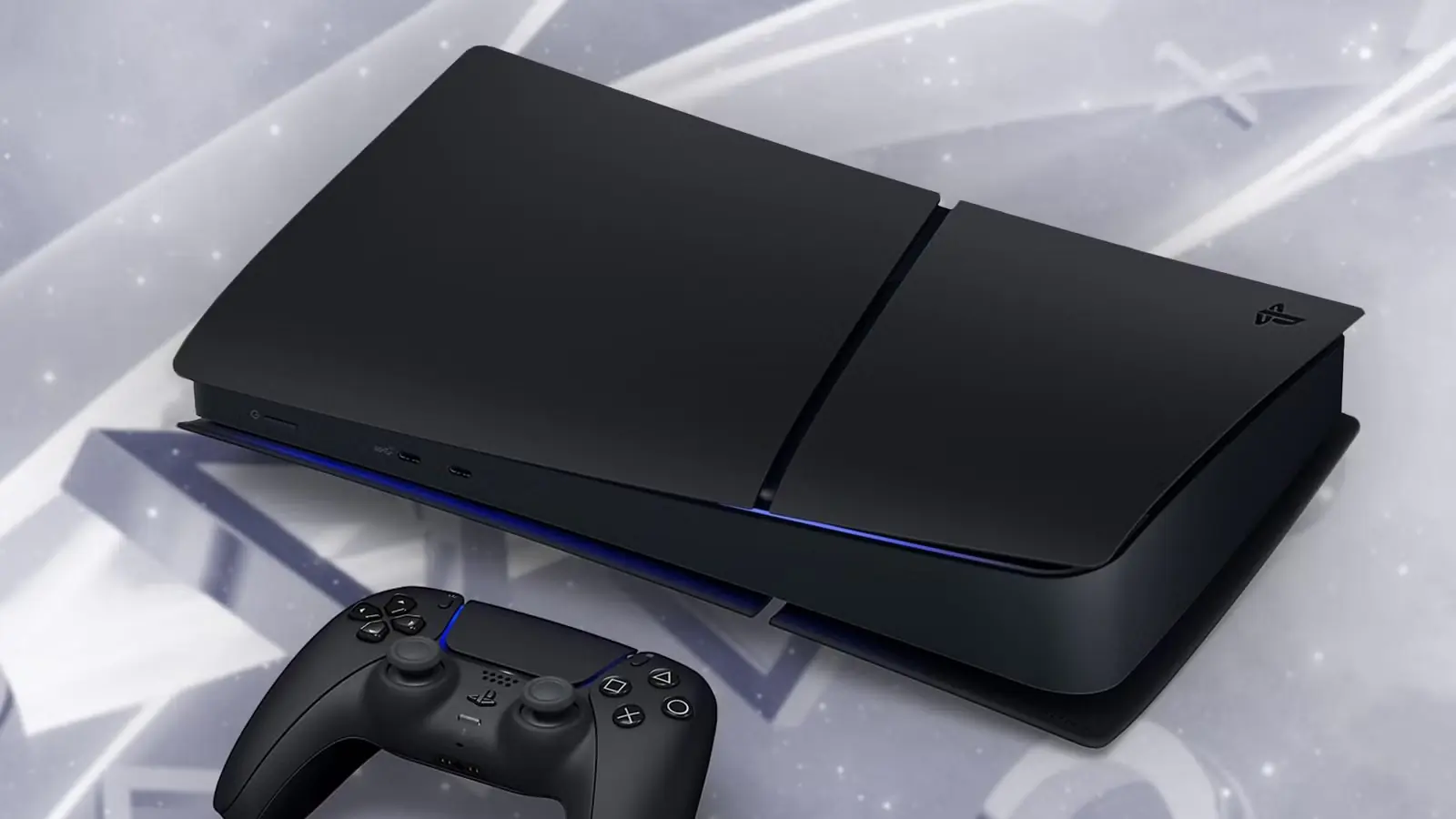 PS5 Midnight Black ราคาสุดคุ้ม เปิดพรีออเดอร์แล้ววันนี้ พร้อมเงื่อนไขพิเศษ
PS5 Digital สีดำรุ่นใหม่จาก Sony เปิดตัวพร้อม GTA VI ในวันที่ 19 พฤศจิกายน ราคาเพียง 348 ดอลลาร์ ใช้งานได้เฉพาะภาษาญี่ปุ่นและบัญชี PSN ญี่ปุ่นเท่านั้น
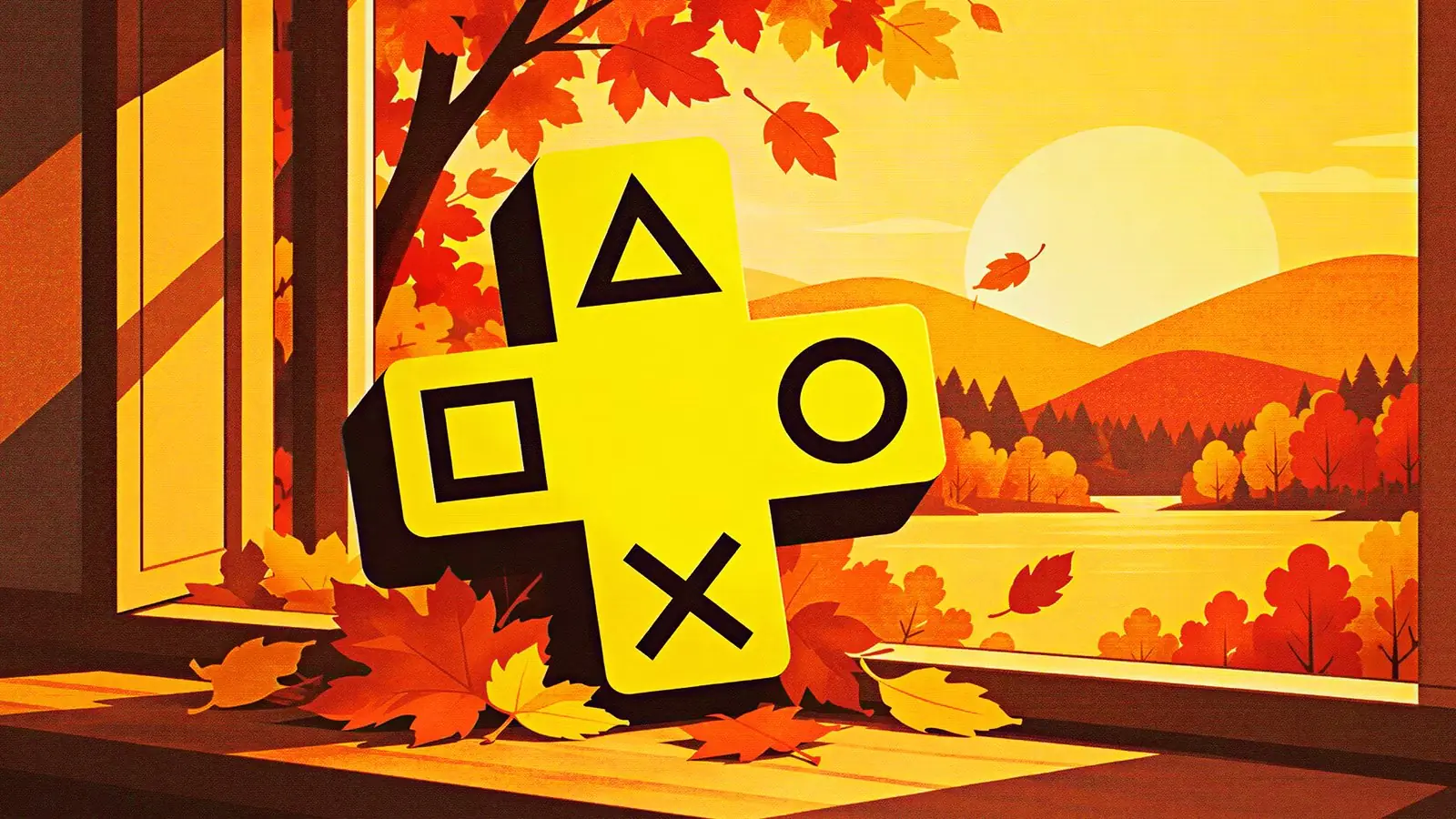 3 เกมใหม่ลง PS Plus ตุลาคมนี้ สยองขวัญ JRPG และแข่งรถในสัปดาห์เดียว
Poppy Playtime: Chapter 2, Tales of Arise และ Monster Energy Supercross 25 จะเข้า PS Plus Extra และ Premium วันที่ 27 ตุลาคมนี้ ดูรายชื่อเกมประจำเดือนตุลาคมได้ที่นี่
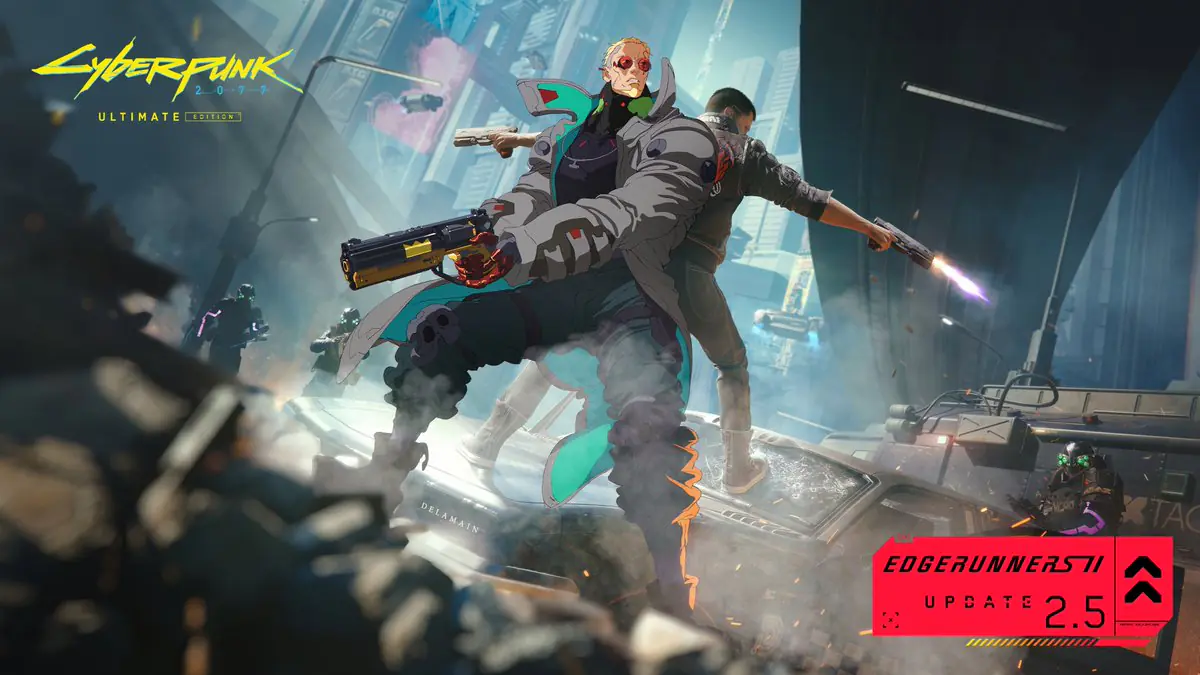 Cyberpunk 2077 อัปเดตเซอร์ไพรส์ Edgerunners 2 Update มาแน่ 22 ตุลาคมนี้
Edgerunners 2 เริ่มฉายบน Netflix พร้อมกับ CD Projekt Red ประกาศอัปเดตฟรี Update 2.5 สำหรับ Cyberpunk 2077 รวมวันปล่อย แพลตฟอร์ม และข้อมูลล่าสุด
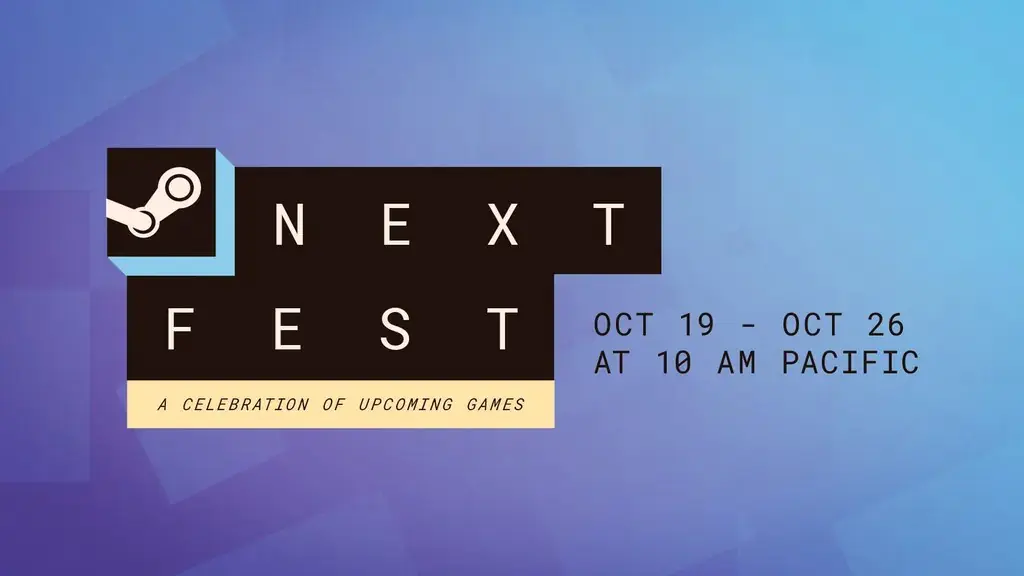 Steam Next Fest ตุลาคม 2026 เริ่มแล้ว: ตารางเวลา ไฮไลต์เดโม และกิจกรรมถัดไป
ทดลองเดโมเกมใหม่ฟรีบน Steam ถึง 26 ตุลาคม รวมเวลายุโรป เกมแนะนำ และกิจกรรมใหญ่ถัดไปของ Steam
 Don Bradman Cricket Jr เปิดตัวแล้ว เกมอาร์เคดคริกเก็ตสุดมันส์สู่ PC และคอนโซล
Don Bradman Cricket Jr กลับมาในรูปแบบอาร์เคดคริกเก็ตสุดสนุก รวบรวมโหมดเด่น แพลตฟอร์ม และข้อมูลสำคัญที่คุณควรรู้
สินค้าจากผู้ให้บริการที่ได้รับอนุญาต ในราคาที่คุ้มค่า
บริการจัดส่งรวดเร็วตลอด 24 ชั่วโมงไม่มีหยุด.
ศูนย์สนับสนุนตลอด 24 ชั่วโมงทุกวัน
รับประกันความพึงพอใจ 100%