

Secure Shopping
Products from authorized providers at fair prices.
How do you perform goal celebrations in EA FC 27? Find every PlayStation and Xbox button combo for running, finishing, and all-new celebrations in this guide.
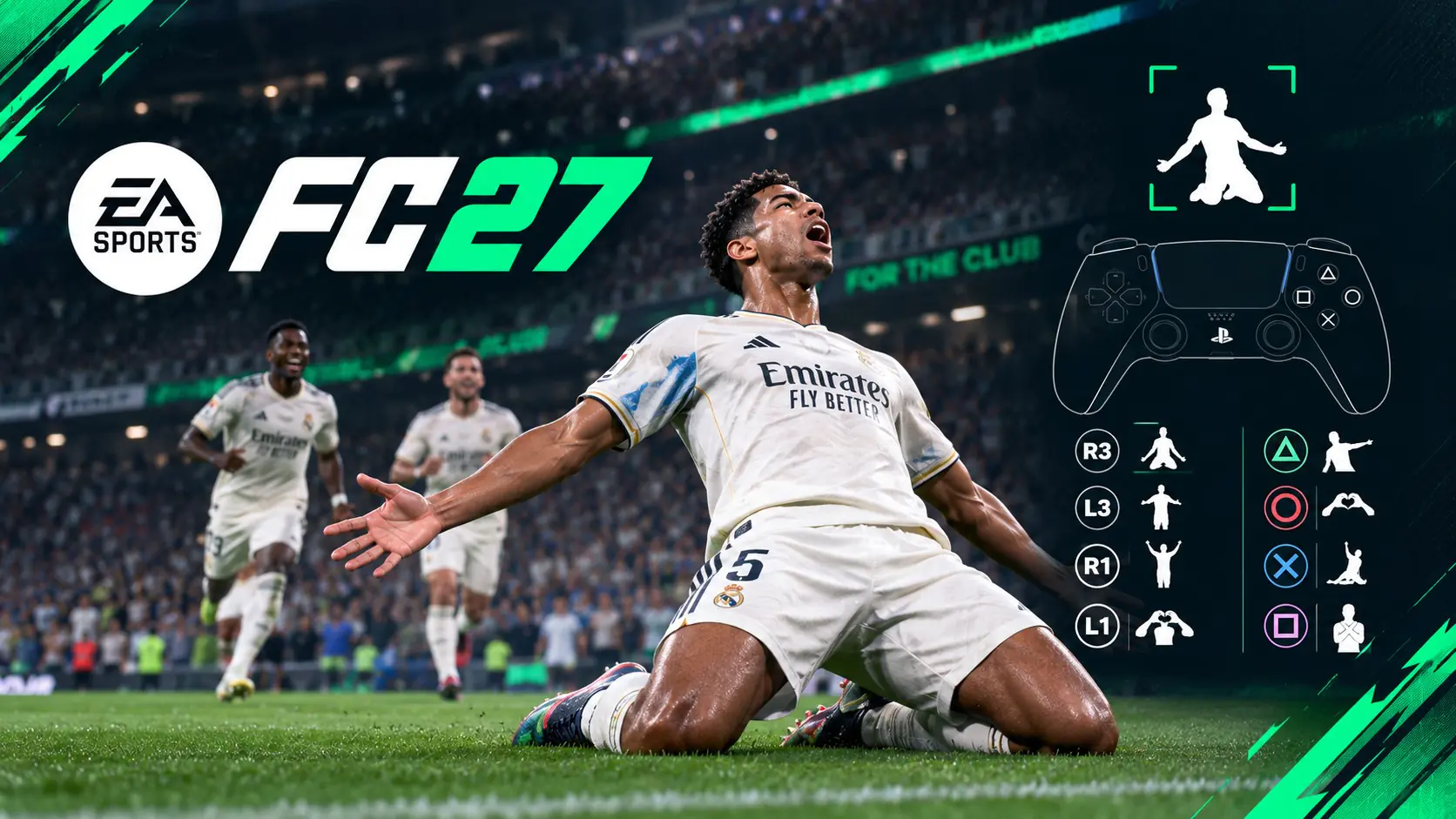
In EA FC 27, you can perform goal celebrations using the right analog stick and shoulder buttons. This guide covers the main controls, running and finishing moves, plus all the new celebrations introduced in this version.
Celebrations are triggered immediately after scoring by entering a button command. According to Destructoid, the system is divided into three groups: basic celebrations with face buttons, running moves with the right analog stick while sprinting, and finishing moves that combine L1, L2, R1, or R2 with right stick actions.
Running moves work when your player is still moving after a goal. Finishing moves start once the animation slows down. Locked celebrations (Pro and FC Unlockables) also use the same "trigger plus right stick" logic.
Xbox equivalents: Square = X, Triangle = Y, Circle = B, Cross = A, L1/R1 = LB/RB, L2/R2 = LT/RT, R3 = right stick press (RS).
| Celebration | PlayStation | Xbox |
|---|---|---|
| Signature Celebration | Cross | A |
| Random Celebration | Circle | B |
| Cancel Celebration | L1 + R1 | LB + RB |
Perform these while your player is running after a goal. Right analog directions are the same on Xbox.
| Celebration | PlayStation | Xbox |
|---|---|---|
| Thumb Suck | Hold Square | Hold X |
| Arms Out | Press Square, then hold Square | Press X, then hold X |
| Wrist Flick | Press Triangle, then hold Triangle | Press Y, then hold Y |
| One Arm Raised | Hold Circle | Hold B |
| Finger Points | Press Circle, then hold Circle | Press B, then hold B |
| Aeroplane | Hold R3 | Hold RS |
| Point to Sky | Hold right stick up | Hold right stick up |
| Telephone | Hold right stick down | Hold right stick down |
| Can You Hear Me? | Hold right stick left | Hold right stick left |
| Hands Out | Push right, then hold left | Push right, then hold left |
| Come On! | Push left, then hold right | Push left, then hold right |
| Blow Kisses | Push down, then hold up | Push down, then hold up |
| Double Arm Swing | Push up, then hold down | Push up, then hold down |
| Flying Bird | Push right, then hold right | Push right, then hold right |
| Hand on Head | Push left, then hold left | Push left, then hold left |
| Heart Symbol | Push down, then hold down | Push down, then hold down |
| Arms Pointing Up | Push up, then hold up | Push up, then hold up |
| Windmill | Rotate right stick clockwise | Rotate right stick clockwise |
For these, hold a trigger and perform a right stick action. "Twice" means push the stick twice in the same direction.
| Celebration | PlayStation | Xbox |
|---|---|---|
| Point to the Sky | L1 + Circle | LB + B |
| Show Respect | L1 + double tap Circle | LB + double tap B |
| Flex | L1 + Square | LB + X |
| All Ears | L1 + Triangle | LB + Y |
| X | L1 + push right stick down twice | LB + push right stick down twice |
| Who, Me? | L1 + hold right | LB + hold right |
| Baby | L1 + hold left | LB + hold left |
| Knee Slide Spin | L1 + rotate stick clockwise | LB + rotate stick clockwise |
| Arms to Crowd | L1 + rotate stick counterclockwise | LB + rotate stick counterclockwise |
| Spanish Dance | L2 + push right stick up twice | LT + push right stick up twice |
| Cell Phone | L2 + Square | LT + X |
| Hypnosis | L2 + Triangle | LT + Y |
| Think | L2 + double tap Square | LT + double tap X |
| Stir the Pot | L2 + double tap Triangle | LT + double tap Y |
| Cabaret | L2 + hold up | LT + hold up |
| I Can't Hear You | L2 + hold right | LT + hold right |
| Brick Fall | L2 + hold left | LT + hold left |
| Guitar | L2 + rotate stick clockwise | LT + rotate stick clockwise |
| One Eye | Hold R2, press R3 | Hold RT, press RS |
| Boxing | R1 + double tap Triangle | RB + double tap Y |
| The Salute | R1 + Triangle | RB + Y |
| Swagger | R1 + double tap Circle | RB + double tap B |
| Knee Slide | R1 + push right stick left twice | RB + push right stick left twice |
| Giant | R1 + push right stick up, then down | RB + push right stick up, then down |
| Hop and Point | R2 + push right stick left twice | RT + push right stick left twice |
| Slide Salute | R1 + hold right | RB + hold right |
| Slides and Kisses | R1 + hold down | RB + hold down |
According to FIFAUTeam and FIFPlay, FC 27 adds around eleven new celebrations: Balance, Chair, Duel, Jump Dance, Motorbike, Nap, Power Slide, Round Up, Slide and Roar, Spin, and Walk. The button combos that appear the same across sources are:
| Celebration | PlayStation | Xbox |
|---|---|---|
| Motorbike | L2 + right stick up, then down | LT + right stick up, then down |
| Walk | L2 + push right stick left twice | LT + push right stick left twice |
| Nap | R2 + push right stick up twice | RT + push right stick up twice |
| Round Up | R1 + right stick right, then left | RB + right stick right, then left |
| Balance | R1 + double tap Square | RB + double tap X |
| Chair | R1 + hold up | RB + hold up |
| Power Slide | R1 + hold left | RB + hold left |
| Spin | R1 + rotate stick clockwise | RB + rotate stick clockwise |
| Slide and Roar | R1 + push right stick down twice | RB + push right stick down twice |
| Duel | L1 + press R3 | LB + press RS |
Balance, Chair, Nap, Power Slide, Spin, Slide and Roar, and Duel are listed as "Unlockables" in-game. You may need to unlock these before you can use them.
You can't skip your opponent's celebration directly, but you can change the camera. According to FIFAUTeam, go to Settings, Game Settings, Visual and set "Celebration Camera Focus" to "User Controlled Team". This way, the celebration camera will only focus on your team.
Yes. Right after scoring, press L1 + R1 on PlayStation or LB + RB on Xbox.
Press Circle on PlayStation or B on Xbox. The game will pick an unlocked celebration at random.
According to Games.gg, celebrations carried over from FC 26 use the same commands. New celebrations are listed in the table above.
To boost your squad for the new season or get in-game content, you can top up your funds with a PlayStation Store gift card.
lotkeys
Get your funds ready for FC 27 content and other games. Your code is delivered instantly via email.
View Card
EA FC 27 Goal Celebrations: All PlayStation and Xbox Button Combos
How do you perform goal celebrations in EA FC 27? Find every PlayStation and Xbox button combo for running, finishing, and all-new celebrations in this guide.
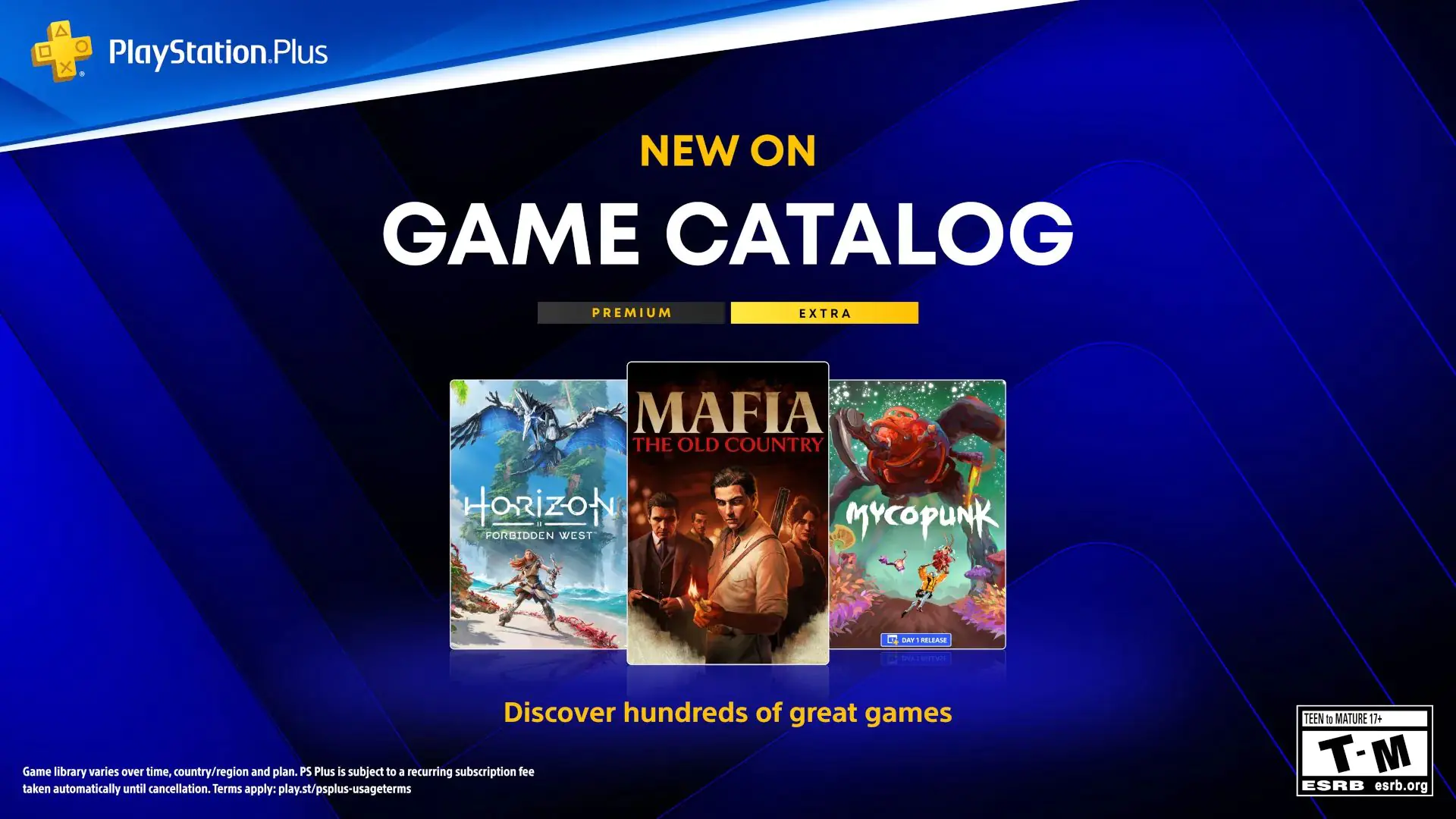 PS Plus Game Catalog October 2026: New Titles Revealed
The October 2026 PS Plus Extra and Premium lineup is here. Discover 9 new games, release dates, Game Trials, and which titles are leaving the catalog.
 Fallout Day 2026: No Live Stream This Year, Five-Day Celebration Announced
Bethesda is skipping the traditional Fallout Day live stream this year. Instead, a five-day event from October 19 to 23 will feature the first look at the Fallout 76 World Pets update.
 Top 5 Most Wishlisted Upcoming Games on Epic Games
We’ve gathered the latest release dates, platforms, and status updates for Path of Exile 2, Lords of the Fallen II, Tides of Annihilation, Out of Words, and Jurassic Park: Survival.
 Free Zangief Movie-Themed Costume Coming to Street Fighter 6
A free movie-themed Zangief costume code is dropping ahead of the new Street Fighter film. Find out how to get it, what’s next for Honda and Dhalsim, and all the movie details here.
 EA FC 27 Career Mode: What’s New?
EA FC 27 Career Mode introduces multi-step transfers and dynamic player ratings. Discover all the new features for both Manager and Player Career.
Products from authorized providers at fair prices.
24-Hour Nonstop and Fast Delivery Service.
24/7 Support Center
100% Satisfaction Guaranteed