


Secure Shopping
Products from authorized providers at fair prices.
Epic Games launched its main app on Google Play on January 20, 2026.
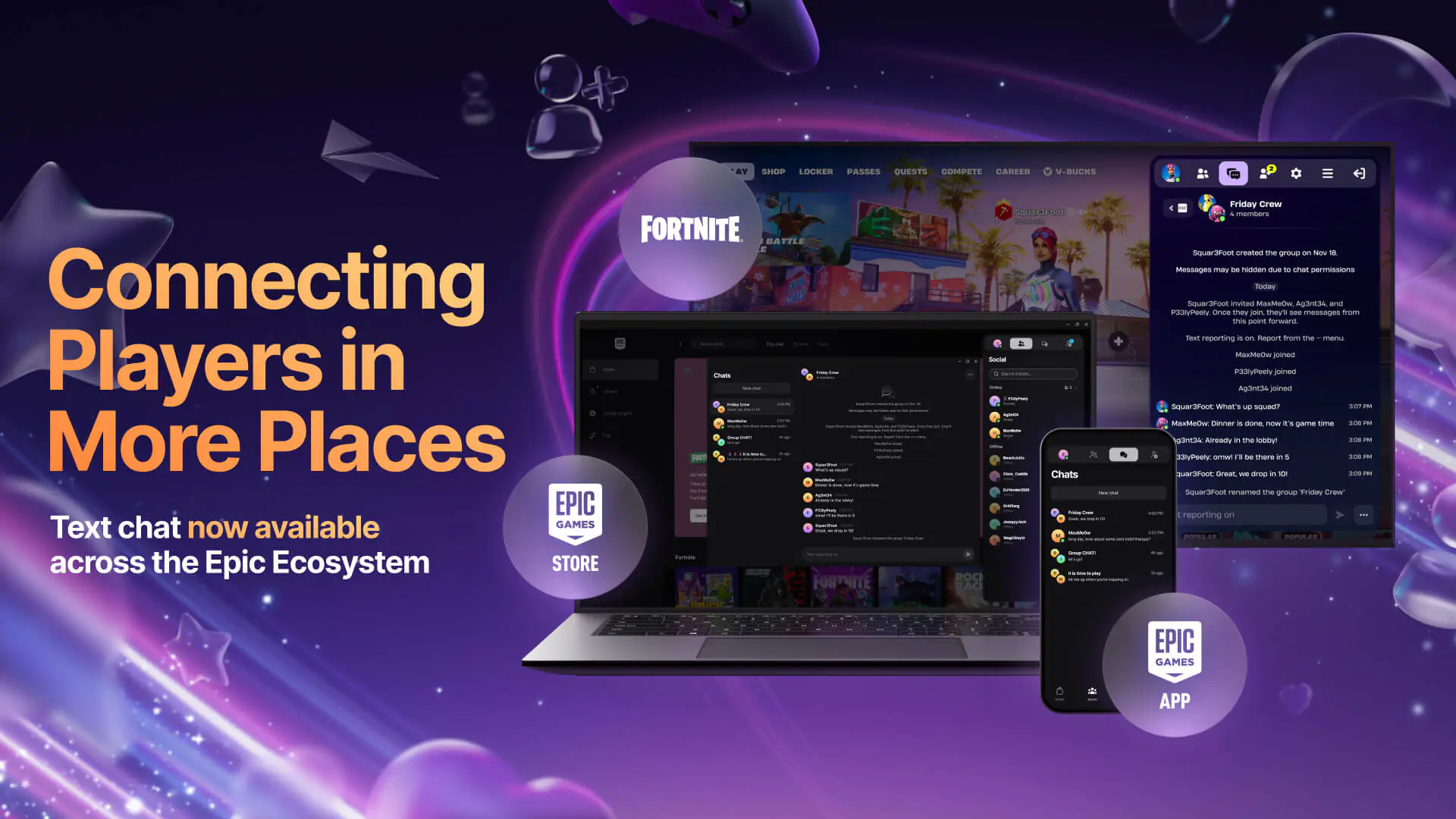
Epic Games has made a game-changing move in the mobile gaming world by launching the Epic Games App globally on Google Play Store as of January 20, 2026. Now you can message your Fortnite friends and keep your account secure—no more dealing with external APK files.
Here are the key details about this major update and the differences between the two Epic Games apps:
Epic Games offers Android users two different options. Check out the table below to decide which app suits your needs best:
| Feature | Epic Games App (Google Play) | Epic Games Store Mobile (Web) |
| Main Focus | Social interaction and Security | Game store and Gameplay |
| Messaging | Cross-platform text chat (DM & Group) | Cross-platform text chat |
| Security | 2FA (Epic Authenticator) support | 2FA (Epic Authenticator) support |
| Game Downloads | None (Social/Security only) | Available (Download Fortnite, Fall Guys, etc.) |
| Where to Download? | Google Play Store & Apple App Store | epicgames.com (Android) / iOS in the EU |
The chat feature, first released for iOS in December, is now available on Android. Whether you’re on Fortnite, the PC client, or the mobile app, you can start group chats and view your message history across all your devices.
No more need for third-party apps like Google Authenticator to keep your account secure. With the Epic Games app downloaded directly from Google Play, you can now manage two-factor authentication (2FA) with ease.
For Social Features: Head to your phone’s app store (Google Play or App Store), search for "Epic Games", and install the official app in seconds.
For Gaming: If you want to play Fortnite or Fall Guys, go to epicgames.com from your Android browser and download the Epic Games Store app as an APK file.
 Escape Academy 2 Launches Day One on Game Pass: Open World Co-Op Escape Room Adventure
Escape Academy 2: Back 2 School arrives on Xbox Game Pass November 5. Explore an open campus, solve escape rooms, and play co-op online or split-screen with a friend.
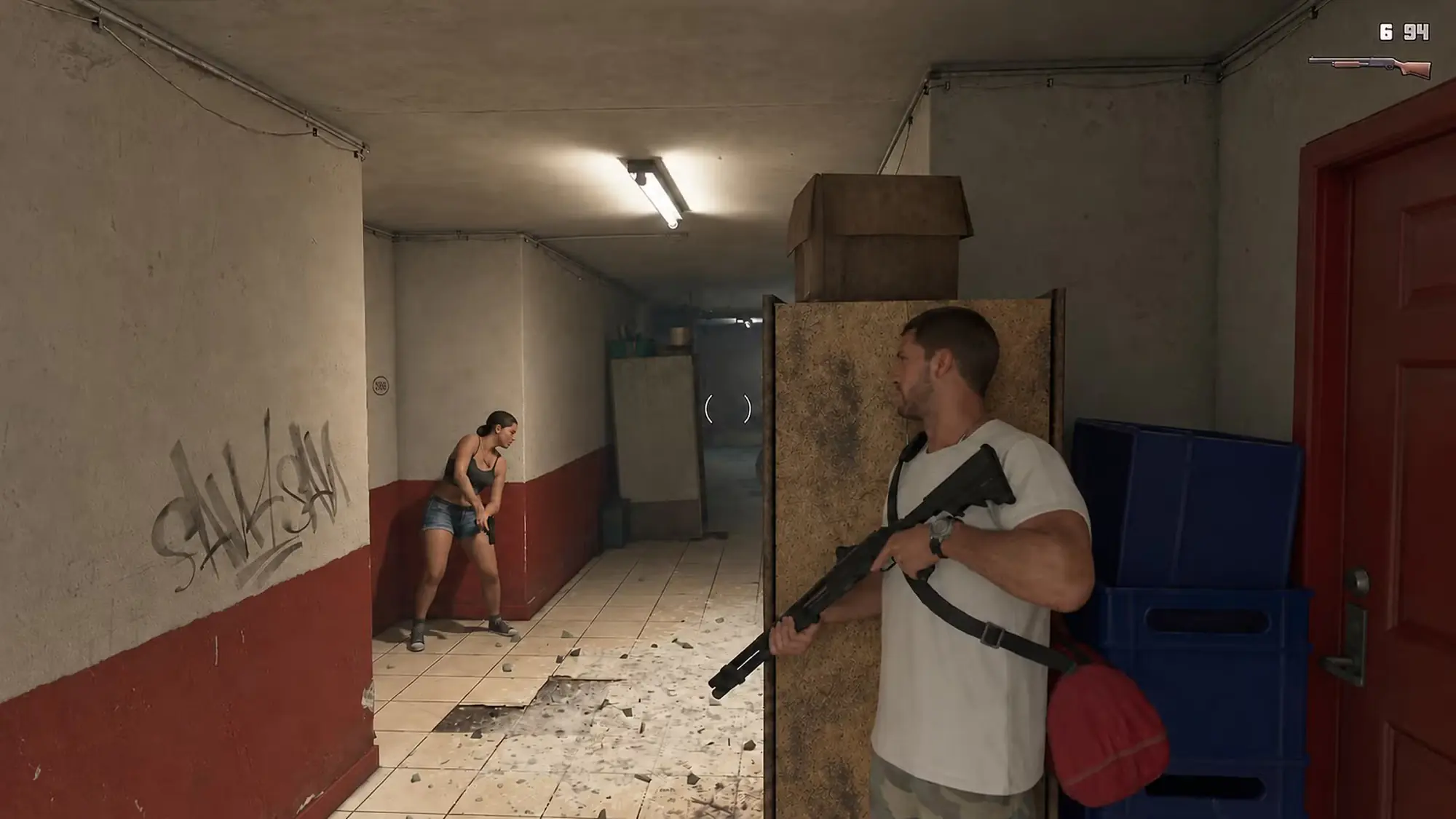 How Will Combat Work in GTA 6? Focus, Free Aim, and Non-Lethal Gameplay
Rockstar reveals the details behind GTA 6’s combat system. Discover Focus ability, heavy weapons, cover mechanics, and non-lethal options, all in one place.
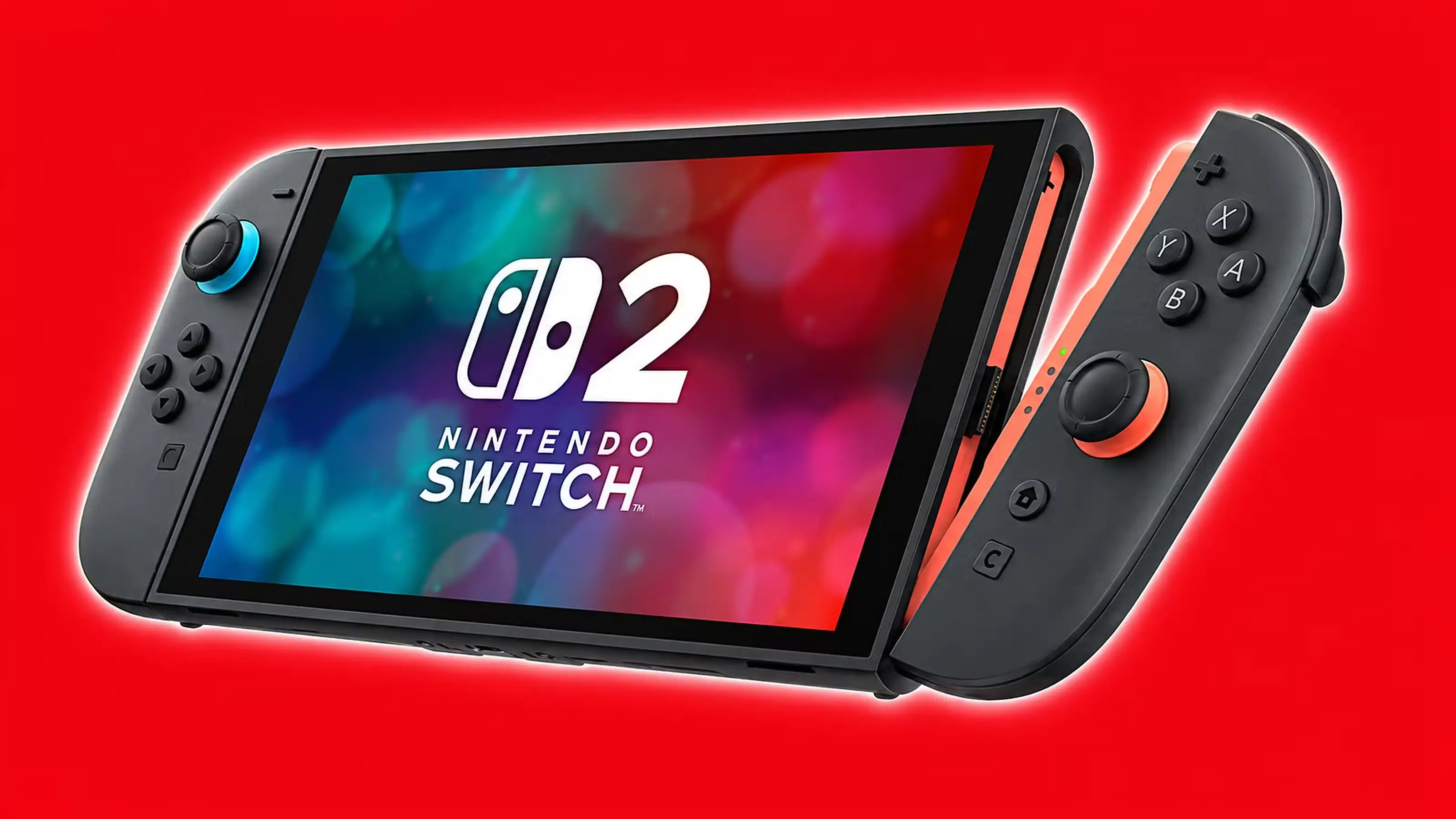 Early Black Friday Deals for Switch 2 Owners: First Discounts Hit Stores
The first Black Friday discounts on Switch 2 games, bundles, and accessories have arrived weeks before the big day. See what's on sale and if it's worth waiting for console deals.
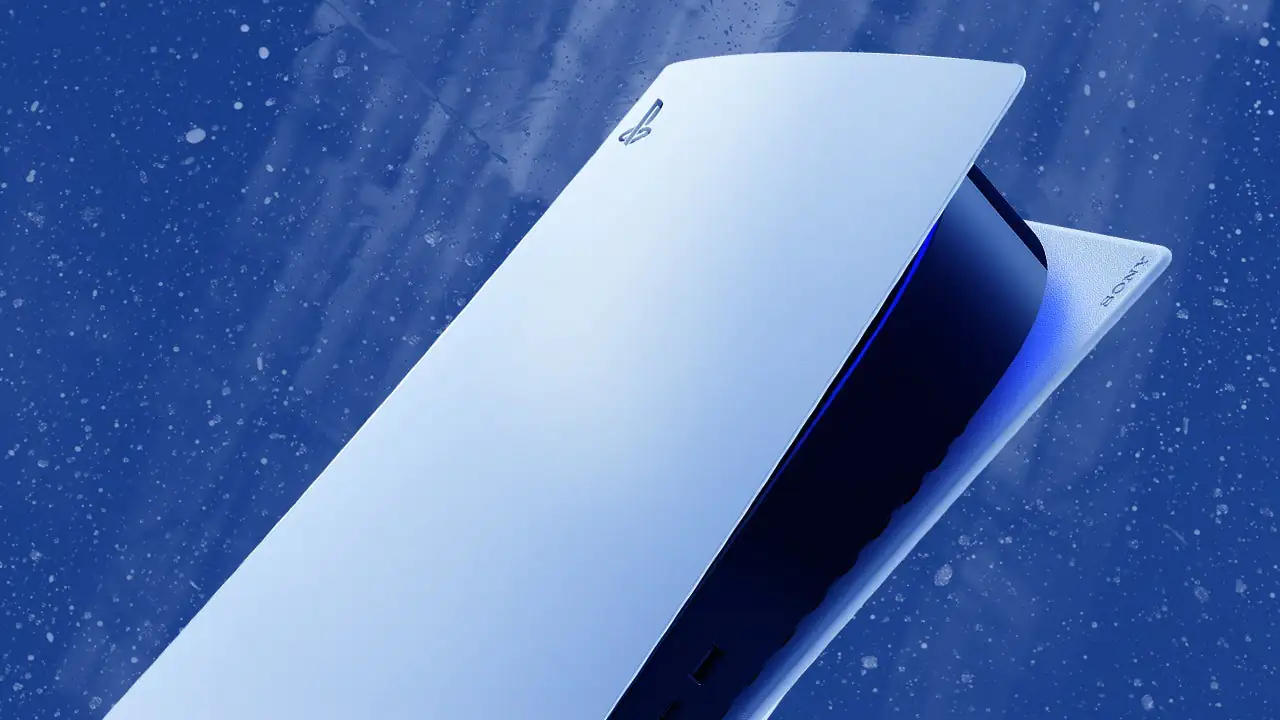 Surprise PS5 Update from Sony: Jailbreak Race Heats Up Ahead of GTA 6
PS5 gets the 14.20 firmware update. All about GTA 6's 14.10 requirement, PSN restrictions, and the latest jailbreak developments.
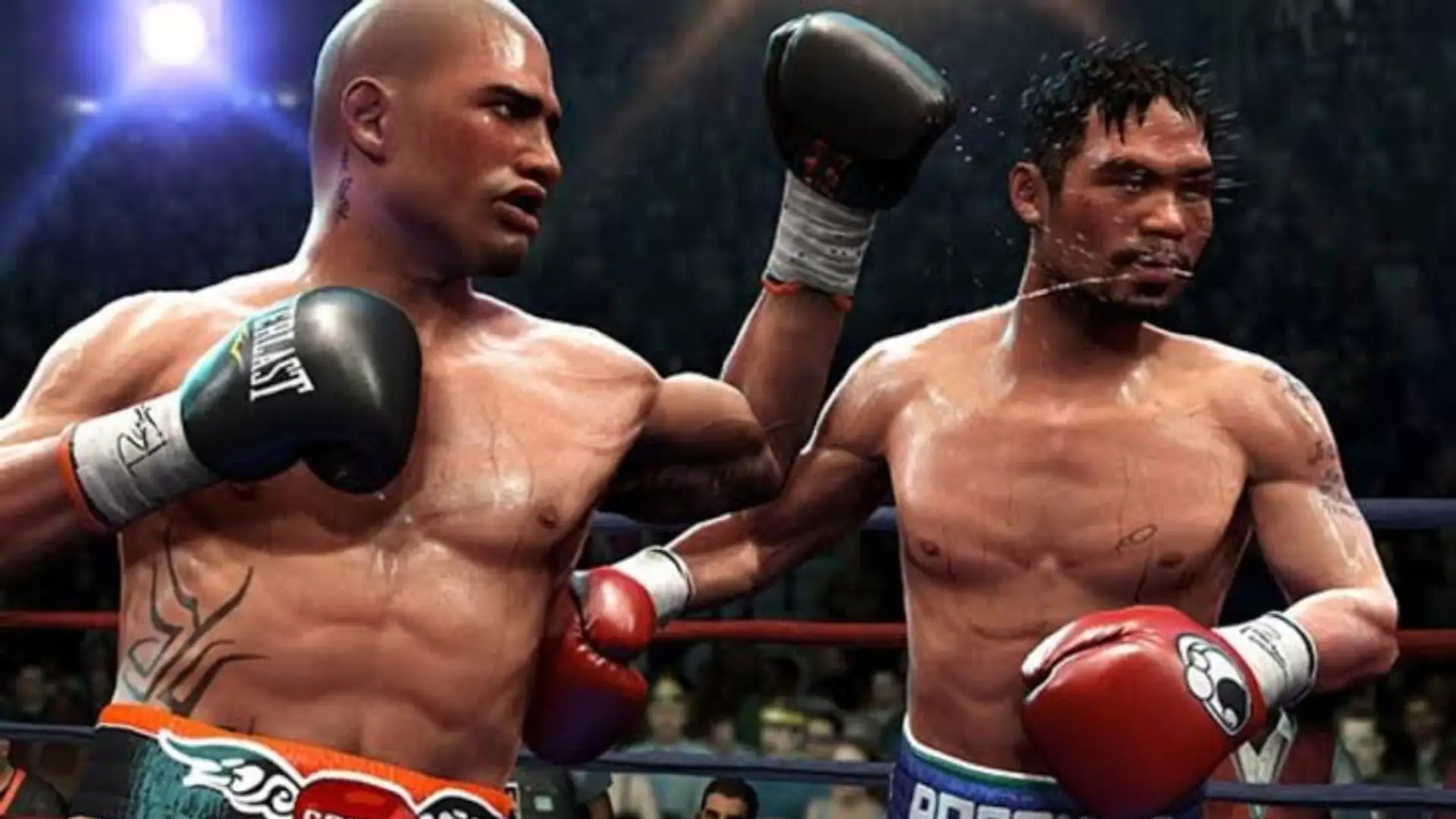 Fight Night Returns After 15 Years: EA Announces the Comeback Boxing Game
EA Sports has revealed that the iconic Fight Night boxing series is making a comeback. Discover what’s known so far and explore the journey of the franchise since 2004.
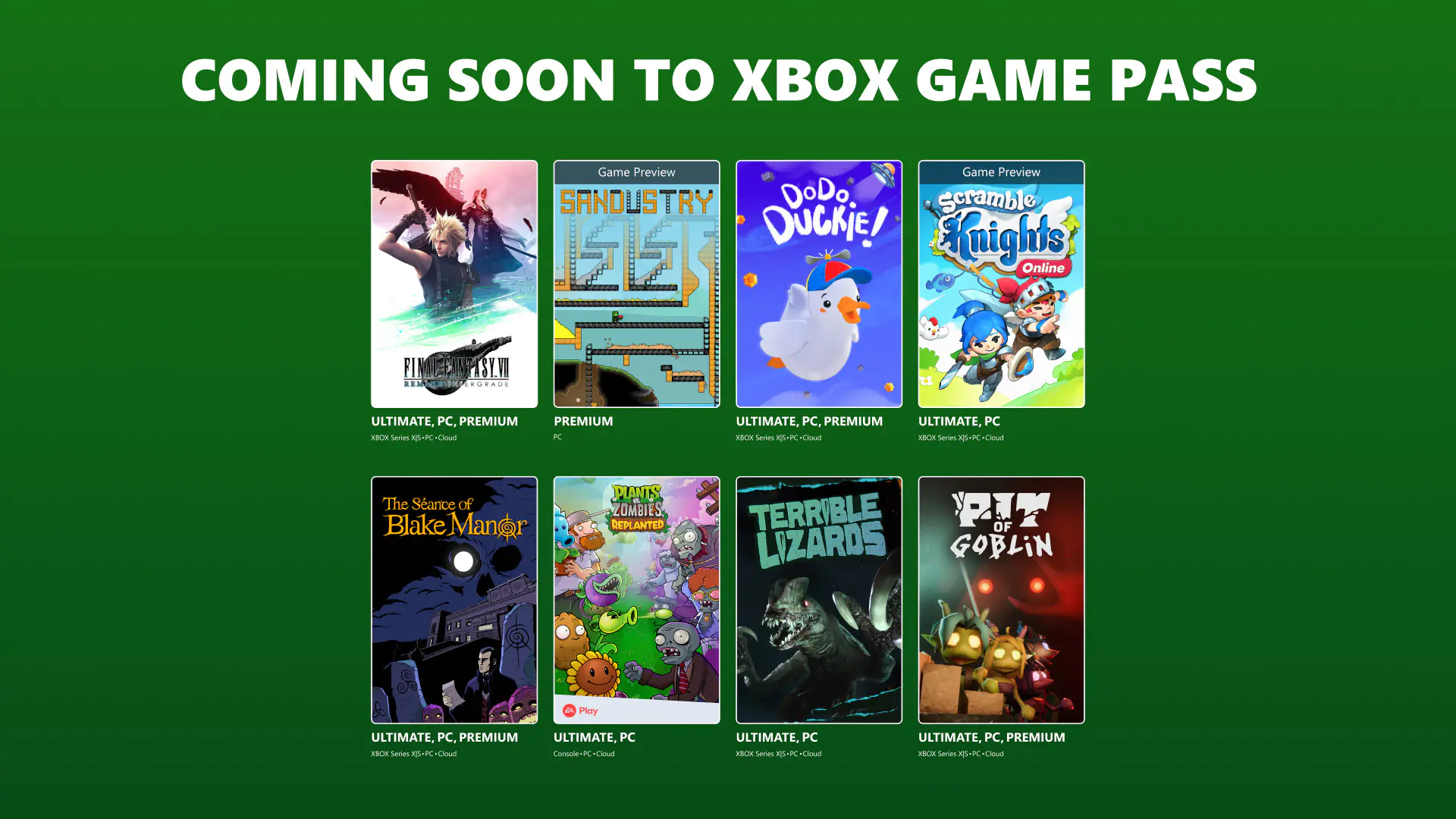 Final Fantasy VII Remake Arrives on Xbox Game Pass: October and November Highlights
Final Fantasy VII Remake Intergrade, The Séance of Blake Manor, and Plants vs. Zombies: Replanted are coming to Game Pass. See the full list of new arrivals and departing games.
Products from authorized providers at fair prices.
24-Hour Nonstop and Fast Delivery Service.
24/7 Support Center
100% Satisfaction Guaranteed