


Secure Shopping
Products from authorized providers at fair prices.
Getting a graphics card error when launching Metin2? Here’s how to fix it for good.
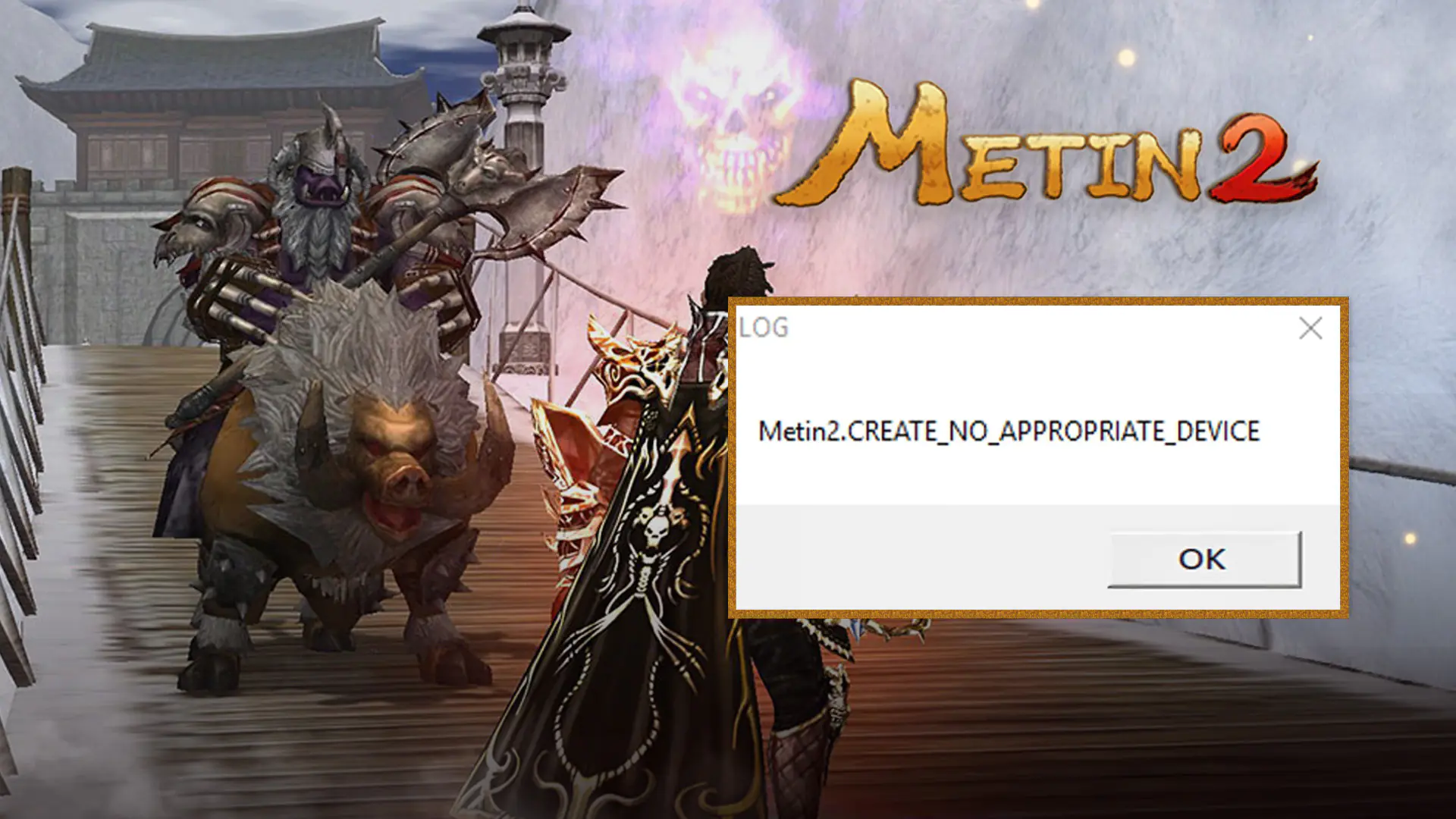
When stepping into the legendary world of Metin2, you might encounter the "Create No Appropriate Device" error. This means the game can't properly communicate with your computer's graphics card. The issue usually arises because Metin2 relies on an outdated DirectX version, which isn't configured correctly on modern systems.
This error indicates that the game's engine can't recognize your current graphics card as a compatible display device. To resolve the problem completely, follow these steps in order:
| Method | How to Apply |
| 1. Compatibility Mode | metin2client.exe Right-click on the file > Properties > go to the Compatibility tab. Set the "Run this program in compatibility mode" option to Windows 7 or Windows 8, and make sure to check "Run as administrator." |
| 2. Adjust Config Settings | Open the config.exe file in your game folder. Set the "Resolution" to match your desktop resolution (e.g., 1920x1080). If the error persists, try running the game in Window Mode. |
| 3. Override DPI Settings | metin2client.exe In Properties, click the "Change high DPI settings" button. Check "Override high DPI scaling behavior" at the bottom and select **"System"** from the dropdown menu. |
If the above steps don't work, you may need to update some "legacy" libraries on your PC:
DirectX End-User Runtime: Metin2 requires some old DirectX 9 components not included in modern systems. Download and install this package from Microsoft's website to solve the error in 90% of cases.
Graphics Card Drivers: If you use Nvidia or AMD, make sure your drivers are up to date. For laptop users, ensure Metin2 is set to run with your dedicated GPU instead of the integrated graphics (Intel). Go to your graphics settings, select Metin2, and set it to "High Performance".
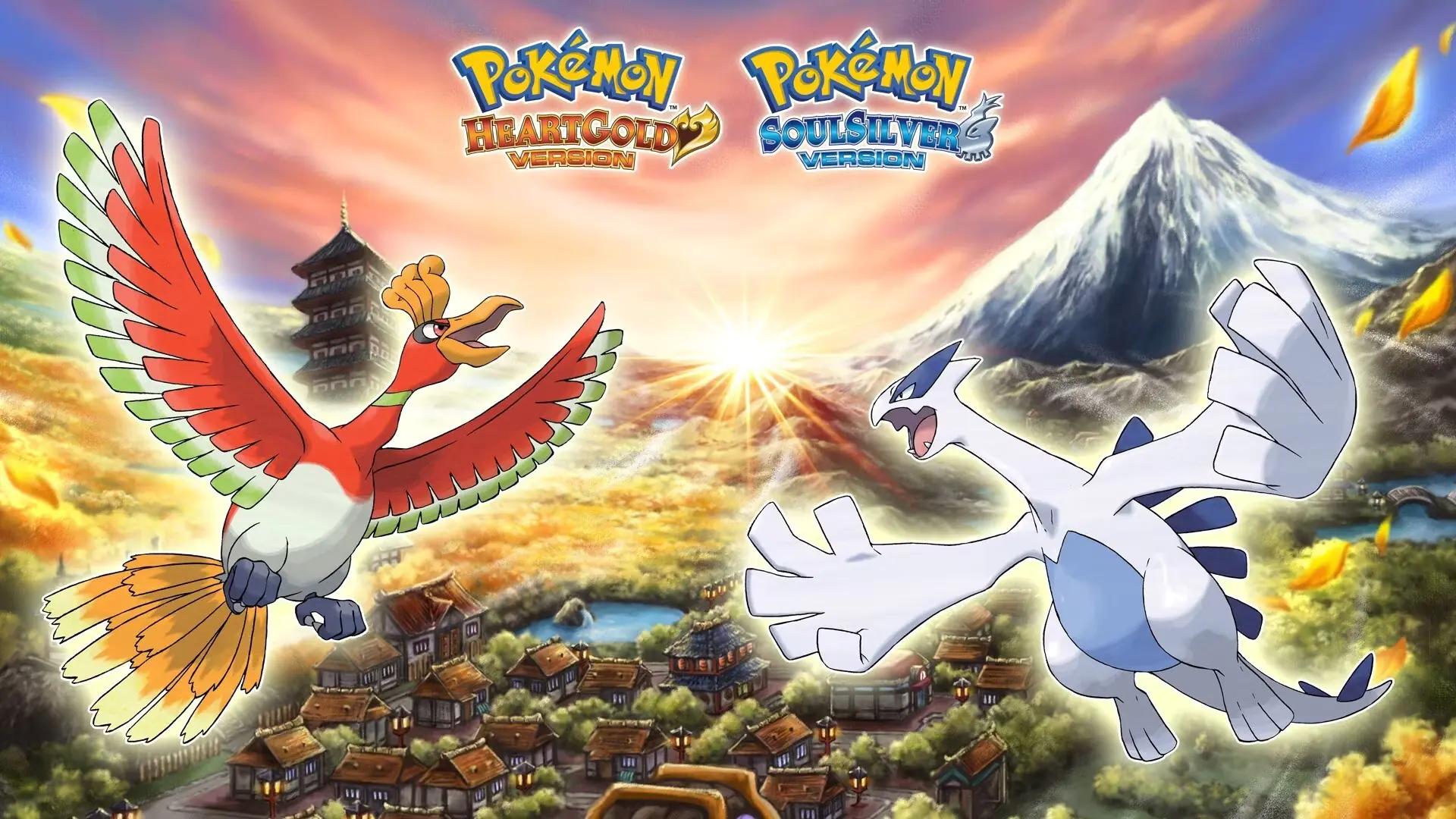 Pokémon 30th Anniversary Art Book Arrives December 18: 9 Generations, 3 Volumes, 1,500 Pages
The three-volume Pokémon 30th Anniversary Art Book series, overseen by Game Freak, launches in Japan this December. See which games are covered and all the details here.
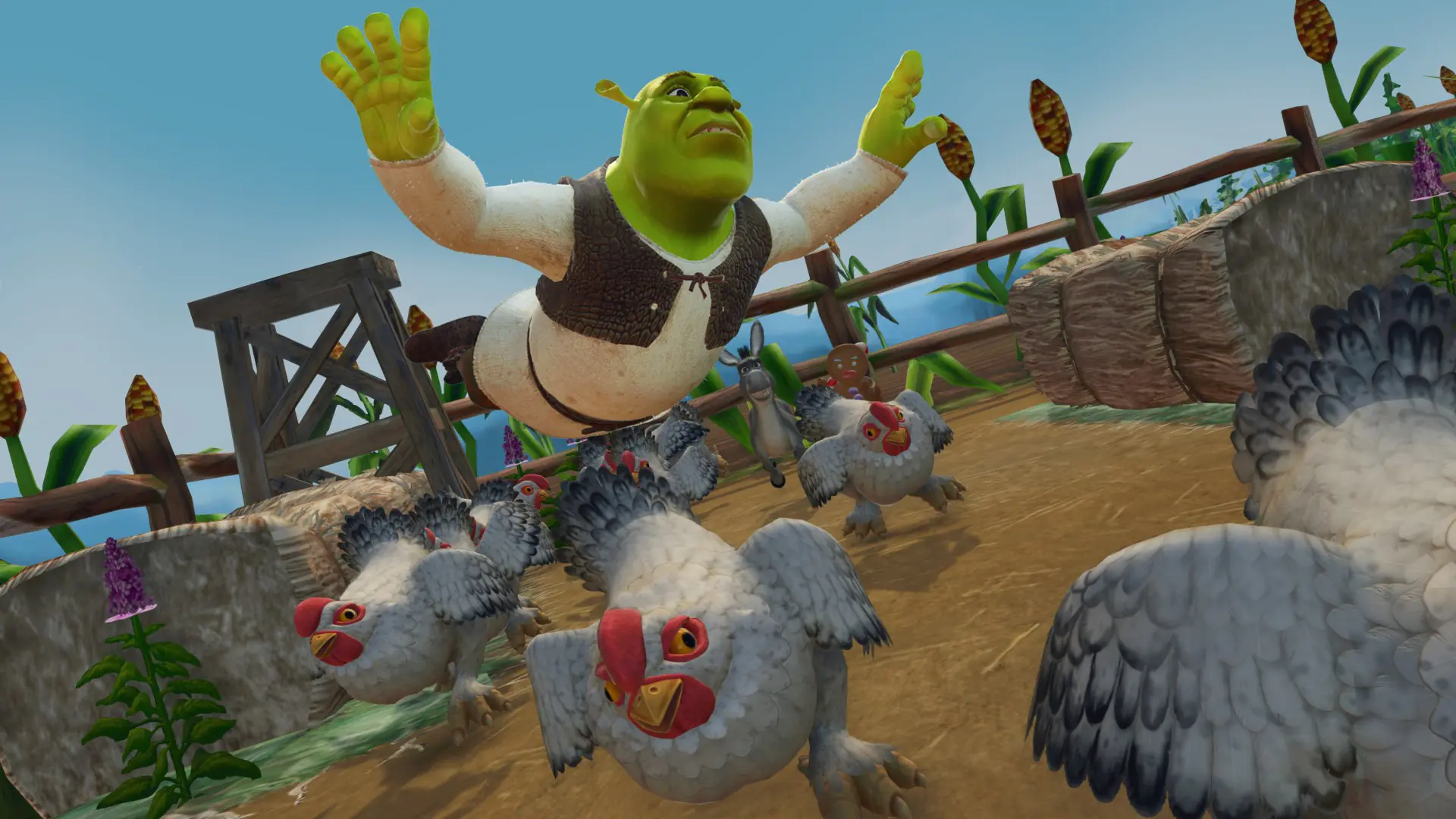 Shrek 2 Remastered Leaked: Aspyr's Remaster Spotted on Xbox Store
Shrek 2 Remastered leaked ahead of its announcement on the Xbox Store. Discover all the known details about the remaster, including 4K support, photo mode, and online four-player co-op.
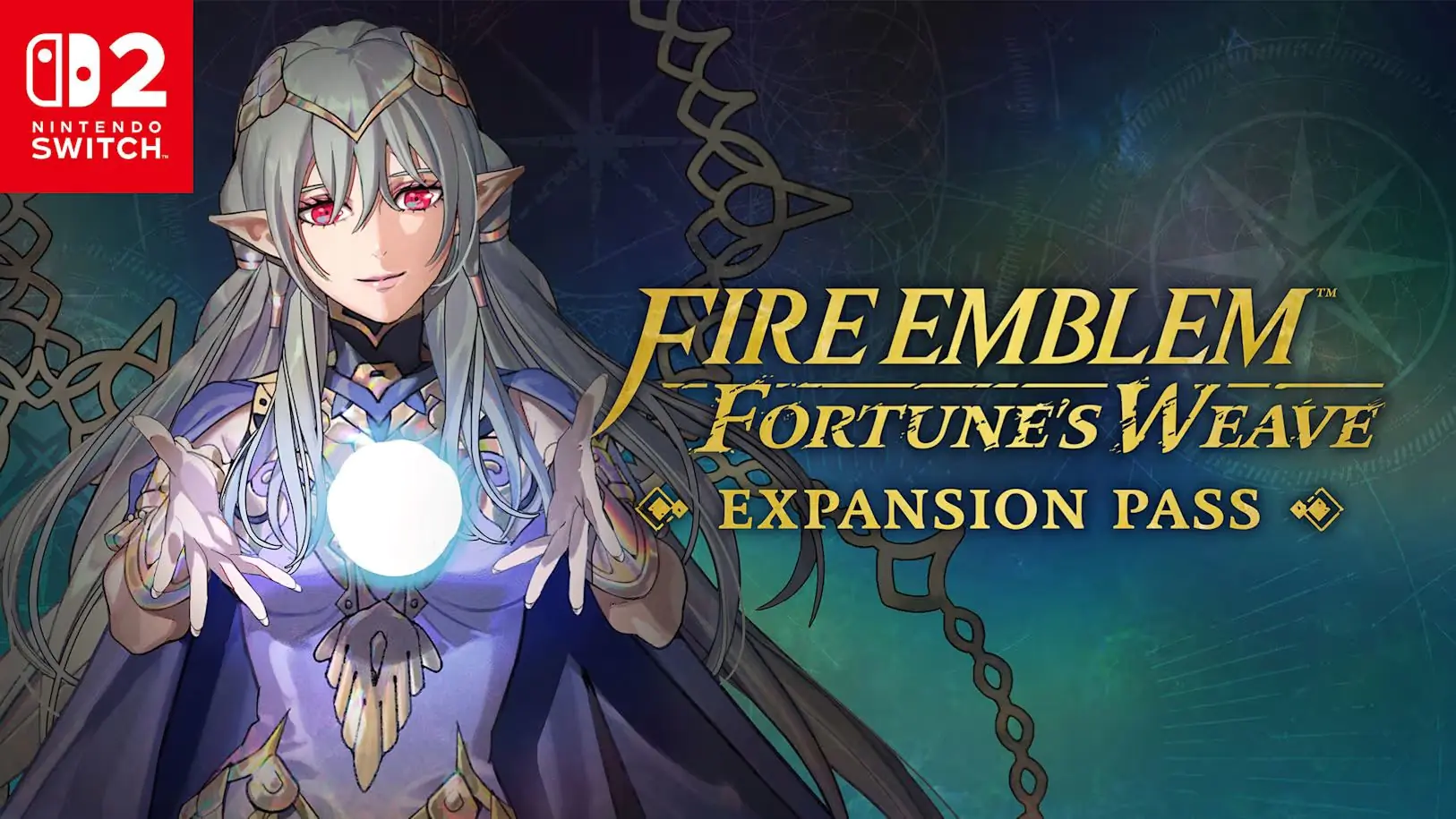 Fire Emblem: Fortune’s Weave Paid Expansion Pass Now Available
Fire Emblem: Fortune’s Weave Expansion Pass is out now. Wave 1 brings four prototype weapons. Discover what’s coming in Wave 2 and Wave 3 in this guide.
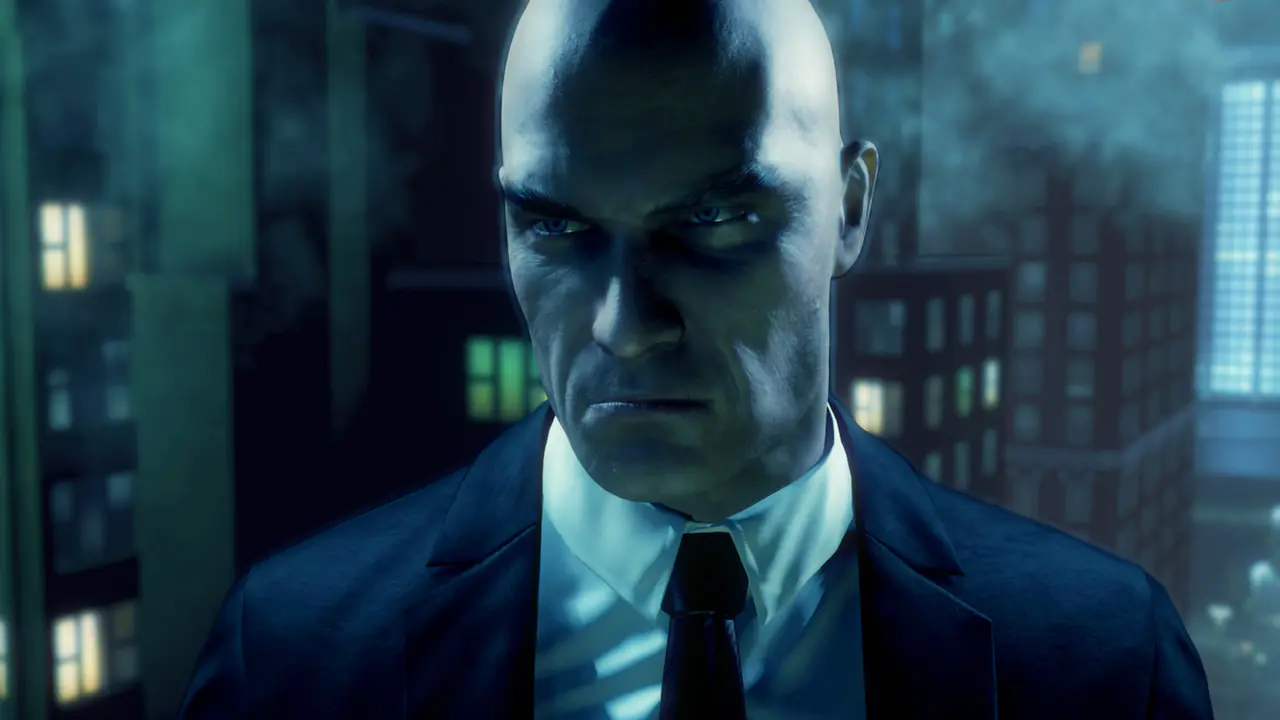 Hitman: Absolution Is Coming to Switch 2
Hitman: Absolution Nintendo Switch 2 Edition launches October 22. Discover the new features, including enhanced resolution, 60 fps performance, Contracts mode, and free upgrade details for Switch owne
 Galaxies Autumn Showcase 2026: All Game Reveals and Release Dates
Discover all the games announced at the Galaxies Autumn Showcase, including The Finals update, Hellraiser Revival, Frosthaven 1.0, new release dates, and playable demos.
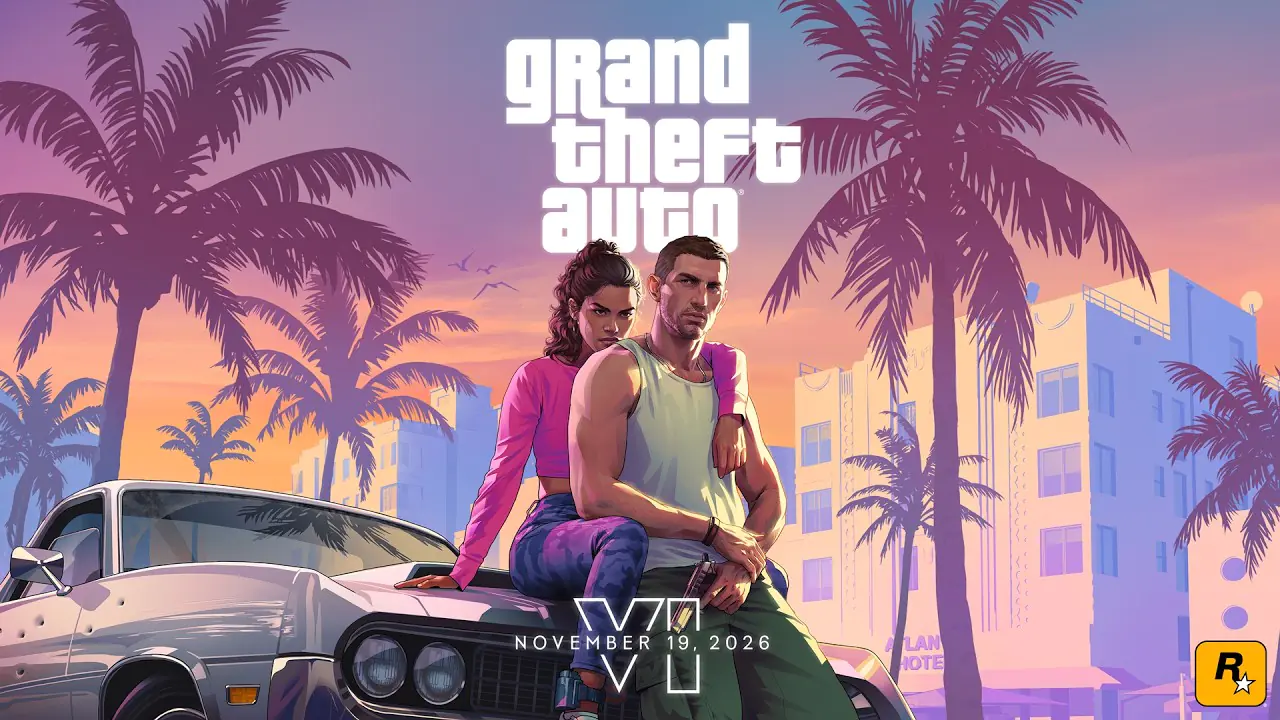 9 Standout Details from the GTA 6 Launch Trailer
Rockstar’s GTA 6 launch trailer is here: release date, pre-load info, Jason and Lucia’s backstory, the soundtrack, and 9 key highlights.
Products from authorized providers at fair prices.
24-Hour Nonstop and Fast Delivery Service.
24/7 Support Center
100% Satisfaction Guaranteed