

Secure Shopping
Products from authorized providers at fair prices.
Nintendo has rolled out a major update for Switch 2, introducing VRR support in TV mode, full system transfer, and new music for Mii Maker.

On September 10, Nintendo released a major system update covering both the Switch and Switch 2 families. Version 23.0.0 introduces a long-awaited feature for Switch 2 users: VRR support in TV mode.
Switch 2 already supported variable refresh rate (VRR) on its built-in 7.9-inch display, but this smooth gameplay experience wasn’t available when connected to a TV. With the 23.0.0 update, VRR now works in TV mode on compatible televisions, syncing the TV’s refresh rate in real time with your game’s frame rate. To enable this feature, first update your official dock, then activate the VRR option from the display settings menu. The menu previously called “Dock Output Information” is now renamed “Video Output Information” and now shows detailed signal support for your connected TV.
The update also adds a “full data transfer” feature between two Switch 2 consoles. This allows you to move all your data, including save files and screenshots, from your old Switch 2 to a new device. System transfer from the original Switch to a Switch 2 is also now possible.
With this update, you can now use additional controllers while Handheld Boost Mode is active, even if Joy-Con 2 controllers are attached. Handheld Mode Boost can now be toggled directly from the Quick Settings menu.
For first-generation Switch owners, patch notes are brief. The main addition is the ability to start games with a temporary online license if a virtual game card cannot be transferred from another console. The update also brings general system stability improvements for both console families.
While the new TV VRR feature is expected to be widely adopted, only one game currently supports it at this time. More games are expected to add VRR support through future updates.
You need to update your official Switch 2 dock and enable the VRR option in display settings. Your TV must also support VRR.
Yes, but changes are limited. The main update is the ability to use virtual game cards with an online license, plus general stability improvements.
You can transfer all your data, including save files and screenshots, between two Switch 2 consoles. This is especially useful when upgrading to a new device.
Upgrade Your Switch 2 Experience
Top up your eShop funds in seconds to access games and content that support the new VRR feature.
Get Your Nintendo eShop Gift Card Golden Joystick Awards 2026: Yılın Oyunu Adayları Açıklandı, Oylama Başladı
Golden Joystick Awards 2026'da Ultimate Game of the Year için 12 aday belli oldu. Phantom Blade Zero'dan Resident Evil Requiem'e tüm liste ve oylama tarihleri.
 Xbox Game Pass Joins T-Mobile: Ultimate and Premium Now on T-Mix Plans
T-Mobile’s new T-Mix plans launch in November, letting you pick Xbox Game Pass Ultimate or Premium as a plan perk. Here’s how it works.
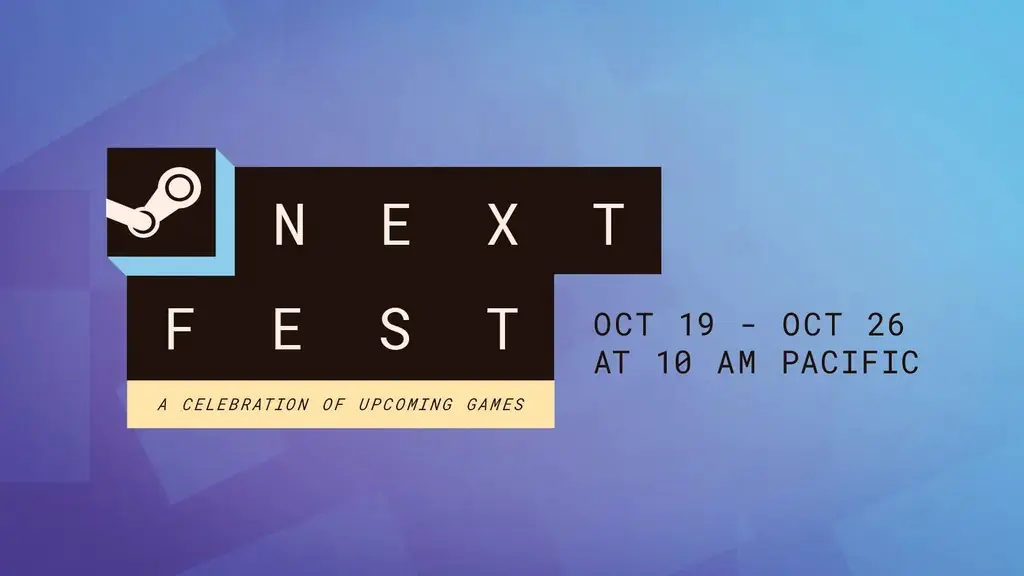 Steam Next Fest October 2026 Ends Today: Top 20 Most Played Demos
Steam Next Fest ends today. Valve's list of most played demos is dominated by co-op games. Check out all 20 demos and their genres here.
 Phantom Blade Zero Shines in Reviews: Metacritic 88, Preload Begins
Phantom Blade Zero scores 88 on Metacritic and 91 on OpenCritic. Preload starts October 27, with the game launching on PS5 and PC on October 29.
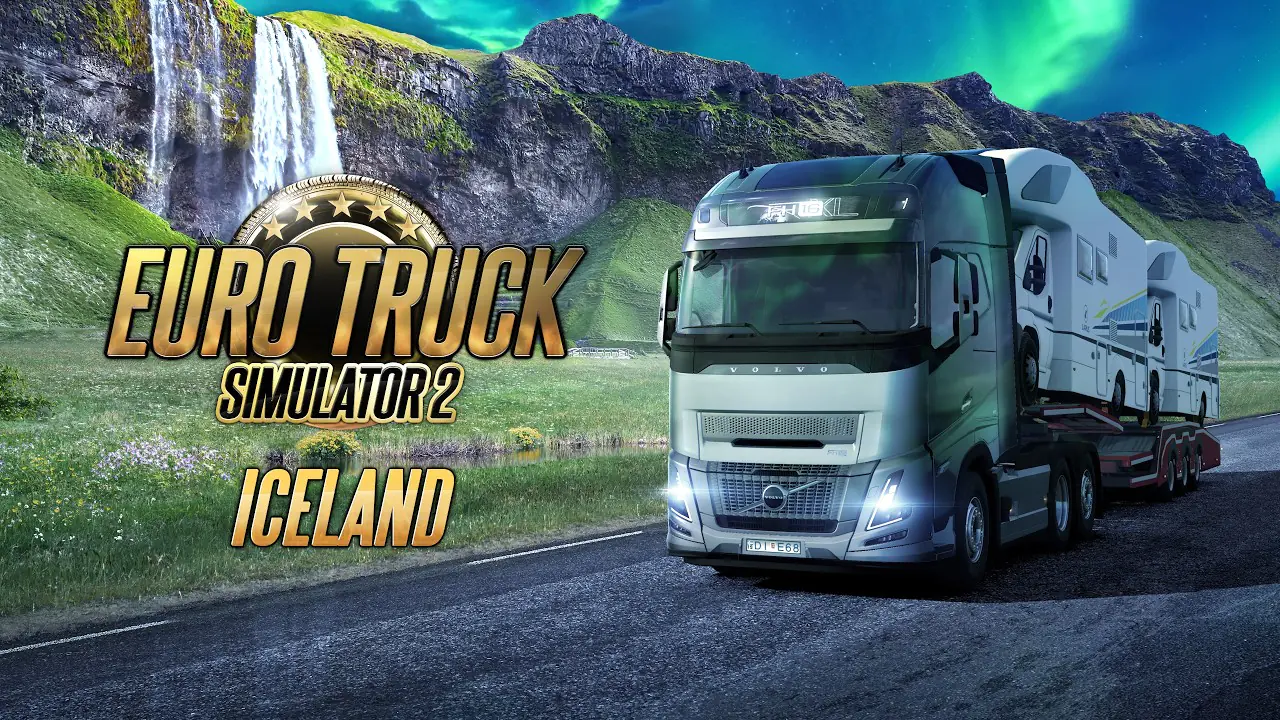 Euro Truck Simulator 2 Iceland Release Date Announced: Ring Road Opens November 10
ETS2's Iceland expansion arrives November 10. Explore 14 cities, the Ring Road, stunning fjords, and the Northern Lights. Watch the new trailer and discover all the details.
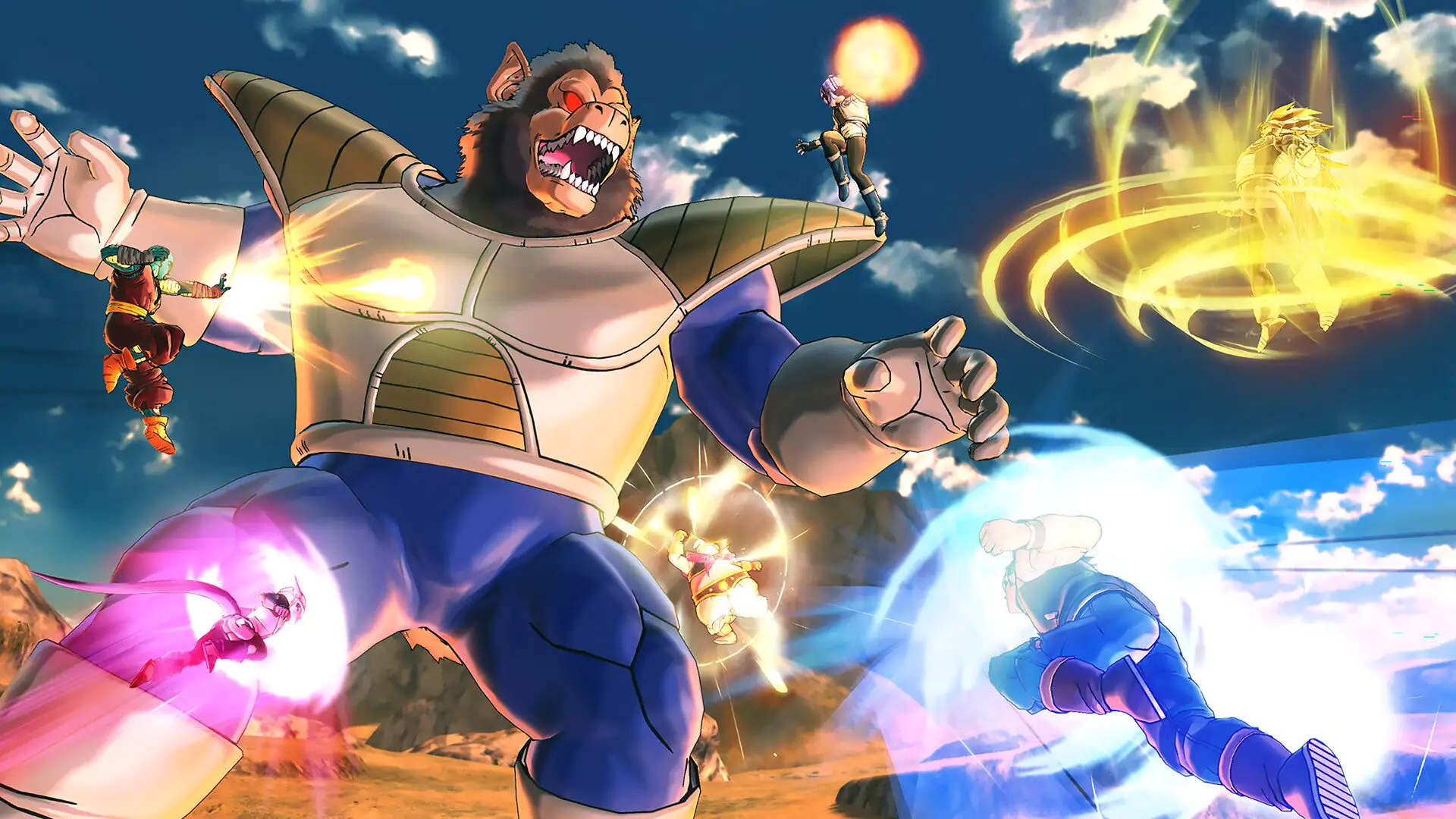 Dragon Ball Xenoverse 2 Turns 10: Free Update and Xenoverse 3 Rewards Await at the Anniversary Festival
The Xenoverse 2 10th anniversary update arrives on October 27. The festival starting October 30 brings 25x Star Coins and exclusive rewards that carry over to Xenoverse 3.
Products from authorized providers at fair prices.
24-Hour Nonstop and Fast Delivery Service.
24/7 Support Center
100% Satisfaction Guaranteed