


Secure Shopping
Products from authorized providers at fair prices.
Learn how to link your Riot account to Twitch and start earning Twitch Drops rewards instantly.
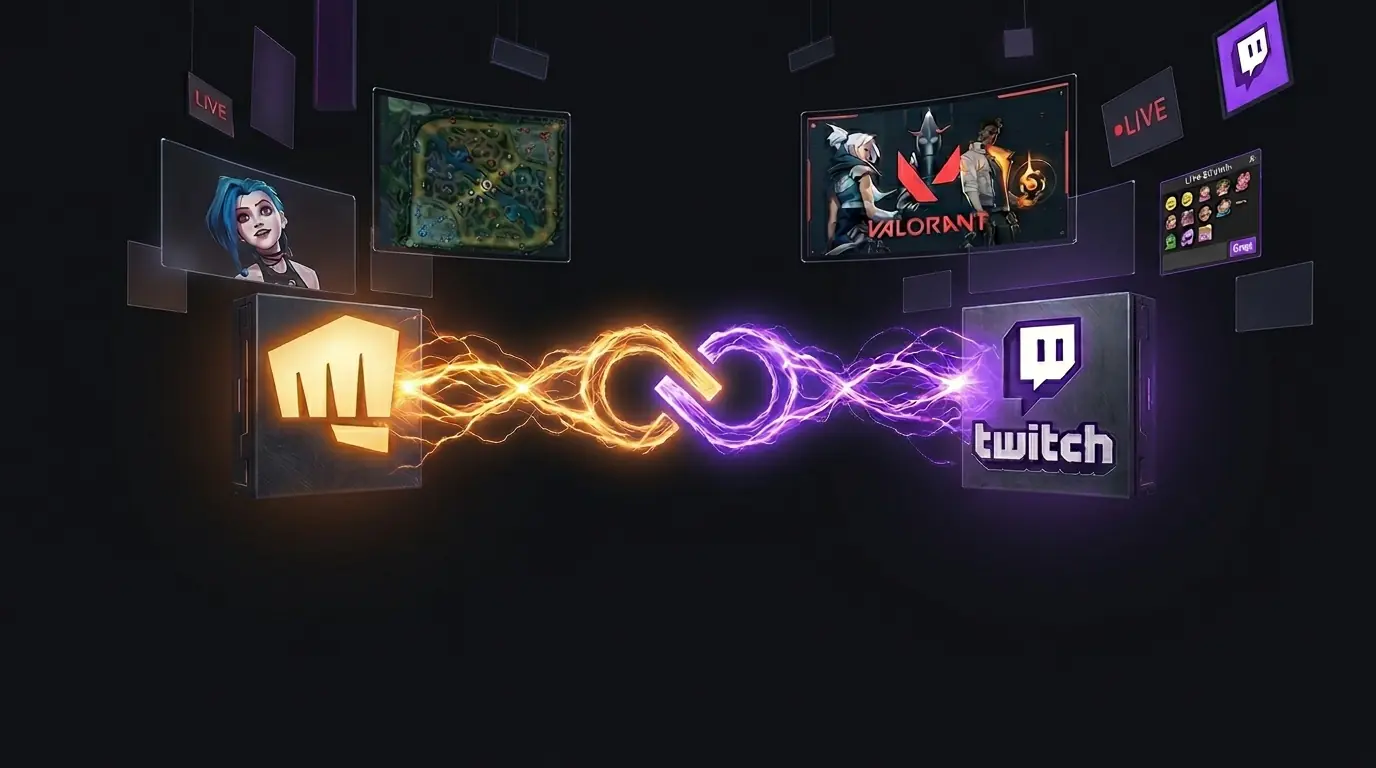
You only need to link your Riot account to Twitch once to start earning in-game cosmetics from Twitch Drops while watching your favorite streams.
Log In to Twitch: Go to Twitch in your browser, sign in to your account, and click your Profile Picture in the top right corner.
Go to Settings: From the dropdown menu, select the "Settings" tab.
Find the Connections Tab: Click on the "Connections" section from the top menu bar.
Locate Riot Games: Scroll down until you see the Riot Games logo and click the "Connect" button next to it.
Authorize: A new window will appear. Log in with your Riot Games username and password, then click "Authorize" to confirm the connection.
Check Connection: Once linked, you'll see a green check mark or a "Disconnect" button next to Riot Games in your Twitch Settings.
Twitch Drops: Earn exclusive sprays, cards, and charms during VCT tournaments or special streamer events (like the Jynxzi tournament or VCT Stage 1 Playoffs).
Special Events: Participate in interactive prediction games like Shotcall and unlock surprise "Mystery Rewards" for your collection.
Beta Access: Be among the first to get beta keys for upcoming Riot titles.
 Xbox’s New Mythic Achievement: A 15-Second Epic Unlock
A new Xbox PC app update has revealed the Mythic Achievement badge Xbox’s answer to PlayStation’s Platinum Trophy along with an epic 15-second unlock sound. Here’s how it works.
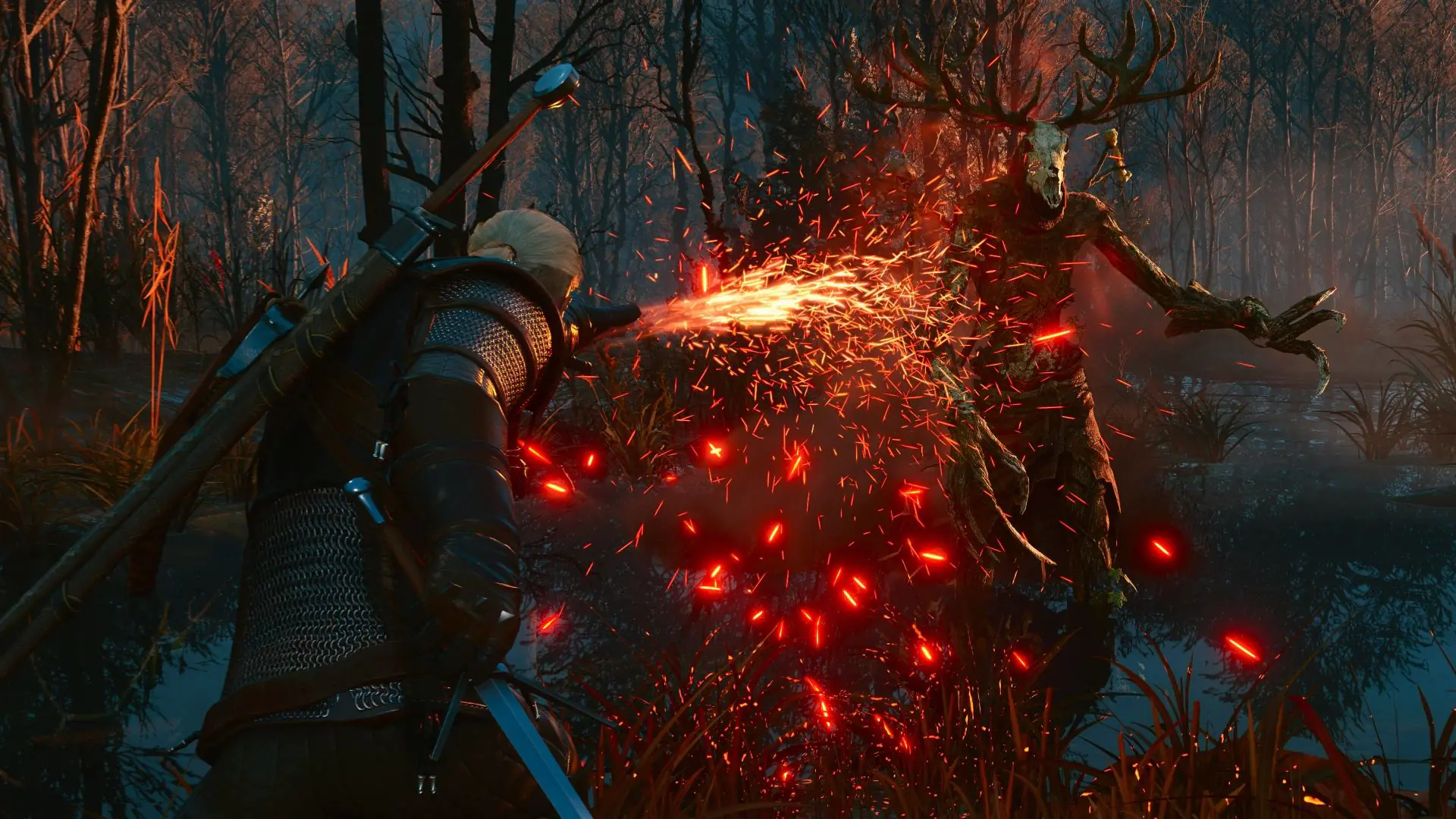 The Witcher 3 Remastered: Global Release Times and Major Updates Revealed
CD Projekt Red confirms The Witcher 3 Remastered will launch in Europe on September 29 at noon (Paris time). Discover free upgrades, save transfers, and the debut on Battle.net.
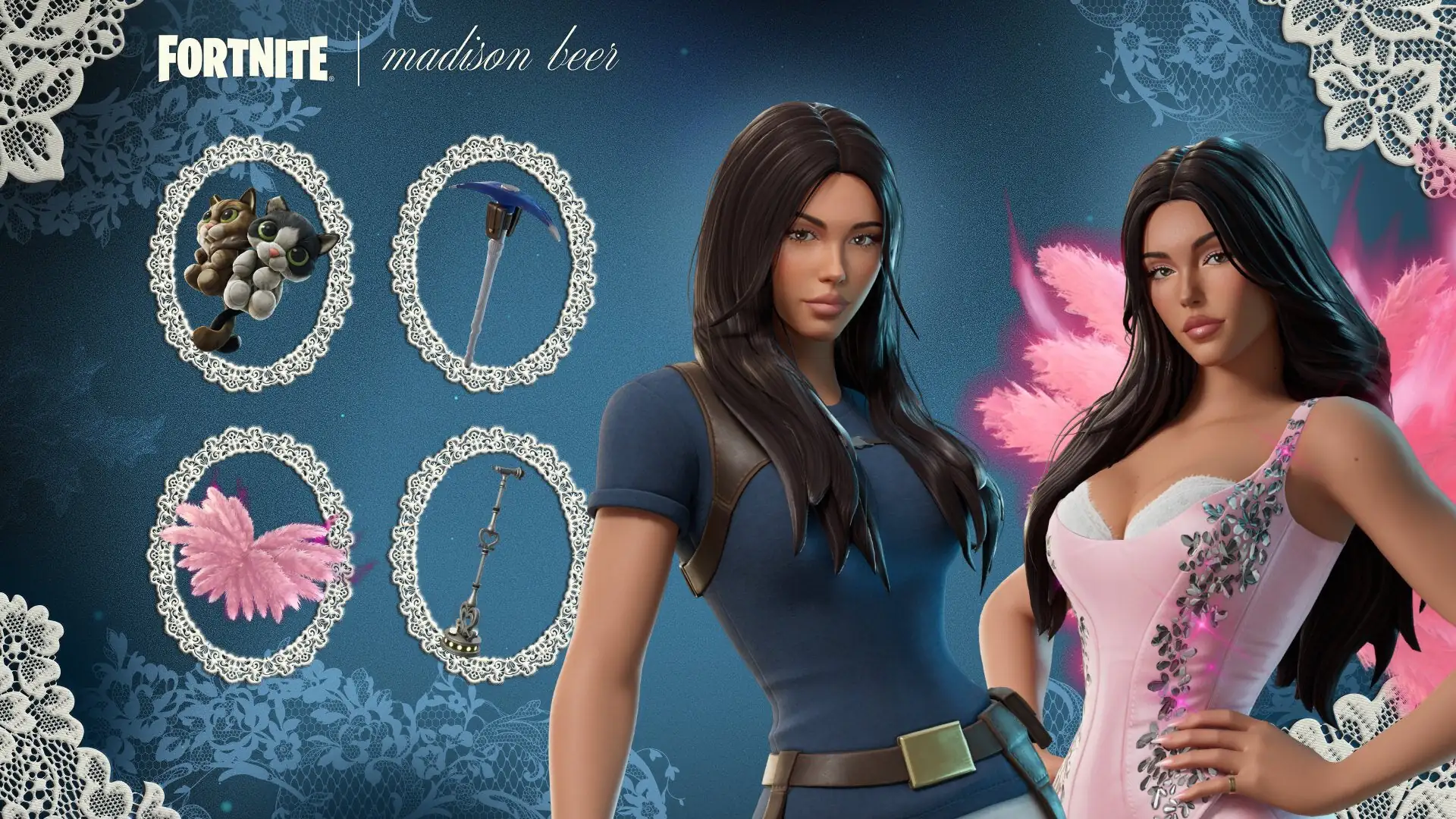 Madison Beer Joins Fortnite Tomorrow After a Simple Request
After jokingly asking Epic Games for a Fortnite skin, Madison Beer joins the Icon Series just seven months later. Discover details on the two skins, cat-themed back blings, and the competitive Icon Cu
 Everything We Know About Activision’s New Halo Game
We’ve gathered all the key details about Activision’s bold new era for Halo and what it means for the franchise.
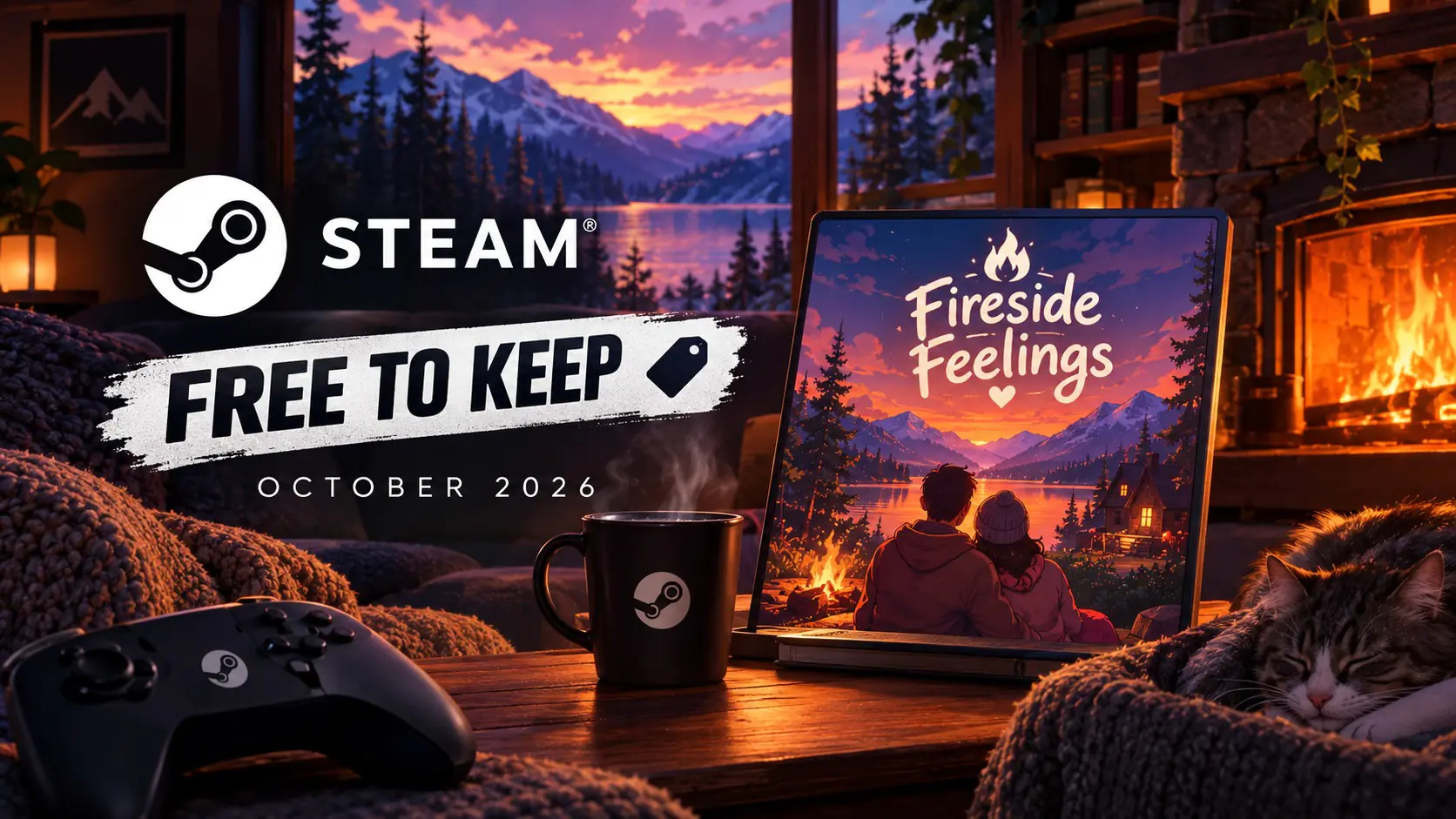 Steam’s Free-to-Keep Promo: Another Free Game Confirmed for October 2026
Story-driven cozy game Fireside Feelings and more. Here’s everything going free on Steam this October.
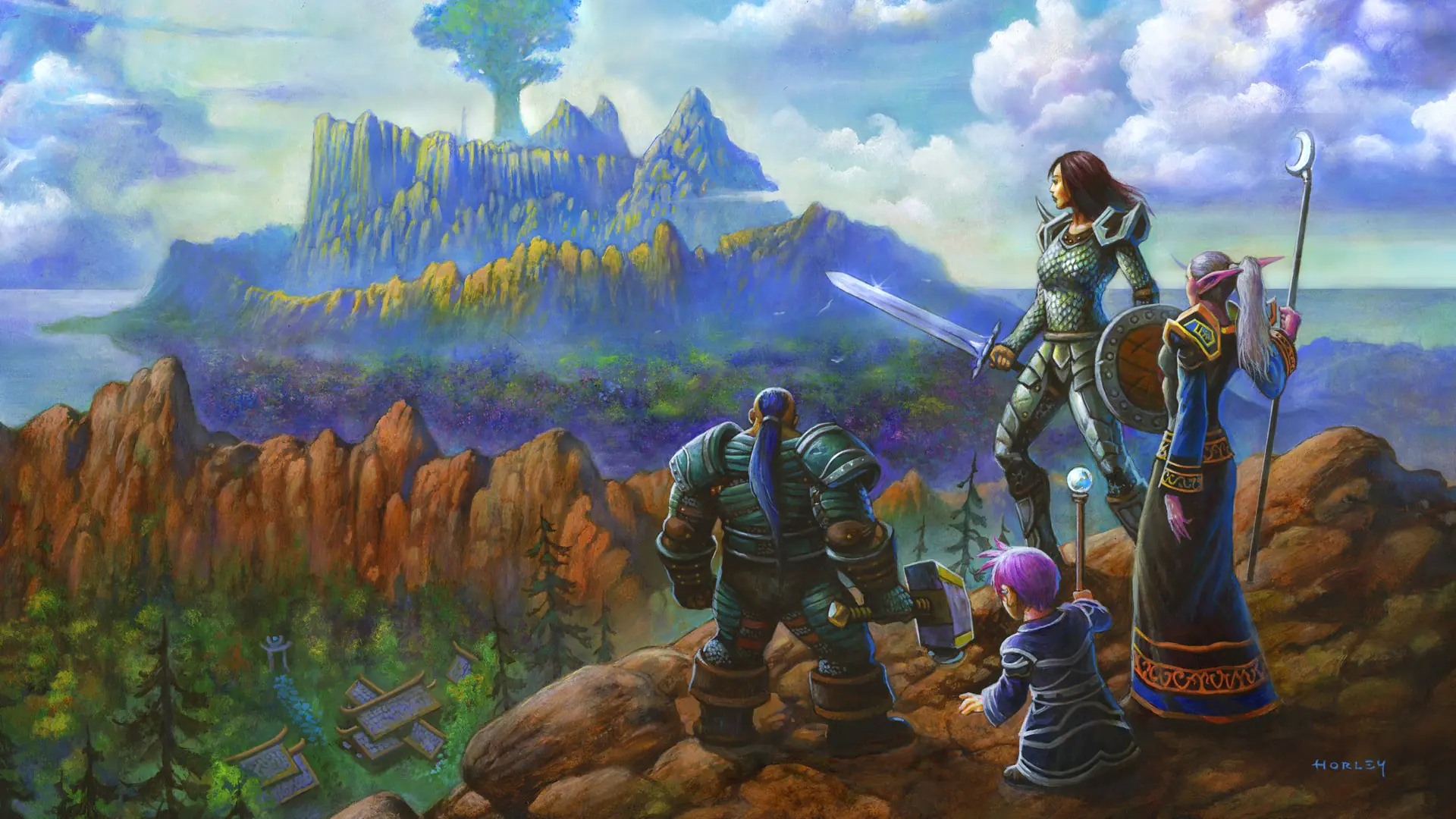 How WoW Forever Early Name Reservation Works
WoW Forever drops server lists and introduces a unique two-part name system for characters. Early Name Reservation opens October 27 here’s how to secure your favorite name.
Products from authorized providers at fair prices.
24-Hour Nonstop and Fast Delivery Service.
24/7 Support Center
100% Satisfaction Guaranteed