


Secure Shopping
Products from authorized providers at fair prices.
Discover the New Era Replacing V-Bucks Cards
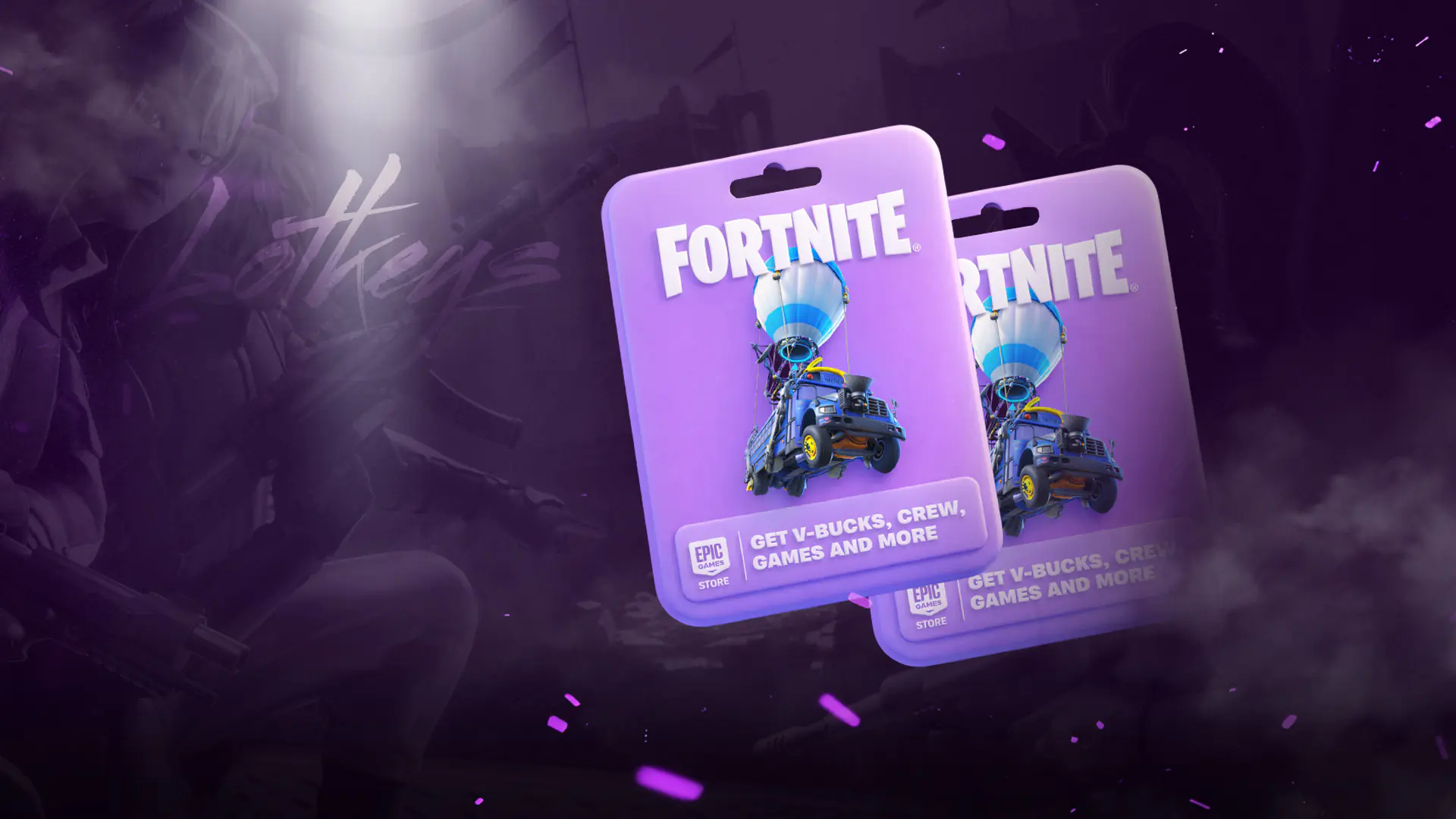
For years, Fortnite players relied on V-Bucks cards to top up their in-game currency. Now, those cards are becoming a thing of the past. Starting mid-2024, Epic Games has launched a brand new product to replace V-Bucks cards: the Epic Games Gift Card (also called the Fortnite Gift Card). This change is not just about the name; the card’s features, usage options, and region lock rules have all been fundamentally updated. In this guide, we explain all the new features, the currency-based region system, and how to redeem and use your card step by step.
The Epic Games Gift Card (officially Fortnite Gift Card powered by the Epic Games Store) is a digital or physical prepaid card that lets you add funds to your Epic account. The main difference from the old V-Bucks cards: the funds you load are not just for V-Bucks. Instead, the amount is added to your account as real currency and can be used for any product within the Epic ecosystem.
Here’s what you can buy with it:
In short, while the V-Bucks card was limited to a single game, the Epic Games Gift Card is now a multi-purpose wallet for the entire Epic ecosystem.
The cards are currently available in the US in the following denominations. Equivalent values in other currencies (EUR, GBP, AUD, etc.) may vary by region:
Physical cards can be found in stores, while digital codes are sold on online platforms (such as Amazon, Best Buy, GameStop, and digital key sellers like Lotkeys).
Using an Epic Games Gift Card is easy. There are two main ways:
To spend your funds, simply select "Epic Account Balance" as your payment method during checkout. This option is available on the Epic Games Store, Fortnite, Rocket League, Fall Guys, and any platform using Epic’s payment system.
Important note: When you redeem a card, the full amount is added to your account at once; partial redemption is not possible. Also, funds loaded to your account cannot be transferred to another account.
This is one of the most critical aspects of the Epic Games Gift Card and misunderstanding it can lead to loss of funds. In short: Yes, there is a region lock, but it works as a “currency lock” rather than a “country lock.”
According to Epic Games’ official statement: Fortnite gift cards are currency-specific, so the currency of your card must match the currency of your Epic account balance to redeem the card. This means the card’s currency must exactly match your account’s currency.
How does this work?
Your account’s currency is determined by the country you select when creating your Epic account. Changing your region to use a V-Bucks or Gift Card is not allowed by Epic Games.
To avoid any issues or loss, always choose the correct currency before buying a card. On platforms like Lotkeys, cards are listed by currency, so you should check your Epic account’s currency (based on your country) and purchase a matching card.
The Epic Games Store supports over 43 different currencies. The most common currencies available as Fortnite Gift Cards are:
If your account’s currency is not listed, purchases on the Epic Games Store default to USD. However, to use a Gift Card, you must find a card that matches your account’s currency.
Funds loaded with the Epic Games Gift Card are valid on the following platforms:
All purchases for Fortnite, Rocket League, and Fall Guys content across these platforms are linked via the Fortnite Shared Wallet, meaning your V-Bucks and cosmetics are accessible on all supported platforms.
There’s one important exception: Nintendo Switch does not support the Fortnite Shared Wallet system. This means:
The good news: Fortnite skins, emotes, and other cosmetics purchased with V-Bucks (that are added as “items”) will appear in your Locker on all platforms, including Nintendo Switch. So, if you buy a skin on the web Item Shop or another platform, you can use it on Switch too.
One of the most attractive perks of the Epic Games Gift Card is the Epic Rewards cashback system.
If you shop with your account funds in the following games, you get a permanent 20% cashback in Epic Rewards:
For example, if you buy 1,000 V-Bucks ($7.99), you’ll receive about $1.60 in Epic Rewards. These rewards accumulate and can be used for your next purchases.
For other games and content on the Epic Games Store, you get 20% cashback until the end of August 2025, then the standard 5% applies.
To celebrate the new Gift Card system, Epic Games is offering a limited-time bonus: redeem your first Epic Games Gift Card by December 31, 2026 and receive the GHOST Monks outfit for free.
To claim this bonus, make sure the Epic account you redeem the code for is the same one you actively use for Fortnite.
There are limits to how much funds you can keep in your Epic account. While these limits may vary slightly by region, the standard rules are:
Funds cannot be withdrawn as cash and are lost if your account is deleted. It’s recommended to use your balance regularly.
Your top questions about the Epic Games Gift Card answered
Yes, it is locked by currency. The currency of the card (e.g. EUR, USD, GBP) must match the currency of your Epic account. For example, an EUR card only works for European accounts with euro as their currency, a USD card only for US dollar accounts.
Yes. Once you load the card funds to your Epic account, you can buy all Fortnite content, Rocket League and Fall Guys items, as well as games on the Epic Games Store.
Nintendo Switch does not support the Fortnite Shared Wallet system. This means V-Bucks purchased with your Epic account funds won’t show up directly on Nintendo devices. However, Fortnite skins and accessories bought via the web Item Shop or other Shared Wallet platforms can still be used on Nintendo.
It works on PC, Mac, PlayStation, Xbox, Android, and iOS. For PlayStation and Xbox, your platform account must be linked to your Epic account. Nintendo Switch does not support Shared Wallet.
If the card’s currency doesn’t match your account’s currency, you cannot redeem the code. Epic Games does not allow region changes for this purpose. Please contact the platform where you purchased the card for a refund or exchange.
When you spend your loaded funds on Fortnite, Rocket League, or Fall Guys, you get a permanent 20% Epic Rewards cashback. For other purchases on the Epic Games Store, it’s 20% until the end of August 2025, and then 5% afterwards.
Redeem your first Fortnite Gift Card to your Epic account by December 31, 2026 and you’ll automatically receive the GHOST Monks outfit. Make sure you use the code on the same Epic account you play Fortnite with.
 Xbox Game Pass Confirms 9 Day One Titles for October 2026
From Gears of War: E-Day to Chained Beasts, here’s the full list of 9 day one titles Xbox Game Pass has confirmed for October 2026.
 Steam Confirms 5 Free DLC Gifts for October 2026 Claim Them Early
Steam’s free to keep campaign is set to offer Rotwood, MXGP 26, and three other racing or hunting game DLCs for October 2026. See the full list and details here.
 Everything Announced at Minecraft LIVE September 2026!
The Sift dimension, Minecraft Dungeons II release date, and the real-world Minecraft theme park were all revealed at Minecraft LIVE September 2026.
 Xbox’s New Mythic Achievement: A 15-Second Epic Unlock
A new Xbox PC app update has revealed the Mythic Achievement badge Xbox’s answer to PlayStation’s Platinum Trophy along with an epic 15-second unlock sound. Here’s how it works.
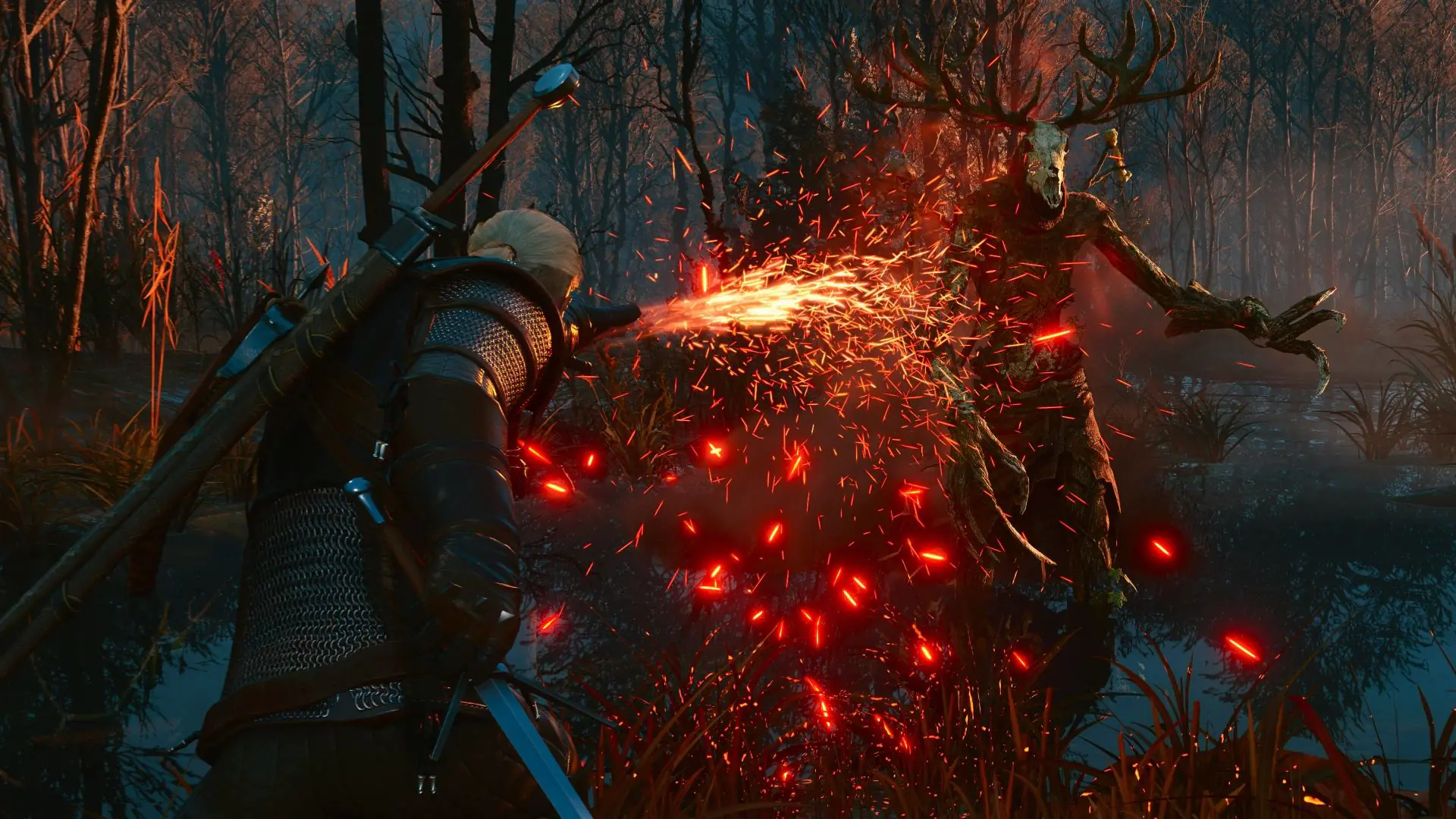 The Witcher 3 Remastered: Global Release Times and Major Updates Revealed
CD Projekt Red confirms The Witcher 3 Remastered will launch in Europe on September 29 at noon (Paris time). Discover free upgrades, save transfers, and the debut on Battle.net.
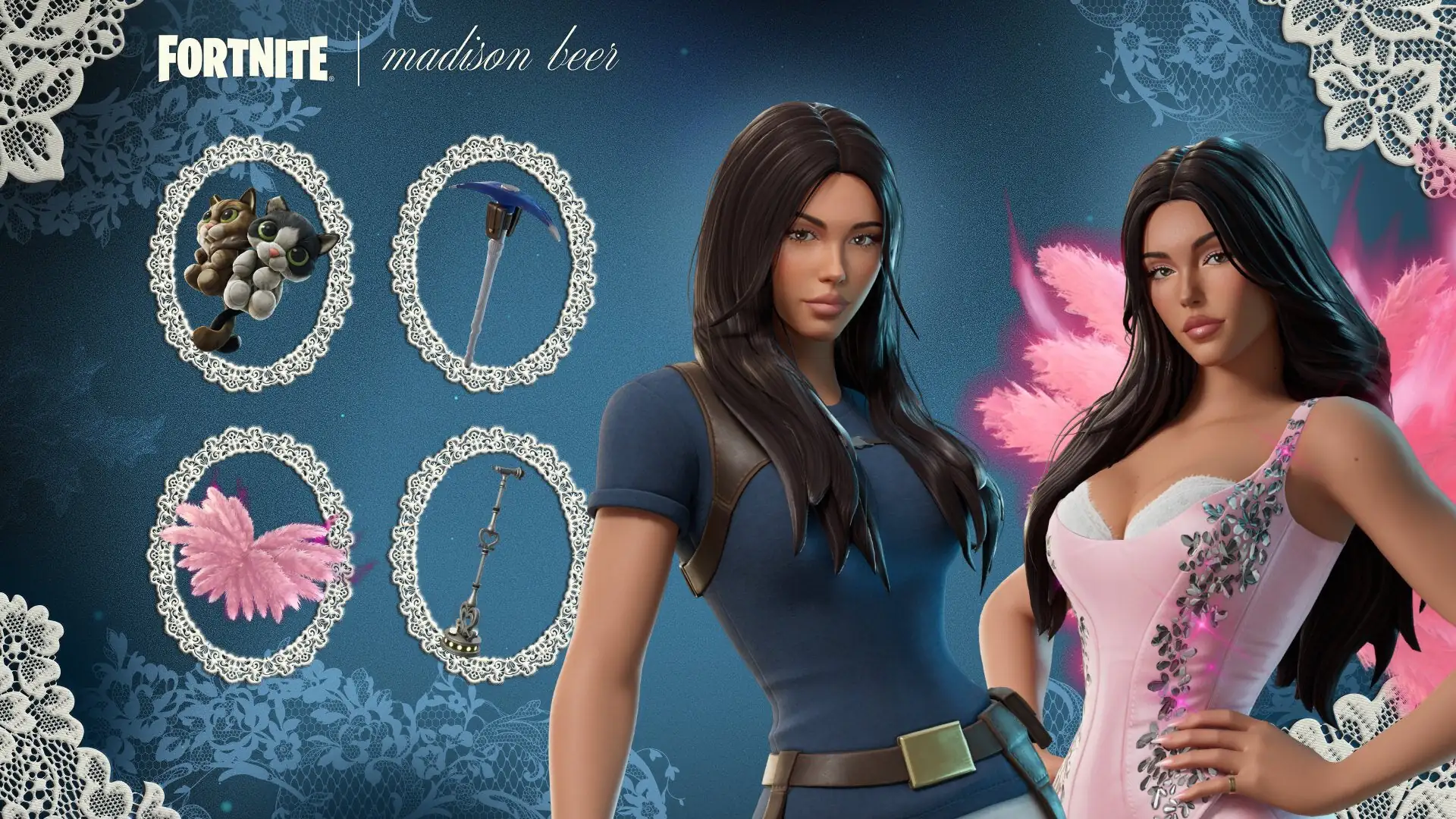 Madison Beer Joins Fortnite Tomorrow After a Simple Request
After jokingly asking Epic Games for a Fortnite skin, Madison Beer joins the Icon Series just seven months later. Discover details on the two skins, cat-themed back blings, and the competitive Icon Cu
Products from authorized providers at fair prices.
24-Hour Nonstop and Fast Delivery Service.
24/7 Support Center
100% Satisfaction Guaranteed