


Secure Shopping
Products from authorized providers at fair prices.
Discover everything about Razer Gold in this guide, including gift cards, PINs, top-up methods, region locks, and security tips.
Razer Gold is a global virtual wallet and credit system developed by hardware giant Razer. It allows gamers to easily pay for in-game purchases, digital content, and app subscriptions. Accepted on over 42,000 games and platforms, this system provides a secure shopping experience even without a credit card.
The standout feature of Razer Gold is that you can use a single account across multiple platforms. From Steam and PUBG Mobile to Valorant and Bigo Live, you can make payments with Razer Gold almost anywhere.
The more you spend with Razer Gold, the more Razer Silver you earn. Every $1 (or local currency equivalent) spent gives you 50 Razer Silver. These points can be redeemed for Razer gear, game codes, and exclusive discount coupons. Note: Razer Silver is valid for 1 year from the date it is earned.
The system is built on a dual-currency model: you spend Gold and earn Silver as loyalty rewards. This makes Razer Gold much more than just a prepaid card.
A Razer Gold Gift Card is a prepaid code you use to add funds to your wallet. It can be sold physically or as a digital e-pin. When you purchase one, you receive a PIN code; once you redeem it to your Razer Gold account, the specified amount is added to your wallet.
Gift cards are available in multiple currencies: TRY, USD, EUR, BRL and more. For gamers in Turkey, TRY gift cards are the most practical option since you avoid extra costs from exchange rates.
| Feature | Razer Gold Gift Card | Razer Gold Wallet |
|---|---|---|
| What is it? | Code for loading funds | Virtual wallet (account) |
| How to get it? | As an e-pin from a vendor | Created at gold.razer.com |
| Where to use | To wallet or directly in-game | Thousands of games and platforms |
| Currency | TRY, USD, EUR, etc. | Set at account creation |
Razer Gold is not just for in-game items. Here are the main areas where you can use it:
You can use your Razer Gold funds to buy over 42,000 games and DLCs directly from the store at gold.razer.com.
To see which games accept Razer Gold, check the catalog page on gold.razer.com. The list of supported games is updated regularly.
One of the most confusing aspects of Razer Gold is the region lock. Razer Gold wallets are region-specific, meaning the code's currency must match your account's currency.
If you try to load a USD code into a Turkey (TRY) wallet, you'll get a "Failed to reload" error and the transaction won't go through. Always check your account's region before purchasing.
| Code Type | Works With | Use Case |
|---|---|---|
| TRY Razer Gold | Only Turkey (TR) wallets | PUBG UC, Valorant VP at Turkey prices |
| USD Global | Only "Other" region accounts | International content priced in USD |
| BRL Brazil | Only Brazil region accounts | Brazil server exclusive campaigns |
After logging in to gold.razer.com, check the country flag in the top right. The flag shows your account's region. If it's incorrect, you need to contact Razer support; you can't change the region yourself.
You can use Razer Gold in two ways: either load funds into your wallet and spend from there, or on some platforms, use the direct top-up method without opening a wallet.
Go to Midasbuy → Enter your Game ID → Choose Razer Gold Pin as payment → Enter PIN and serial number → UC is credited to your account. If you want to use your Razer Gold wallet balance, you can do the same via gold.razer.com.
Trying to enter a USD code into a TRY wallet is the most common mistake. If you get a "Failed to reload" or "Invalid PIN" error, it's most likely a region issue.
Each Razer Gold PIN code is single-use only. Once used, it becomes invalid. If you see "Code already used", it means the code was previously redeemed.
Some users try to enter the code on the Razer Gold account page instead of the game's web store, or vice versa. Pay attention to which method you're using (wallet top-up or direct top-up).
For security, Razer Gold may require SMS verification during top-ups. If you try to enter the code without completing this step, the transaction won't be completed.
If your wallet doesn't have enough funds, the transaction will fail. Especially for USD purchases, the required TRY amount may fluctuate due to exchange rates.
These two methods are often confused, but there are important differences:
| Feature | Direct Top-Up | Wallet Payment |
|---|---|---|
| Is an account required? | No | Yes (Razer ID) |
| Leftover funds? | Any remaining funds may be lost in-game | Leftover funds stay in the wallet |
| Earn Razer Silver? | Usually yes | Yes |
| Flexibility? | Only for that game | All supported platforms |
| Best use case? | Quick one-time purchase | Multiple games or regular spending |
If you spend regularly across multiple games, paying with your wallet balance is much more advantageous. You collect Razer Silver and your funds are safe. For a quick, one-time UC or diamond top-up, direct top-up is enough.
When you buy a Razer Gold code, you usually receive two pieces of information:
| Type | Description | Where to Use |
|---|---|---|
| PIN Code | Usually a 20-digit main code | gold.razer.com wallet top-up, in-game payment screens |
| Serial Number | Additional reference code to verify the PIN | Some games' direct top-up screens (e.g., PUBG Mobile) |
On the official Razer wallet top-up page, entering just the PIN is enough; the serial number is not required. However, some game store pages (like Midasbuy) may ask for both the PIN and serial number. This is normal and safe, as these platforms are official Razer partners.
Razer Gold codes purchased from Lotkeys display both the PIN and serial number clearly. Each payment screen specifies exactly which code to enter where.
Security is crucial in the Razer Gold ecosystem. Some platforms may request the serial number in a way that only they can use it; this increases the risk of your code being stolen.
You can verify Razer Gold's official distributors and partners at partners.gold.razer.com. Platforms listed here use Razer's official PIN distribution system, guaranteeing authenticity.
Basic rules for safe shopping:
Answers to the most common questions about Razer Gold
No. Razer Gold is designed exclusively for use on gaming and digital content platforms. There is no official way to convert it to cash.
 Xbox’s New Mythic Achievement: A 15-Second Epic Unlock
A new Xbox PC app update has revealed the Mythic Achievement badge Xbox’s answer to PlayStation’s Platinum Trophy along with an epic 15-second unlock sound. Here’s how it works.
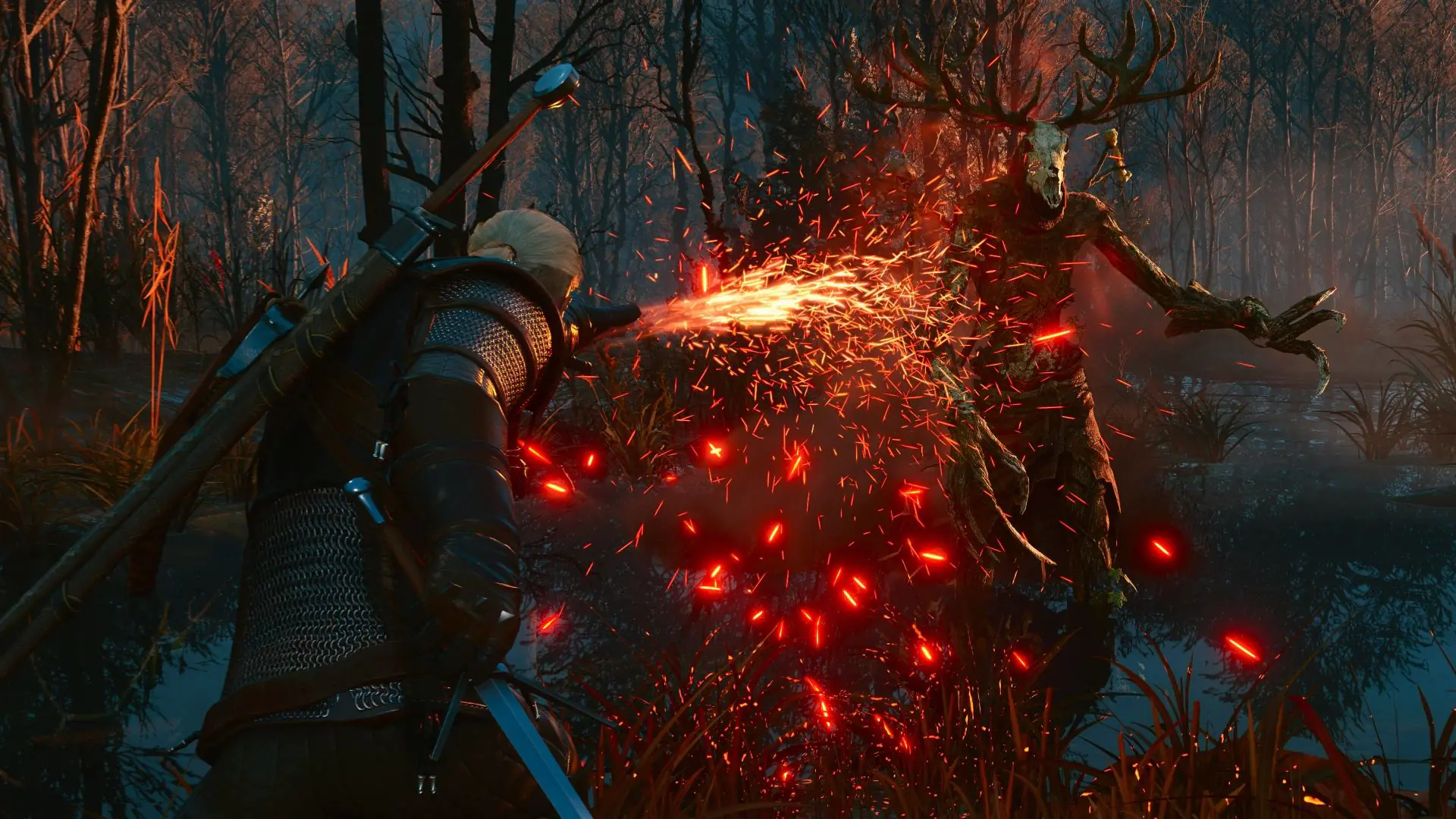 The Witcher 3 Remastered: Global Release Times and Major Updates Revealed
CD Projekt Red confirms The Witcher 3 Remastered will launch in Europe on September 29 at noon (Paris time). Discover free upgrades, save transfers, and the debut on Battle.net.
 Madison Beer Joins Fortnite Tomorrow After a Simple Request
After jokingly asking Epic Games for a Fortnite skin, Madison Beer joins the Icon Series just seven months later. Discover details on the two skins, cat-themed back blings, and the competitive Icon Cu
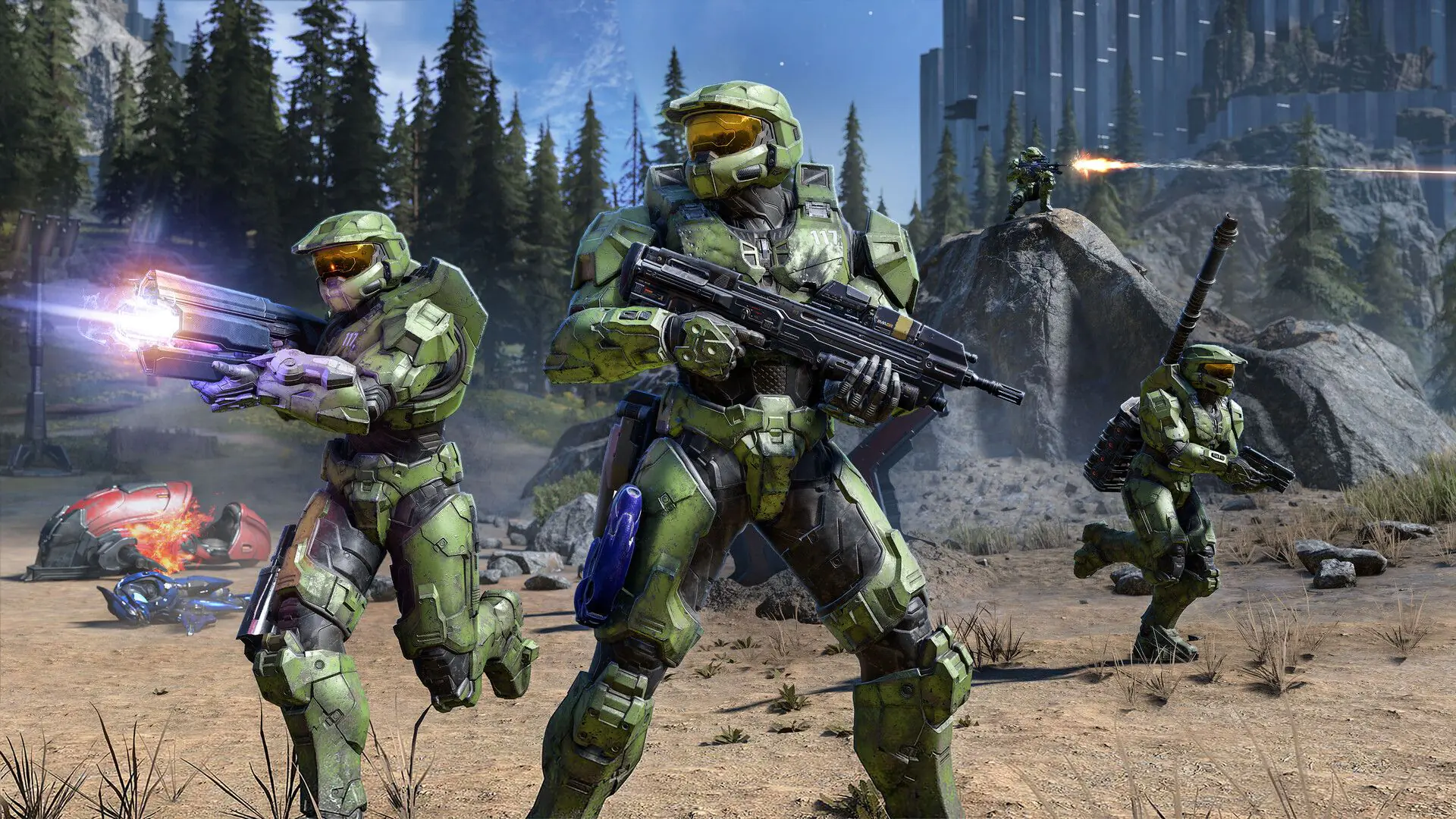 Everything We Know About Activision’s New Halo Game
We’ve gathered all the key details about Activision’s bold new era for Halo and what it means for the franchise.
 Steam’s Free-to-Keep Promo: Another Free Game Confirmed for October 2026
Story-driven cozy game Fireside Feelings and more. Here’s everything going free on Steam this October.
 How WoW Forever Early Name Reservation Works
WoW Forever drops server lists and introduces a unique two-part name system for characters. Early Name Reservation opens October 27 here’s how to secure your favorite name.
Products from authorized providers at fair prices.
24-Hour Nonstop and Fast Delivery Service.
24/7 Support Center
100% Satisfaction Guaranteed