


Solving Common Game Platform Issues: Steam, PlayStation, Xbox & Mobile
Gaming across multiple platforms can sometimes be frustrating due to errors, crashes, or payment issues
Table of Contents
Gaming across multiple platforms can sometimes be frustrating due to errors, crashes, or payment issues. Here’s a breakdown of common problems and practical solutions for PC, consoles, and mobile devices.
1. Steam Update Errors
Problem: Games failing to update or stuck in download queue.
Solution:
-
Clear Steam download cache: Steam → Settings → Downloads → Clear Download Cache.
-
Verify game files: Right-click game → Properties → Local Files → Verify Integrity of Game Files.
-
Check firewall and antivirus settings.
2. PSN Store Payment Issues
Problem: Payment declined or transactions not processed.
Solution:
-
Ensure your PSN account has the correct billing information.
-
Check the region of your payment method matches the PSN store region.
-
Retry using PlayStation Gift Cards for a secure and fast payment option.
3. Xbox Account & Game Installation Errors
Problem: Game not launching or stuck on “Installing”.
Solution:
-
Restart the console and check for system updates.
-
Clear local saved games if needed (Settings → System → Storage).
-
Use Xbox Gift Cards to purchase games or subscriptions without card issues.
4. Mobile (iOS/Android) Crashes
Problem: Apps crashing or not opening after updates.
Solution:
-
Clear cache and app data.
-
Ensure the device OS is up to date.
-
Reinstall the app if the problem persists.
Quick Tip: Secure Game Purchases with Lotkeys
If you want to avoid payment failures across platforms, using Lotkeys gift cards for Steam, PlayStation, or Xbox is a reliable choice:
-
Steam Wallet Codes
-
PlayStation Gift Cards
-
Xbox Game Pass / Gift Cards
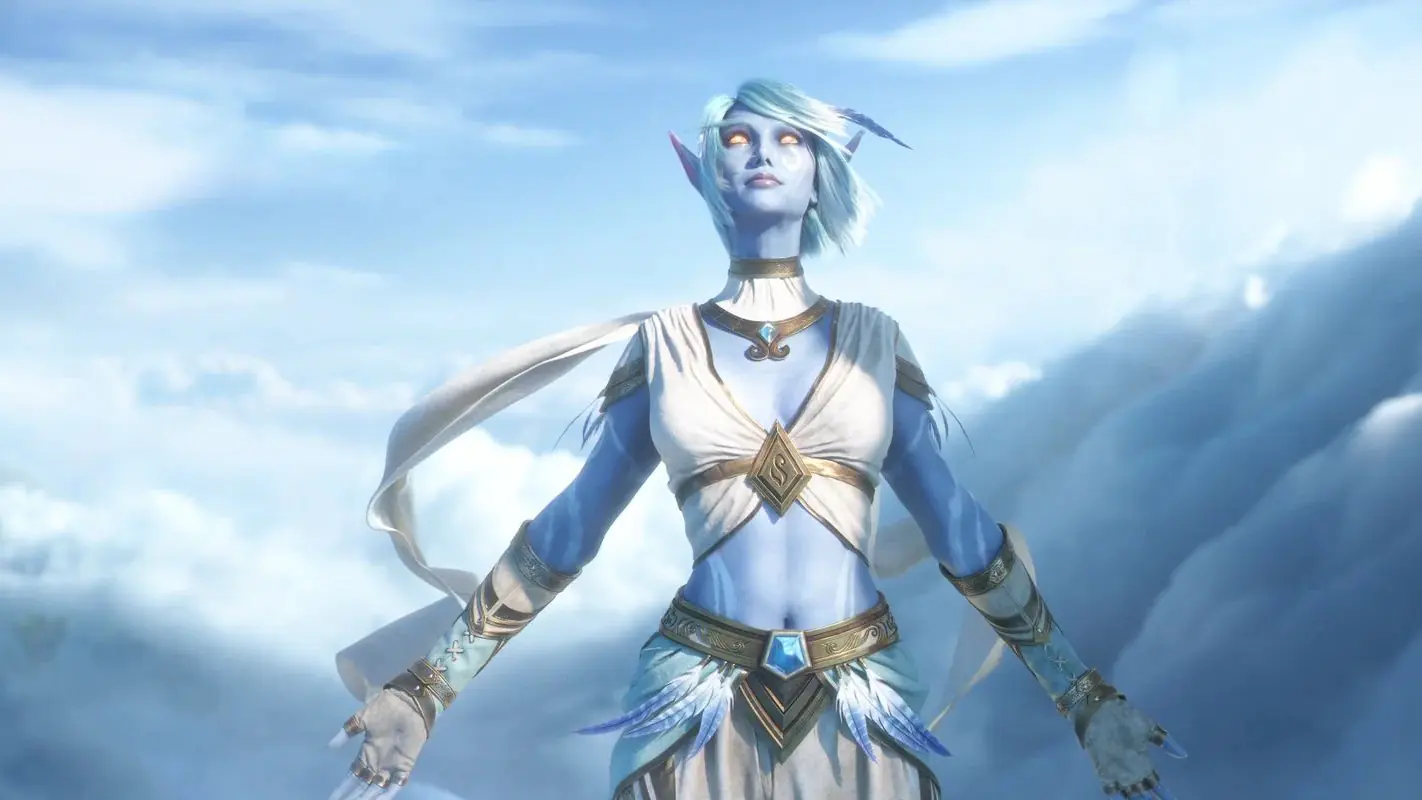 WoW Forever Beginner’s Guide: Best Race and Class to Start With
Read this before creating your first character in WoW Forever. Discover the best beginner classes, all races including Skyborne, updated racial bonuses, and the top race for each class.
 GTA 6 Release Time Revealed: Pre-Load Date and File Size Announced
The countdown for GTA 6 has begun. Find out when pre-load opens on PS5 and Xbox, how much storage you’ll need, and exactly when you can start playing on November 19.
 WoW Forever Launches Smoothly: What Happened on Blizzard’s Calmest Release Night?
World of Warcraft: Forever is live, and servers performed better than expected. Learn about launch queues, the ruleset error, the first legendary weapon, and how to get started.
 PUBG x IVE Collaboration: New Sets, IVE Spots and Key Dates Revealed
K-pop group IVE has arrived in PUBG: Battlegrounds with update 44.1. Discover the new IVE Spots in Rondo, member sets, free events, and all the key dates.
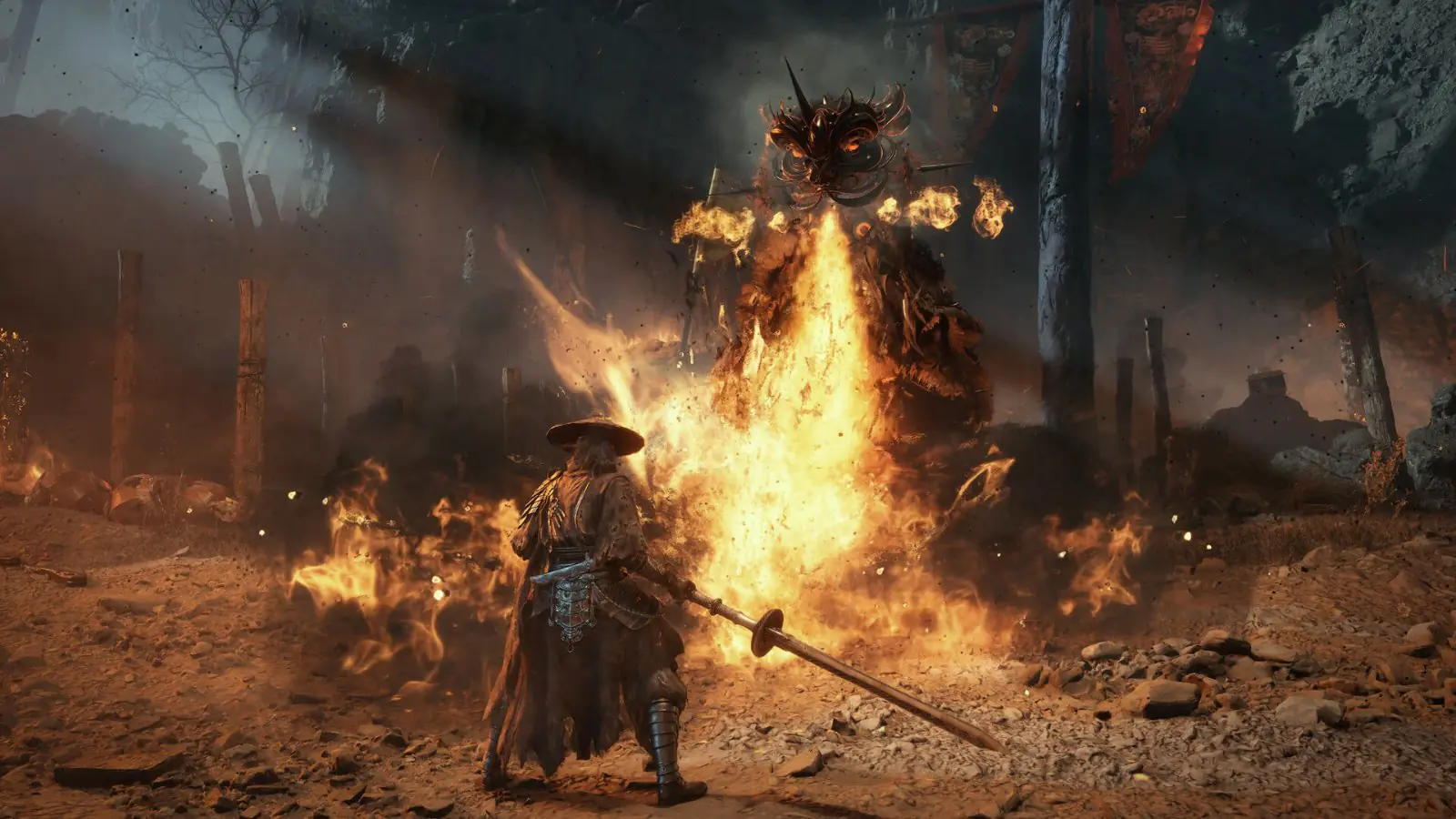 Phantom Blade Zero Patch Notes: Faster Startup, Hua Boss Tweaks, and Bug Fixes
S-Game has released patch 1.0302256 for Phantom Blade Zero. Discover new audio settings, faster shader compilation on PC, and changes to the Hua boss fight.
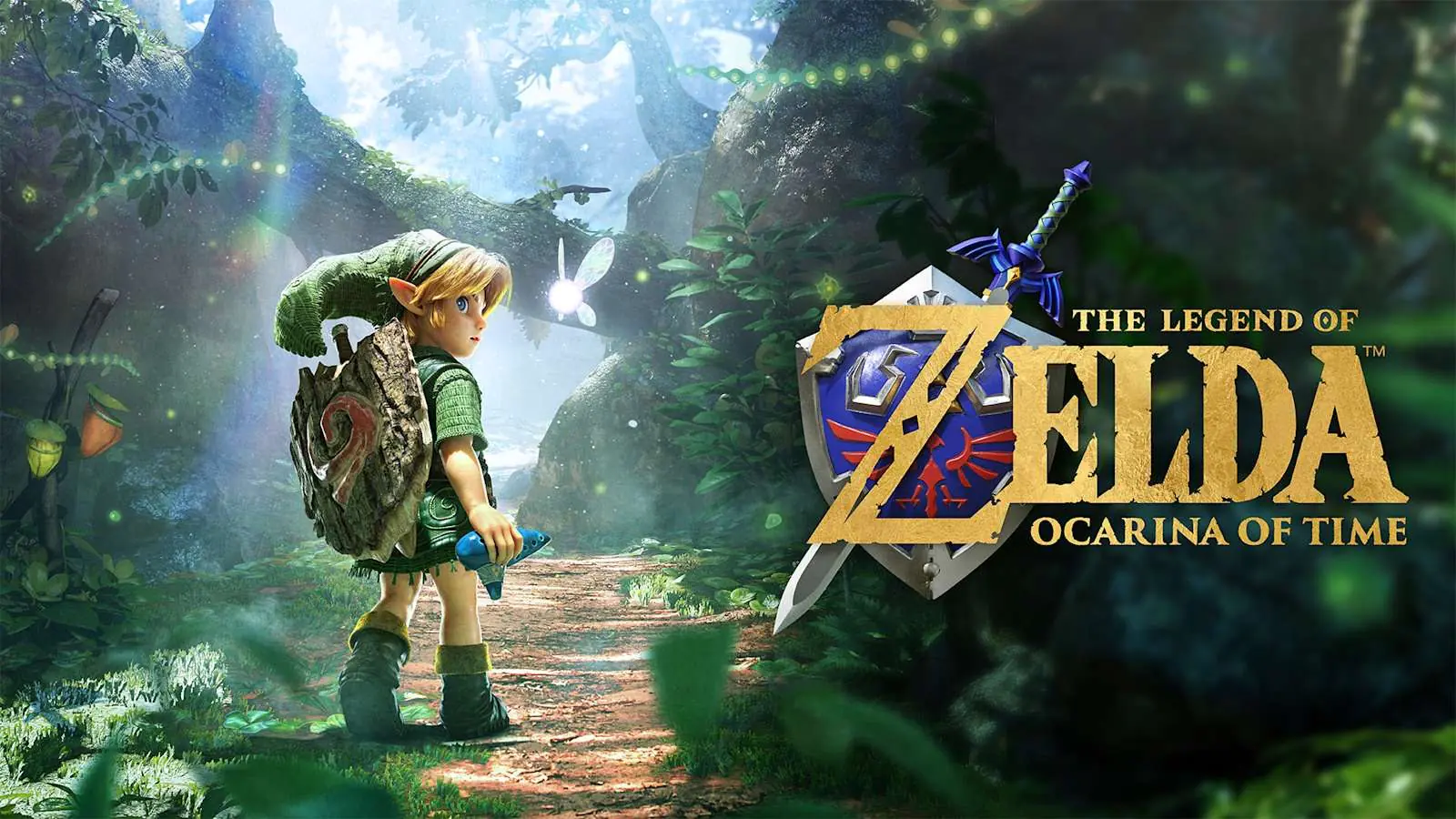 Zelda: Ocarina of Time Remake Reviews Are In: 96 Score Tops the Year
The Switch 2 remake of Ocarina of Time has received top marks from critics. Discover its review scores, new features, and how it compares to the original.