


Secure Shopping
Products from authorized providers at fair prices.
Discover all the details about the new 100 GB mod storage update for Xbox Series X|S and how it will change Fallout 4 on consoles.
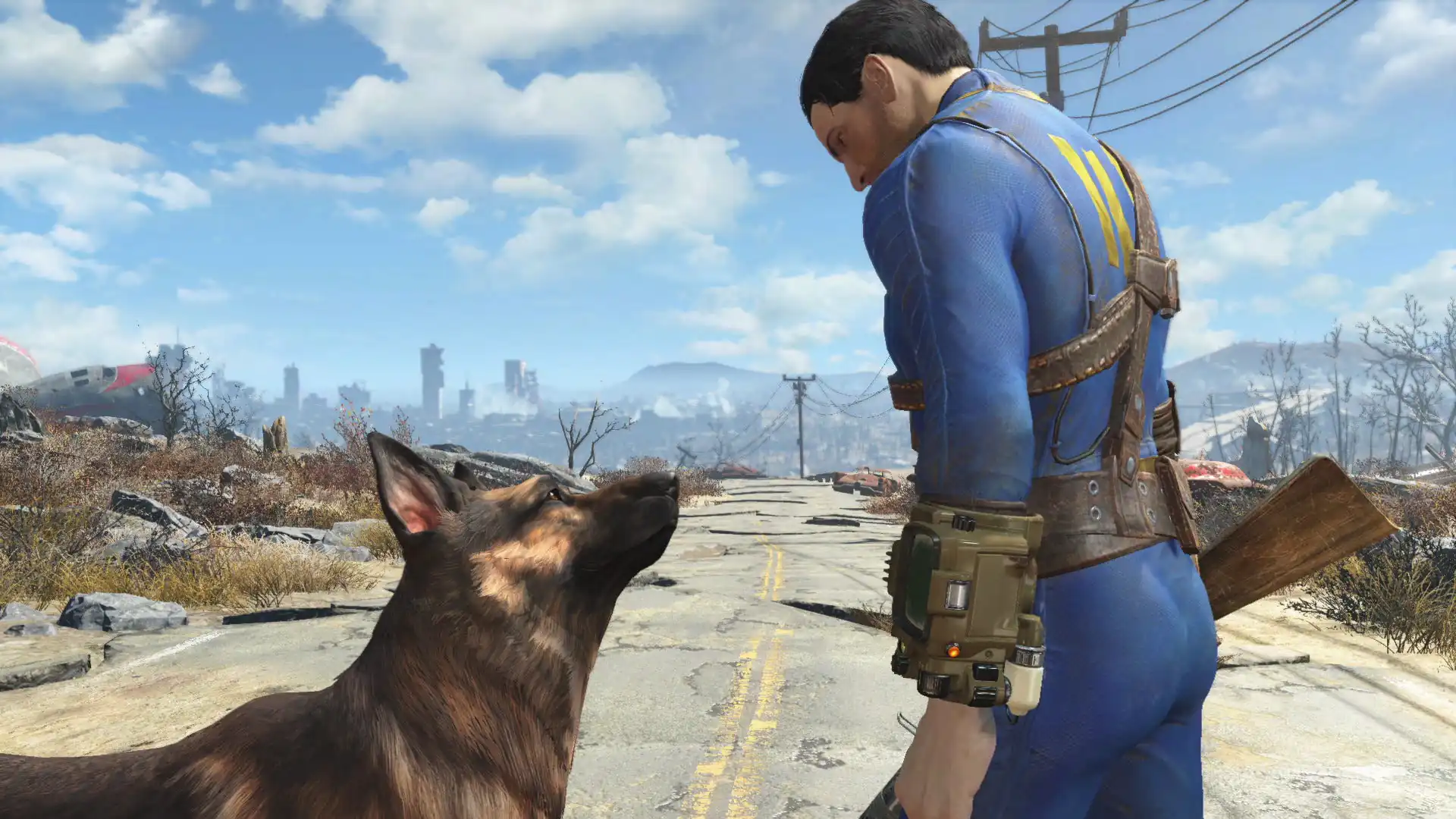
Bethesda is finally addressing one of the biggest complaints from console players. According to the official announcement, the extremely limited Fallout 4 mod (Creations) storage limit on consoles is being massively expanded next week. With this update, players will be able to download and enjoy much larger and more complex mods on their consoles.
Here are all the details of the update releasing on May 27, 2026, along with the new mod storage sizes for each console:
After years of being stuck between 1 GB and 2 GB on both Xbox and PlayStation, the mod limits have been significantly increased to match the power of new-generation consoles. Especially for Xbox Series X|S owners, a massive storage boost is on the way.
| Console Platform | Old Mod Limit | New Mod Limit (Starting May 27) | Increase |
| Xbox Series X | S | 2 GB | 100 GB | 50x Increase |
| Xbox One | 2 GB | ~15 GB | 7.5x Increase |
| PlayStation 5 | 900 MB / 1 GB | ~15 GB | 15x Increase |
| PlayStation 4 | 900 MB / 1 GB | ~15 GB | 15x Increase |
This update, which will revitalize Bethesda's "Creations" store, also brings some technical requirements. To avoid issues, pay attention to these details:
Expanding Storage Technology: The new 100 GB limit for Xbox Series X|S will work with a "dynamically expanding storage" system, just like in Starfield. As you download more mods, the total space used by the game on your console will grow.
Bigger Mods Are Coming: Because of the old 2 GB limit, huge map expansions, high-resolution texture packs, and large quest mods couldn't be ported to consoles from PC. Now, these mods will be available on consoles too.
Important Save Warning from Bethesda: If you haven't played Fallout 4 for a long time and have an old save file (especially from before November 2024), it's strongly recommended to start the game and create a new fresh save before the update arrives.
Mod Load Order May Reset: The major storage update could reset your mod load order. To avoid losing your current order, back up your load order through the "Load Order Archive" in the in-game "Creations" menu to Bethesda.net cloud before updating. This will let you restore it with a single click after the update.
 Rockstar Reveals Official Details on GTA 6's Vice City Map
Rockstar shares how they designed GTA 6's biggest map and how Vice City fits into the game world in an exclusive with Game Informer. Discover every detail of the six-region Leonida map.
 Krafton Cancels PUBG: Black Budget Before Launch
Krafton has halted development on PUBG: Black Budget before its release, marking the second PUBG spin-off canceled this year after Blindspot.
 Must-Play Games in the Steam Autumn Sale
The Steam Autumn Sale runs until October 8. Discover the top deals on must-play titles from Resident Evil Requiem to Skyrim, Clair Obscur, Cyberpunk 2077, and more.
 Astronaut Pikachu: Pokemon Blasts Off Into Space
Pokemon celebrates its 30th anniversary with ESA by sending Astronaut Pikachu to space. Discover the new design, in-game event, and exclusive merchandise.
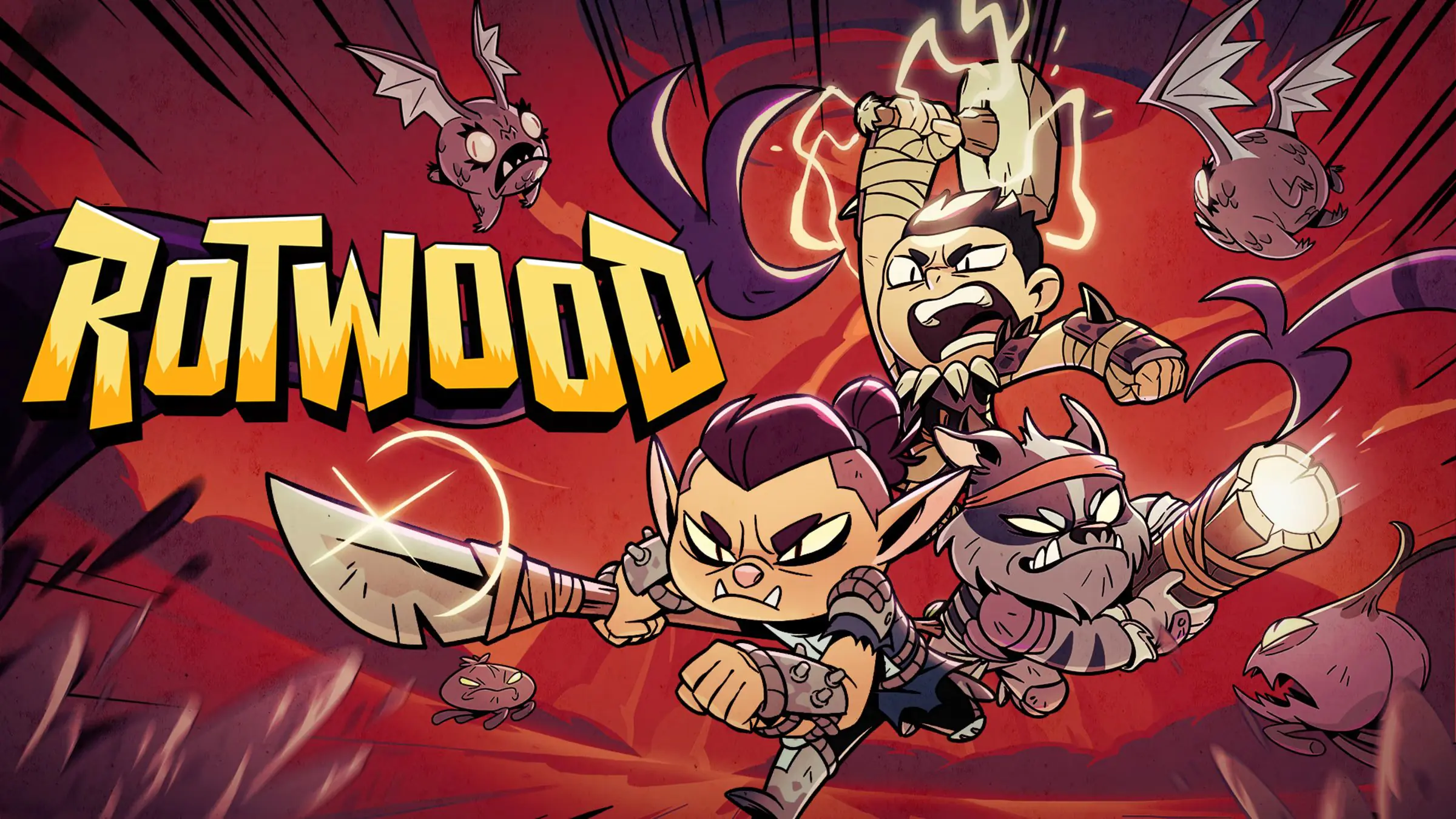 Two Free DLCs on Steam This October
Steam is giving away Rotwood’s Drakin Armoury Pack and MXGP 26’s Scrubdesignz Liveries pack for free until October 15.
 007 First Light Extended Operations Update: Bond Hits the Road
Bond takes the wheel in the 007 First Light Extended Operations update. Experience the new Valhalla Protocol mission, New Game Plus, 00 difficulty, and photo mode all in one major release.
Products from authorized providers at fair prices.
24-Hour Nonstop and Fast Delivery Service.
24/7 Support Center
100% Satisfaction Guaranteed