


Secure Shopping
Products from authorized providers at fair prices.
Essential info for the Where Winds Meet mobile launch has been revealed.
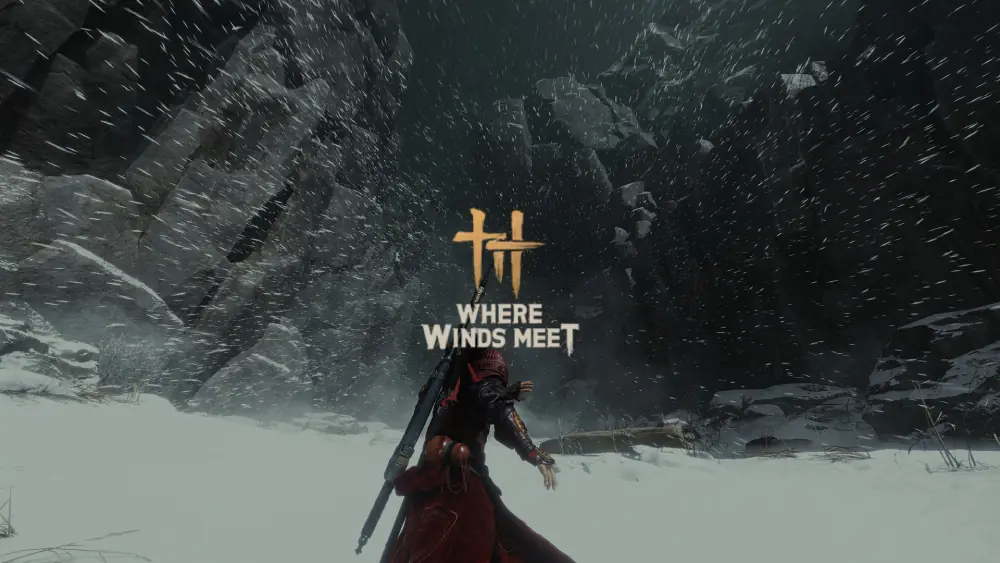
With just days left until the mobile launch of Where Winds Meet (December 12), Everstone Studio and NetEase Games addressed the community’s most pressing questions through their official channels. Key rules about cross-progression and mobile-specific controls, especially for PC/Console account holders, have now been finalized.
Here are the most important details every mobile and existing PC/Console player needs to know:
| Question | Answer |
| Is Cross-Progression Available Between Mobile and PC? | ABSOLUTELY YES. Where Winds Meet Mobile supports cross-progression (including saved character data, progression, and purchases) and cross-play. All platforms can play together. |
| What Should Existing PC/Console Account Holders Do? | VERY IMPORTANT: Travelers with a character on PC/Console must log in with their existing account on mobile BEFORE creating a new character on their mobile device. |
| What Is the Account Linking Issue? | If you already have character data on both mobile and PC, you CANNOT LINK your accounts. That’s why you should log in with your PC account first on your mobile device. |
While the developers aim to bring the PC experience to mobile, some optimizations and differences are necessary due to the nature of portable devices:
Restriction for New Mobile Characters: Players creating a new character on mobile can initially only select Story or Recommended difficulty levels.
When Is Expert Difficulty Unlocked? After learning the basics and reaching Level 30 (Lv. 30), the Expert difficulty will become available on mobile.
Legend Difficulty: For new players who want to experience the highest difficulty, "Legend," it’s recommended to first create an account on PC. Characters created on PC at Legend difficulty will retain their status when logging in on mobile.
Assist Deflection: To help new mobile characters learn combat mechanics faster, "Assist Deflection" will be ENABLED by default. You can turn off this feature in the settings menu.
Button Layout Restriction: Mobile skill button layouts are currently not customizable. Custom key settings and more advanced mobile control options will be added in a future update.
Changes in Cutscenes: To ensure stable performance on mobile, some real-time rendered cutscenes have been temporarily replaced with video playback. This may increase cellular data usage. Developers have stated that optimization work is ongoing.
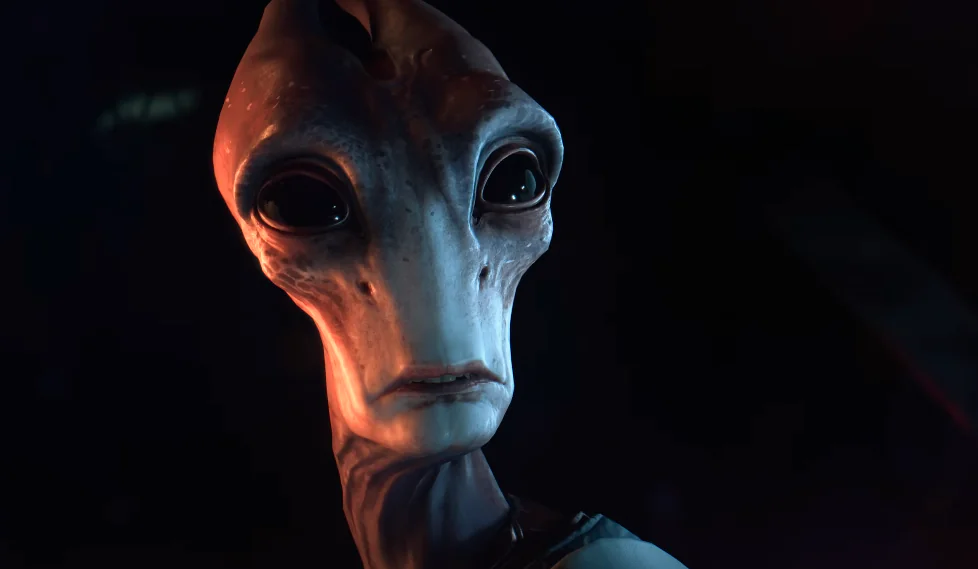 Battlefield 6’s Mass Effect Bundle Quietly Removed After BioWare Shutdown
N7-themed Mass Effect items found in Battlefield 6 files were removed right after BioWare’s closure. Here’s what happened and what was included.
 Chucky Is Leaving Dead by Daylight: Last Chance to Buy Before November 24
Behaviour is removing the Chucky chapter from stores on November 24. Find out what happens to existing owners and when the last chance sale starts.
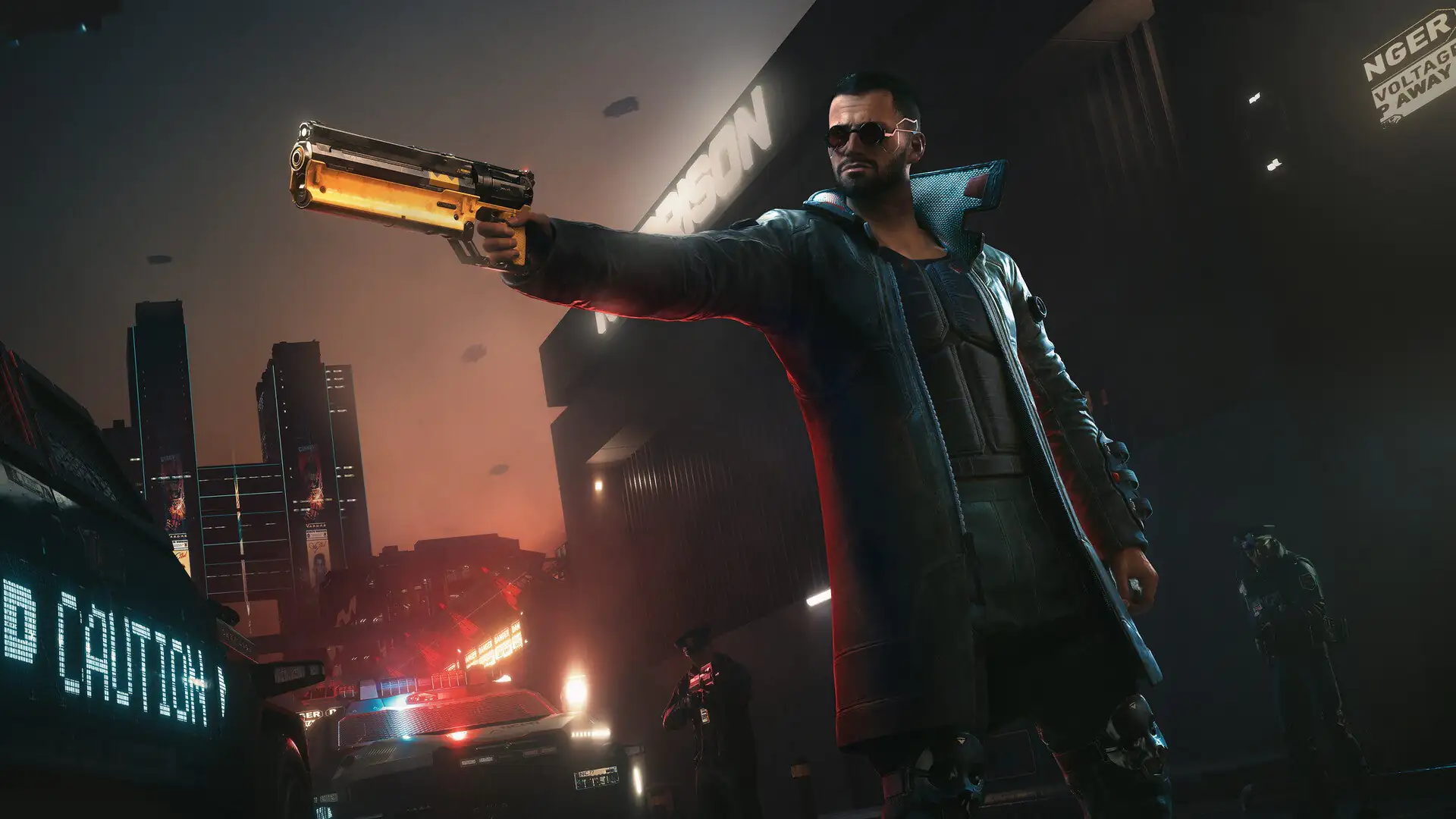 Cyberpunk 2077 2.5's Hidden Witcher Surprise: How to Get the Free Sword and Outfits
Cyberpunk 2077's 2.5 update introduces a hidden Witcher 3 set. Learn how to unlock the Sihil sword and Bear School outfits for free.
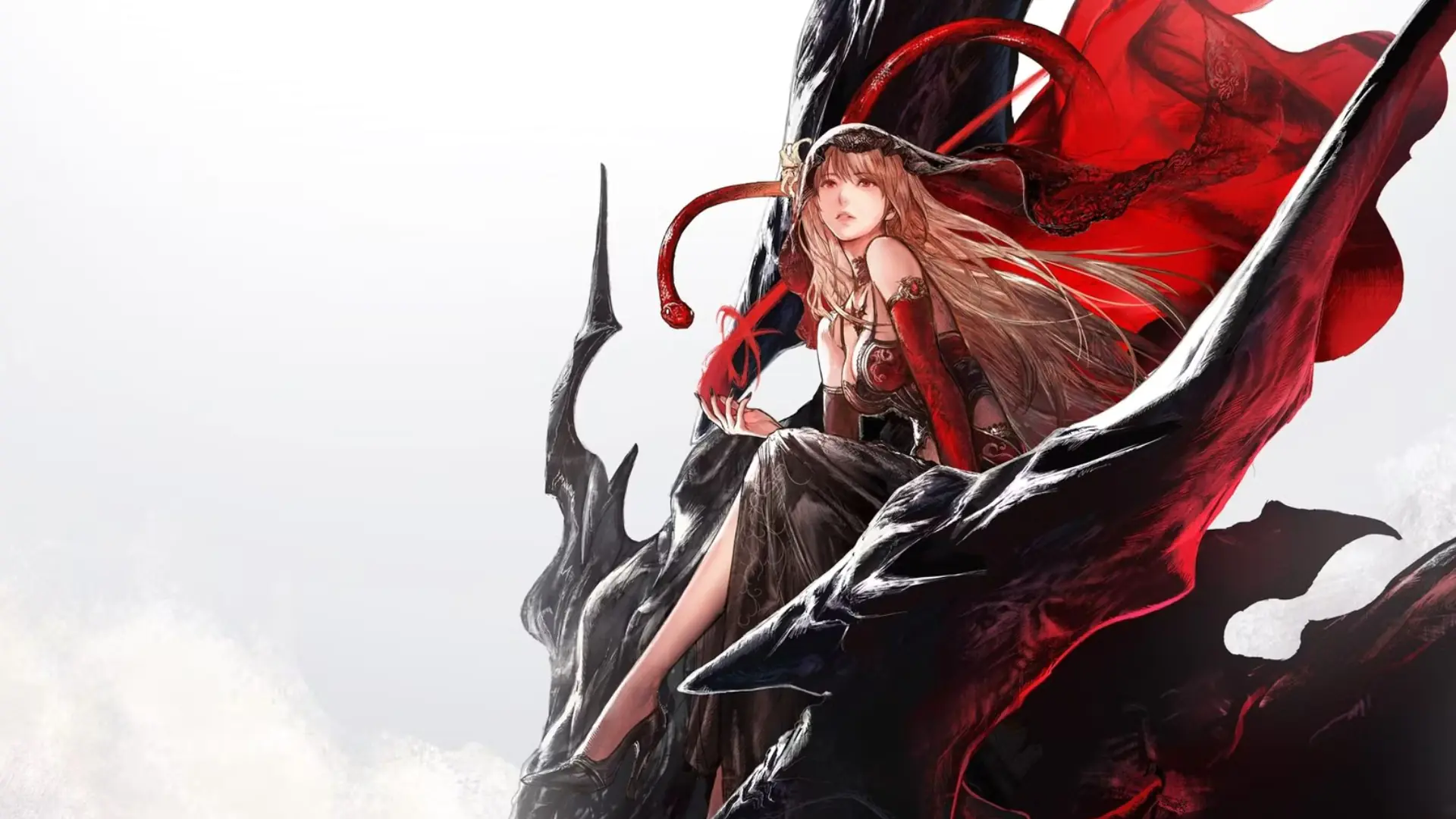 How a Single Turn in Final Fantasy Resonance Can Last 5 Minutes
When you optimize the combat system in Final Fantasy Resonance, you can attack for minutes without letting the enemy act. We break down the mechanics behind a five-minute turn.
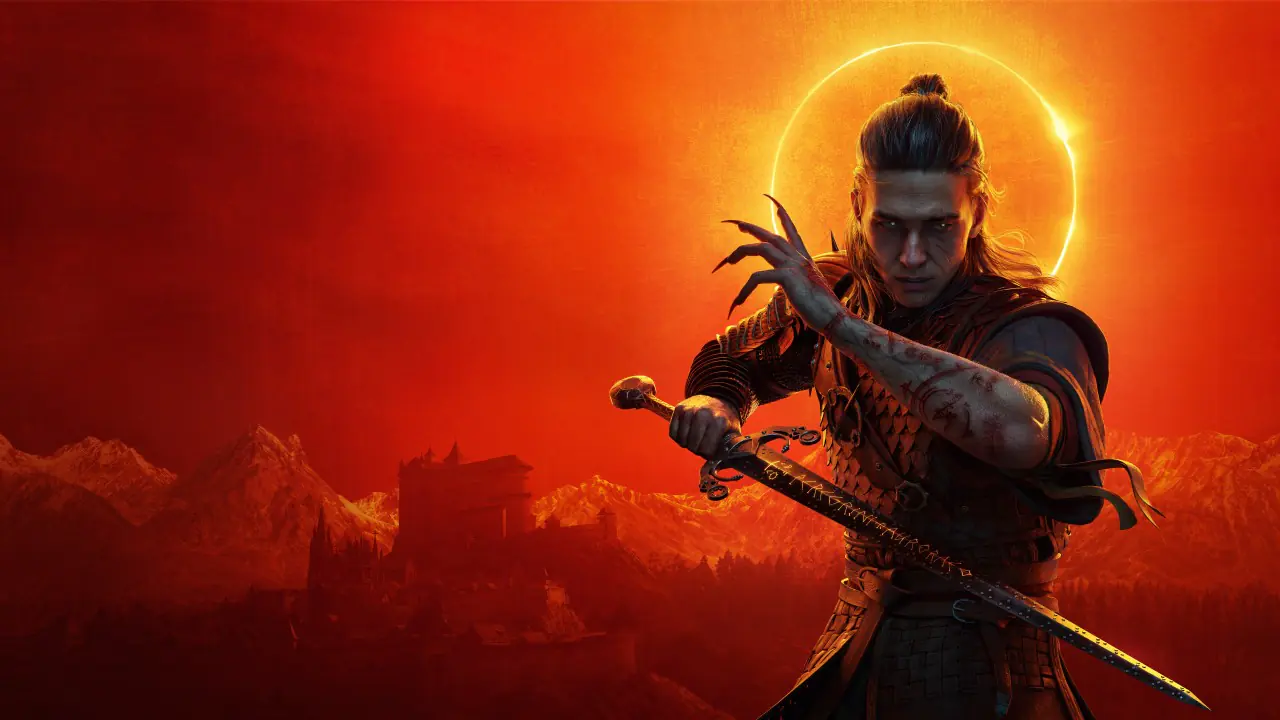 Blood of Dawnwalker 1.1 Patch Released: Skill Reset Arrives, Hundreds of Bugs Fixed
Blood of Dawnwalker's first major patch is live. The 13 GB update brings skill reset, item buyback, a new difficulty mode, and a host of fixes.
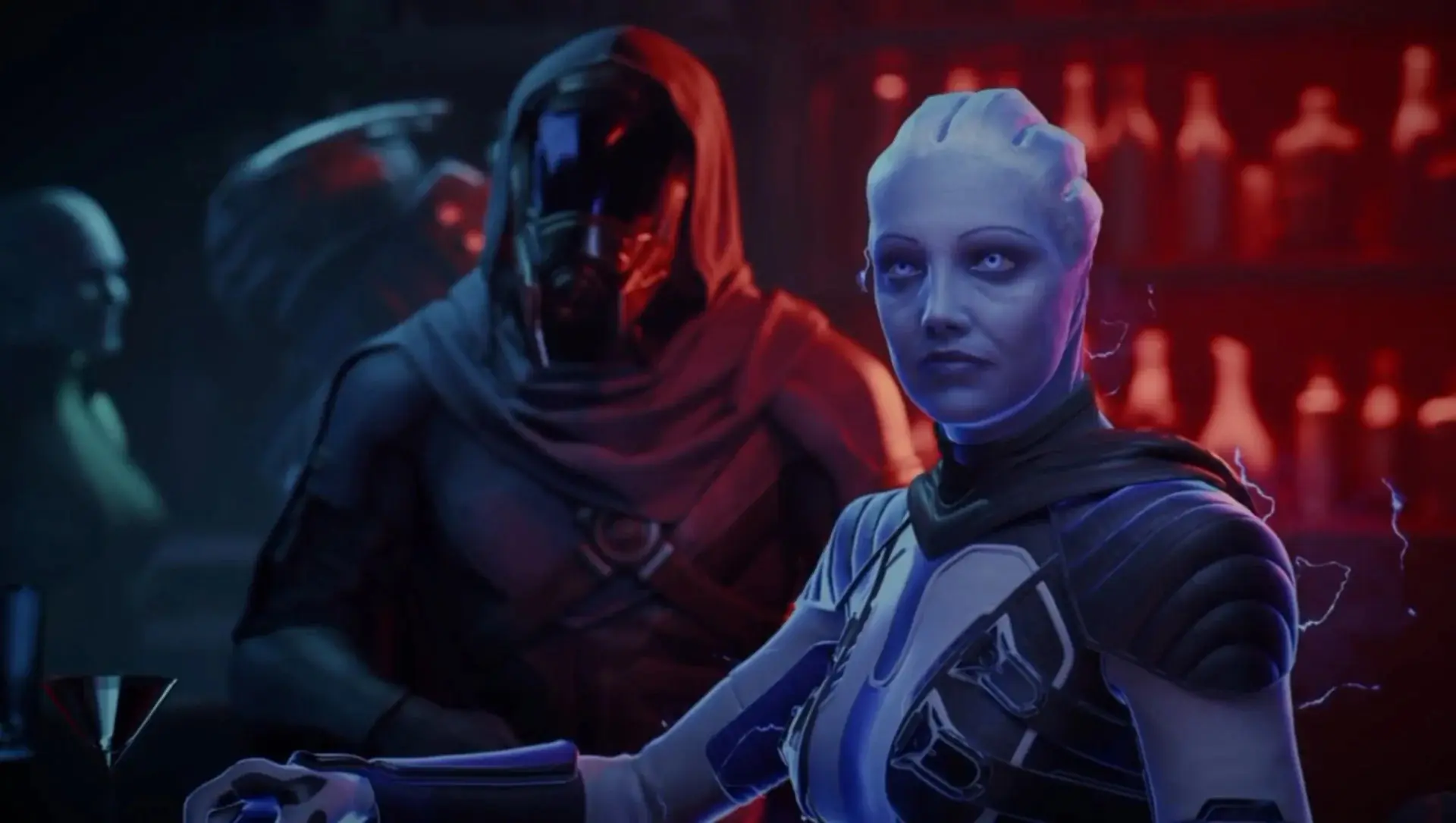 Mass Effect 5 Trailer Leaked: 'Mass Effect: Universe' Surfaces After BioWare Shutdown
EA has shut down BioWare and canceled the new Mass Effect. Just a day later, a two-minute trailer for the game leaked. What's in the video, is it real, and more, find out here.
Products from authorized providers at fair prices.
24-Hour Nonstop and Fast Delivery Service.
24/7 Support Center
100% Satisfaction Guaranteed