


Secure Shopping
Products from authorized providers at fair prices.
Discover what the Xbox Game Pass Ultimate gift card offers, how region restrictions work, how to use it across all platforms, and solutions for common errors explained in detail.
The Xbox Game Pass Ultimate gift card is the easiest way to start or extend your membership without sharing your credit card details. In this guide, we explain exactly what the card offers, how region restrictions work, how to redeem it on different devices, and solutions for common errors you might encounter.
Microsoft's subscription service comes in three tiers: PC Game Pass includes games playable only on Windows, Xbox Game Pass Core (formerly Xbox Live Gold) gives you access to online multiplayer and a limited game library, while Ultimate combines both and adds cloud gaming and the EA Play library. With Ultimate, you can access hundreds of games on console, PC, and mobile devices (via the cloud), and your progress syncs across all platforms. New games are added to the library every month while some are removed, so the catalog is always changing.
There are two main product types to consider here. Microsoft’s standard Xbox/Microsoft Store gift cards (which add a certain amount of funds in dollar or euro) are strictly region-locked; the card can only be redeemed to a Microsoft account registered in the country where it was purchased. Microsoft states this restriction is for licensing and security reasons, and does not recommend trying to bypass it by changing your account region, as this can cause issues with your existing account funds and purchases.
On the other hand, Game Pass Ultimate subscription codes labeled as “Global” work differently. These codes provide a direct membership duration (for example, 1 month or 3 months) rather than adding funds, and they can usually be redeemed on accounts in most regions without geographic restrictions. However, always check the region details on the product page before buying, as the coverage may vary depending on the seller.
Currently, redeeming codes via the Xbox mobile app is not supported. If you want to redeem your code from a mobile device, use the web browser method above. Always make sure you’re signed in to the correct Microsoft account before redeeming, as codes cannot be transferred once activated.
| Error | Possible Cause | Solution |
|---|---|---|
| “This code was purchased for a different region” | The card region does not match your account region | Contact the seller, do not change your account region |
| “This code has already been redeemed” | The code was previously used on another account | Request an exchange from the seller, re-entering the code will not help |
| Shows as Essential instead of Ultimate | A different type of code may have been used | Check your active plan under Account {'>'} Subscriptions, contact support if needed |
| Code not accepted | Typing error | Copy and paste the code instead of typing manually |
You can use multiple gift card codes in succession to extend your membership as much as you want. For example, if you use two three-month codes, you’ll get a total of six months. The code is added to your current membership instantly, so you don’t lose any time if you already have an active subscription. This one-time top-up with a gift card does not link any payment method, so auto-renewal is not enabled; when your time runs out, you’ll need to redeem another code or add a payment method. If you previously set up auto-renewal with a credit card and now want to use a gift card, we recommend turning off auto-renewal under Settings {'>'} Subscriptions and canceling your plan before your cards expire, otherwise your credit card may still be charged.
Microsoft clearly states that it will never ask for your password or personal information to redeem a code. Stay away from sites claiming to generate “free codes,” fake surveys or tasks on social media, and sources recommending VPNs to bypass region locks—these are usually scams. Only buy codes from trusted and official sellers.
If you want to start or extend your membership without sharing credit card details, check out the Xbox Game Pass Ultimate gift card at lotkeys. You can redeem your code instantly as soon as you purchase it.
No, once a code is redeemed to an account, it cannot be canceled or transferred. Make sure you’re signed in to the correct account before redeeming.
Yes, the Ultimate membership covers console, PC, and cloud gaming in one package. There’s no need to buy a separate code.
No, region locks are based on your Microsoft account’s registered region, not your physical location. Even if two people are in the same country, the code may not work if their account regions differ.
A standard Ultimate membership is tied to a single account. If you want to share with others, look into Microsoft’s separate family plan options. The gift card itself does not provide family sharing.
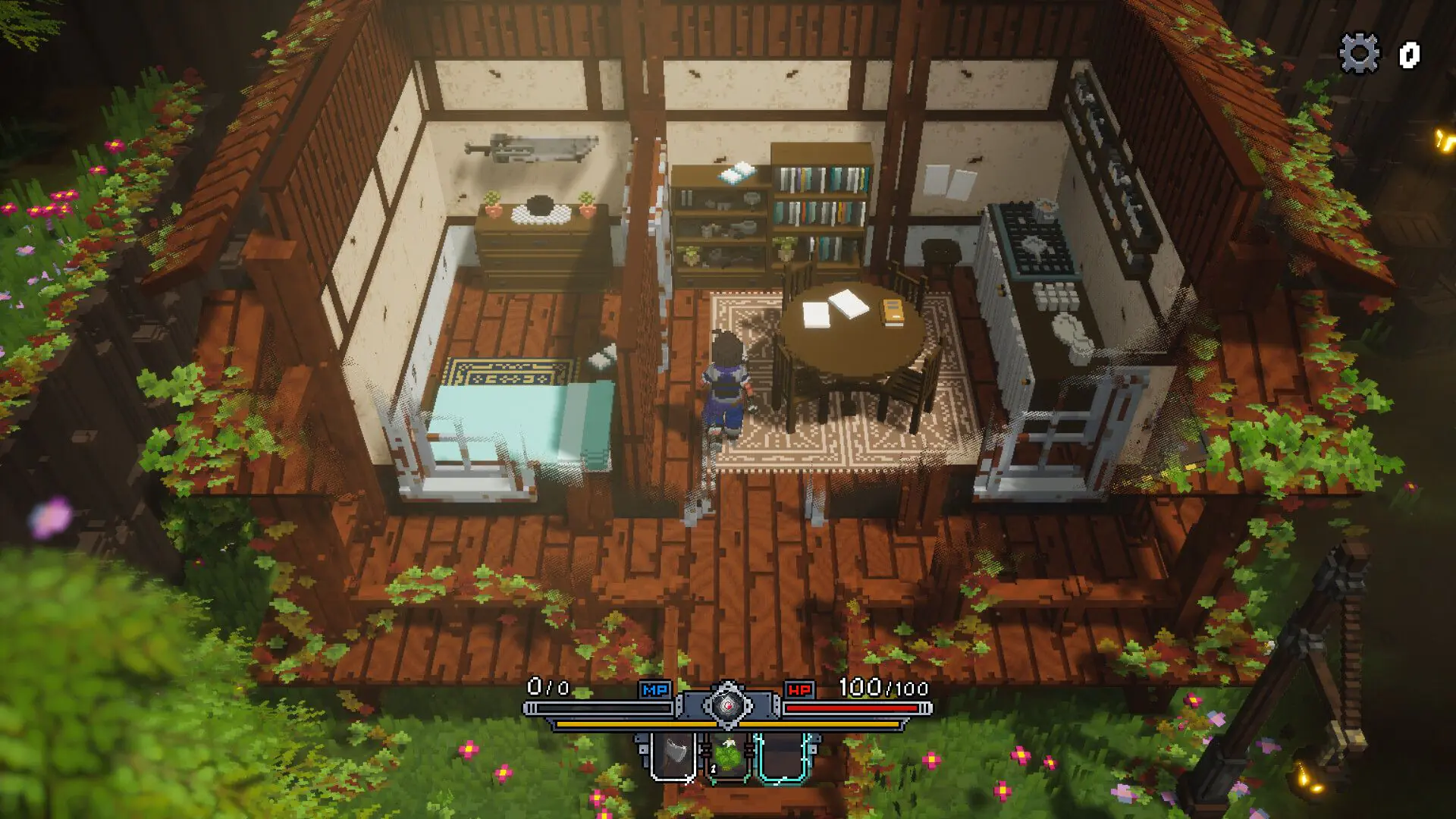 Emery Hearts Launches on November 11: Get Ready for a Voxel JRPG Adventure
Emery Hearts, the voxel-style indie JRPG drawing comparisons to Kingdom Hearts and Minecraft, lands on Steam November 11. All release date changes and gameplay details inside.
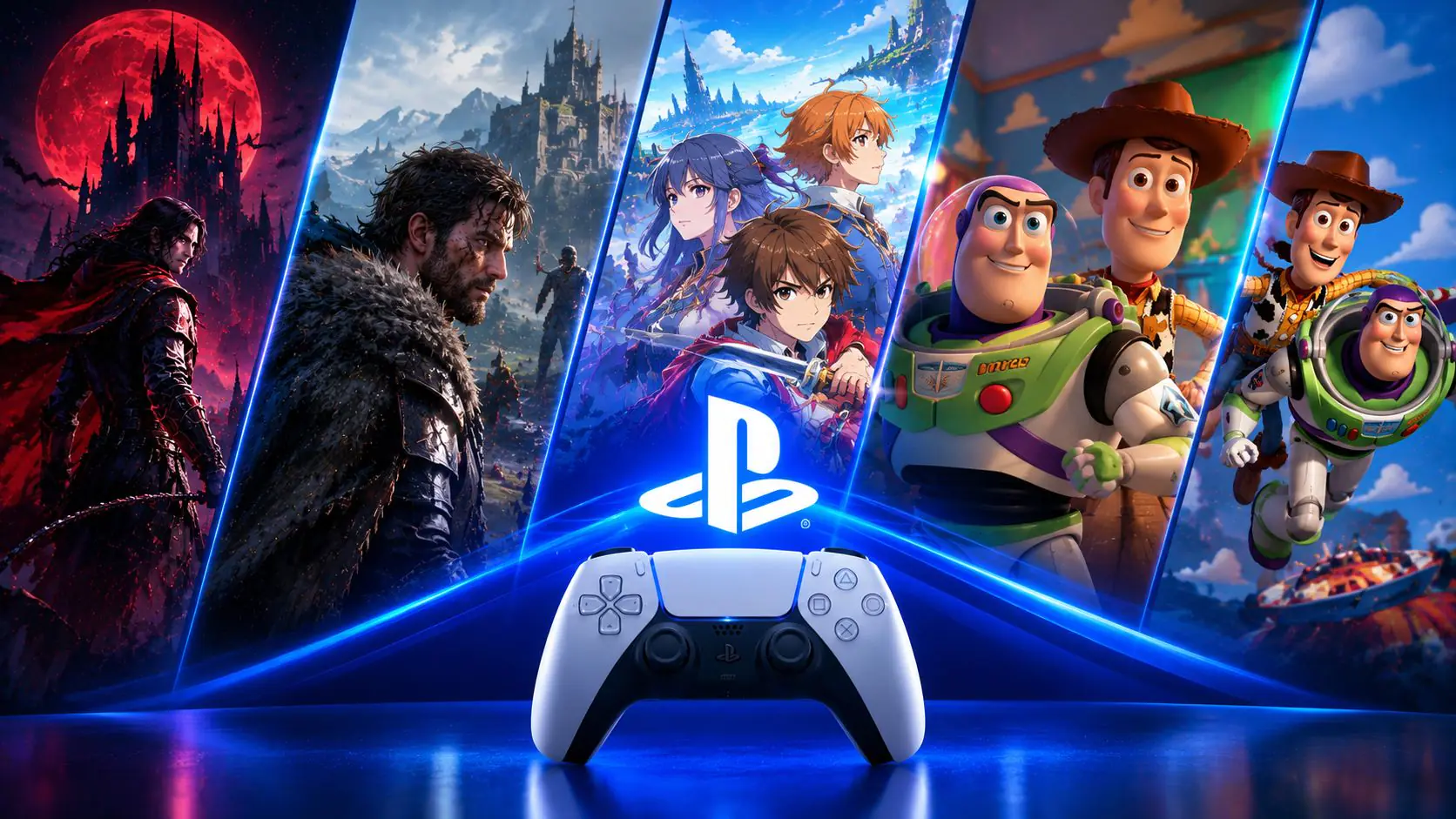 October 15: A Blockbuster Release Day for PS5
On October 15, PS5 welcomes Castlevania: Belmont’s Curse, the first Crimson Desert story DLC, Tales of Eternia Remastered, and two Toy Story games—all on the same day.
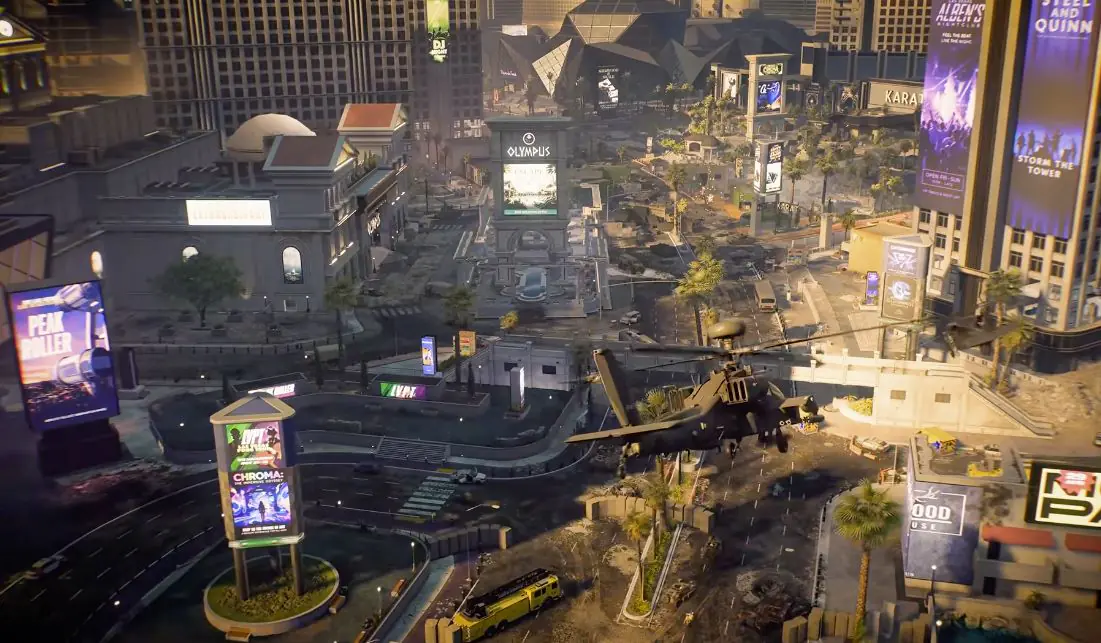 Full Server Browser Arrives in Battlefield 6: Everything You Need to Know
The full server browser Battlefield 6 players have been waiting for is coming in Season 5. Set up your own server, customize map rotation, and discover all the new features of Season 5 in this article
 What's Free in GTA Online This Week?
During GTA Online’s October Halloween event, grab free masks, T-shirts, and a weekly mission reward worth 2 million GTA$. GTA+ members can also claim a free Pegassi Oppressor.
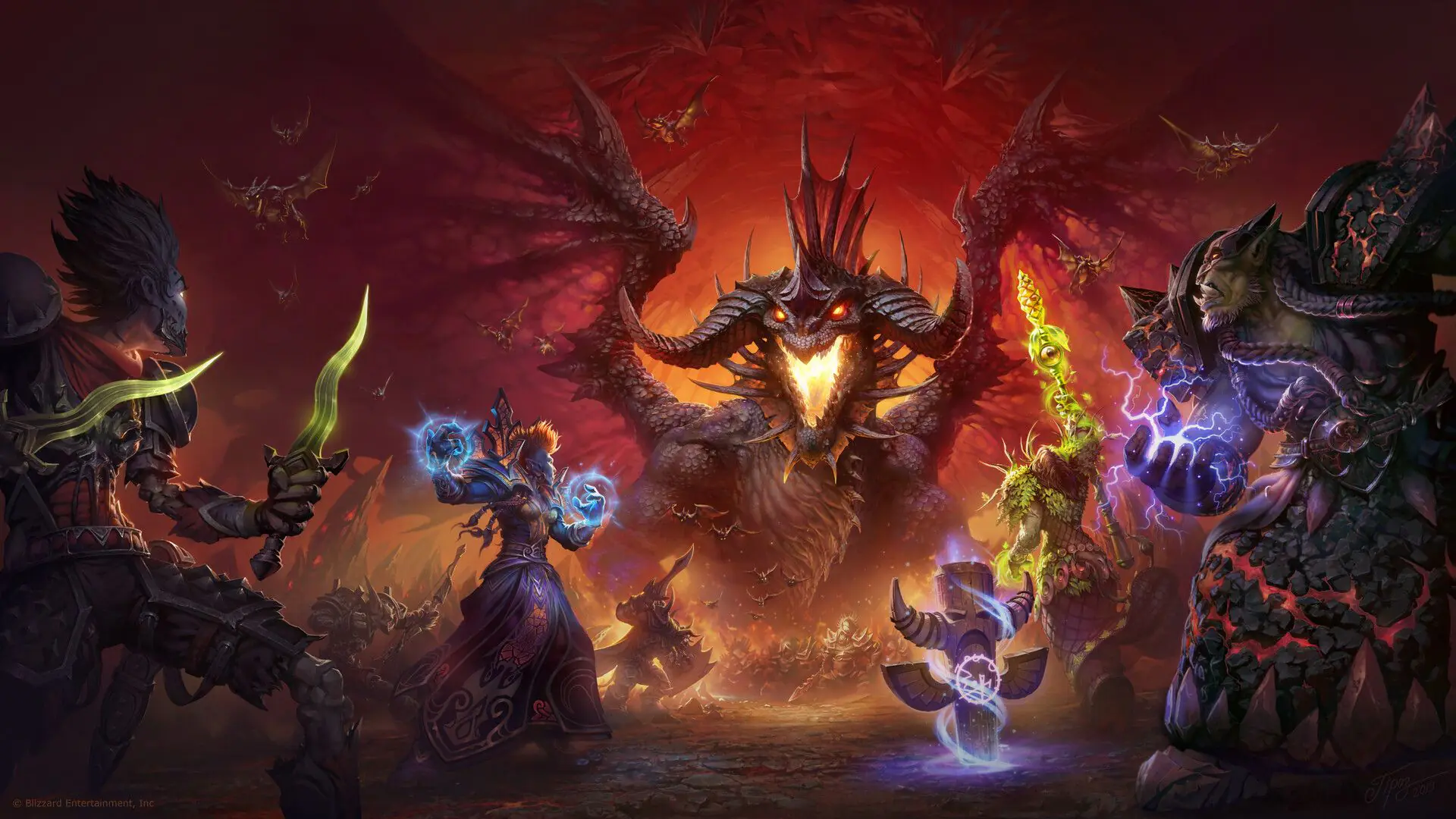 WoW Horde and Alliance Dice & Miniatures Hit the Tabletop This November
Hasbro’s Horde and Alliance miniatures arrive November 1, with the D&D x World of Warcraft sourcebook launching November 17. Sirius dice set release dates vary by source.
 GTA 6 Leak Frenzy: 25-Minute Gameplay Video Surfaces Online
A new 25-minute GTA 6 video has surfaced, allegedly leaked by Cyberleek. Here’s what’s confirmed, Rockstar’s response, and the latest on the November 19 release.
Products from authorized providers at fair prices.
24-Hour Nonstop and Fast Delivery Service.
24/7 Support Center
100% Satisfaction Guaranteed