


Secure Shopping
Products from authorized providers at fair prices.
How to use a Nintendo eShop card, how currency locks work, and everything you need to know in one guide.
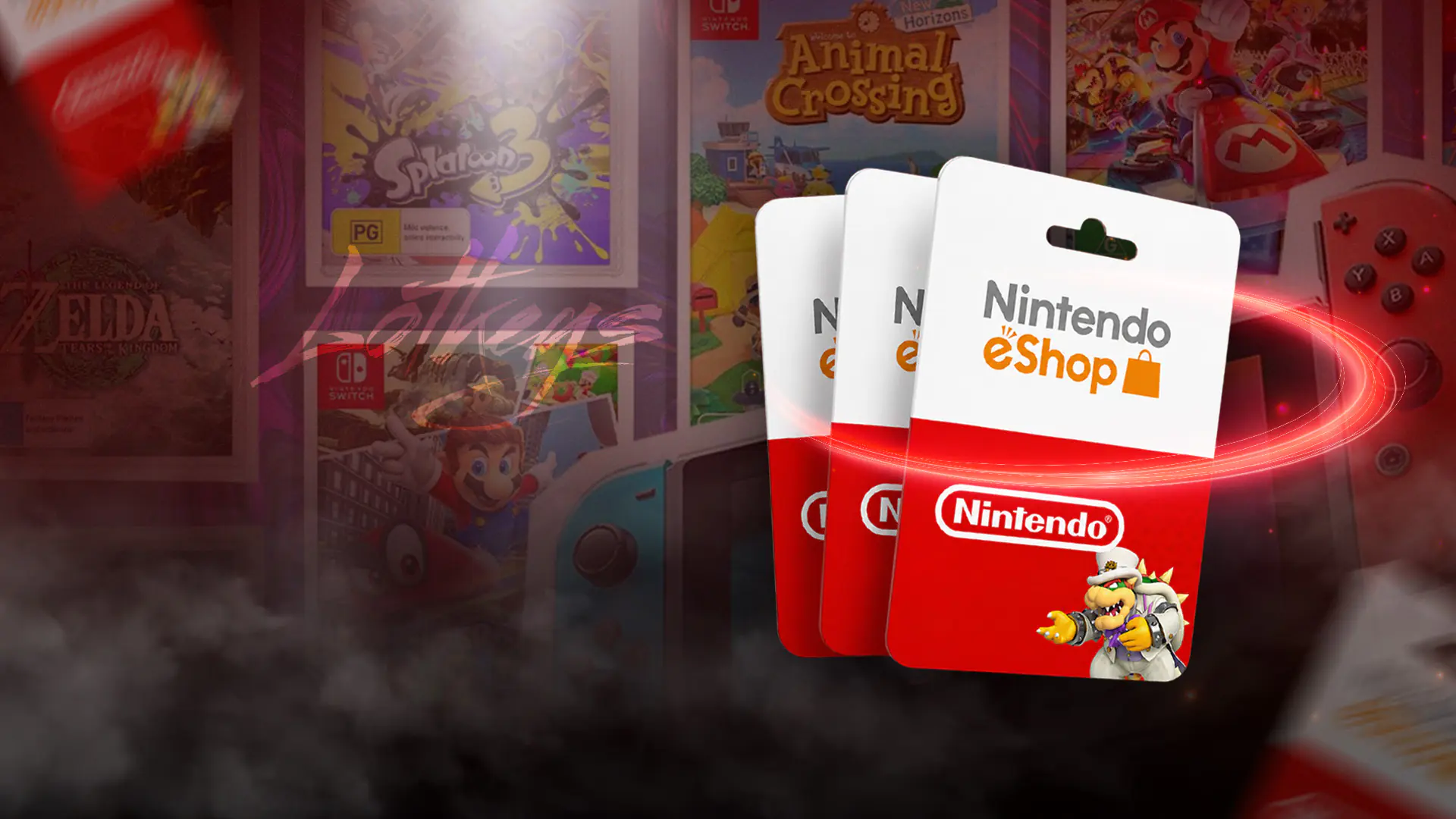
When you want to buy a digital game on your Nintendo Switch, you have two main options: link a credit card to your account or top up your wallet using an eShop gift card. For most gamers, the gift card is the easier route. It's perfect for those who don't want to save their card details or for parents who want to set a spending limit for their kids. But there's one catch: if you buy the wrong card, the code simply won't work on your account. In this guide, you'll learn exactly what an eShop gift card is, how to use it, and the most confusing part how currency and region locks work.
Nintendo eShop is the official digital store for Switch and Switch 2 consoles. It's where you download games without physical boxes, purchase DLC and in-game content, and manage your Nintendo Switch Online subscription. You can access the store both from your console's main menu and online with your Nintendo account.
An eShop gift card is a prepaid code that adds funds to your account wallet. If you buy a physical card, you'll find a 16-digit code on it. For digital delivery, the code arrives in your email. Enter the code and the funds are instantly added to your wallet, ready to spend on anything in the store: games, DLC, pre-orders, in-game currency, and Nintendo Switch Online memberships.
There are a few things to know about wallet funds. The funds are tied to the account where you redeem the code. You can't transfer them to another account or cash them out. So always make sure you're logged into the right account before redeeming there's no undo button.
This is where most people get tripped up. Nintendo eShop cards are locked to a region, or more specifically, a currency. A card issued in US dollars will only work on a US account. A Japan card works only on a Japanese account. In Europe, things are a bit more flexible.
In Europe, the lock depends on the currency, not the country. A Euro-denominated card works on any account set to a Euro country: Germany, France, Spain, Italy, the Netherlands, Ireland, and more. So if you buy a card labeled "EU" or "Euro," you can use it on any account set to a Euro region. The same rule applies to subscriptions: EU subscription codes work in all Euro regions.
The UK is an exception. Since the currency is GBP, UK cards are a separate group and won't work on Euro accounts. The golden rule: the card's currency must match your account's currency.
| Card / Region | Currency | Where It Works |
|---|---|---|
| US | Dollar | US accounts only |
| Europe (EU) | Euro | All Euro region accounts (Germany, France, Spain, Italy, Netherlands...) |
| UK | Pound Sterling | UK accounts only |
| Japan (JP) | Yen | Japan accounts only |
What matters is not your console's system region, but the country set in your Nintendo account. The card you buy must match your account's currency. If your account uses Euros, buy a Euro card. If it's set to US dollars, get a US card. If it's UK, use a GBP card. The console language or your physical location doesn't change this rule.
One warning: you can't change your account's country while you still have funds in your wallet. If you try, the existing funds will be deleted and can't be recovered. So if you plan to switch regions, spend your balance first or keep separate accounts for each region.
There are two ways: on the console or via the web.
0 and O or 1 and I can be confusing.Go to ec.nintendo.com/redeem, log in with the correct account, and enter your 16-digit code. This is a handy option if you don't have your console nearby.
Note: If you've just created a new account, you need to open the eShop at least once on your console before redeeming a code online. Otherwise, you might get an error saying the code can't be used.
Almost all failed code attempts come down to a few reasons:
Good news about expiration: In most regions, including the US and Europe, eShop gift cards do not expire, so you can use them whenever you want. Promo or store-specific codes may be exceptions always check for an expiration date if one is printed.
One of the things you can buy with eShop cards is a Nintendo Switch Online membership. Without this subscription, most games can't be played online. There are three main packages and all can be purchased with your eShop wallet funds:
Memberships also follow the currency rule. If your account is set to Euros, you need a Euro membership code. EU subscription codes work in all Euro regions.
Latest update: The Nintendo Switch Game Voucher system was discontinued on January 30, 2026. Any vouchers purchased before then remain valid for one year from the purchase date.
No matter what, the core rule stays the same: your card must match your account's region and currency.
What matters is that the card's currency matches your account's currency, not your physical location. If your account is set to a Euro region, a Euro-labeled eShop card will work from anywhere in the world.
No. If the currencies don't match, the code will be rejected.
No. Funds are tied to the account where you redeemed the code and cannot be transferred.
Standard eShop wallet cards usually do not expire. Promo codes may be exceptions.
 WoW Forever Beta Kicks Off This Week: How to Get Access
WoW Forever beta starts September 17. Is pre-ordering required for guaranteed access, or does free registration work?
 Fortnite x Kingdom Hearts: Sora Skin and More Arrive This Week
Epic Games has officially confirmed the Kingdom Hearts collaboration after months of rumors. Sora is coming to Fortnite, with Kairi, Riku, and Roxas also strongly teased.
 Steam Frame Review: Comfort Meets High Price
Valve’s new standalone VR headset, Steam Frame, earns praise for comfort and performance, but its $1,059 price tag raises big questions.
 GTA 6’s First Confirmed Actor Revealed – And It’s a Big Name
Stephen Root, known from King of the Hill and Office Space, is officially voicing Brian Heder in GTA 6. Here’s everything you need to know.
 Diablo 5 Officially Announced at BlizzCon 2026
Blizzard officially announced Diablo V is in development at BlizzCon 2026. Arriving Spring 2029, the story takes a dark turn where Diablo has already won.
 Everything Announced at BlizzCon 2026
From the surprise return of Heroes of the Storm to Diablo V, a brand-new StarCraft shooter, and Overwatch’s latest hero, here’s everything announced at the BlizzCon 2026 Opening Ceremony.
Products from authorized providers at fair prices.
24-Hour Nonstop and Fast Delivery Service.
24/7 Support Center
100% Satisfaction Guaranteed